
 English
 العربية
 Español
 Français
 বাংলা
বাংলা Русский
 Nederlands
 हिन्दी
 اردو
اردو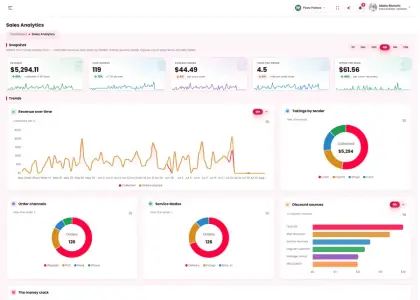



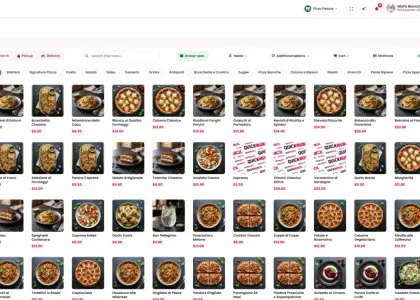
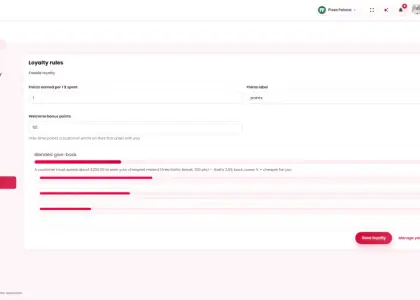
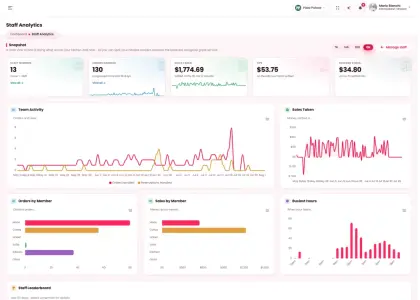
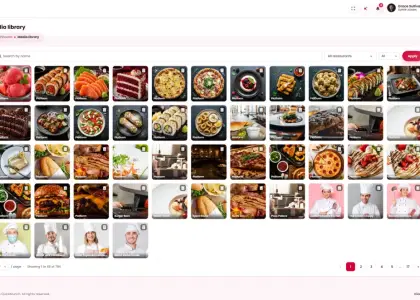
01
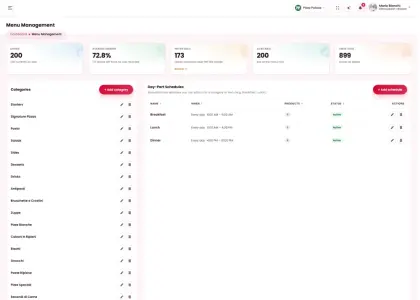
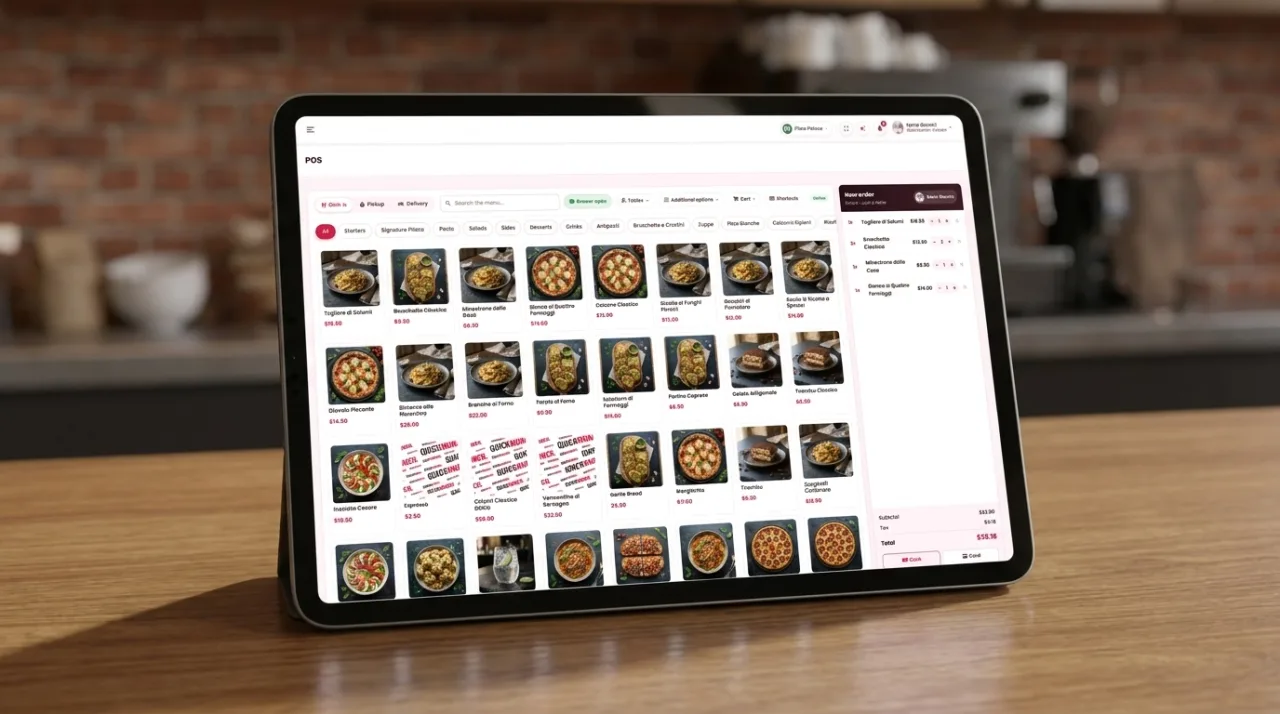
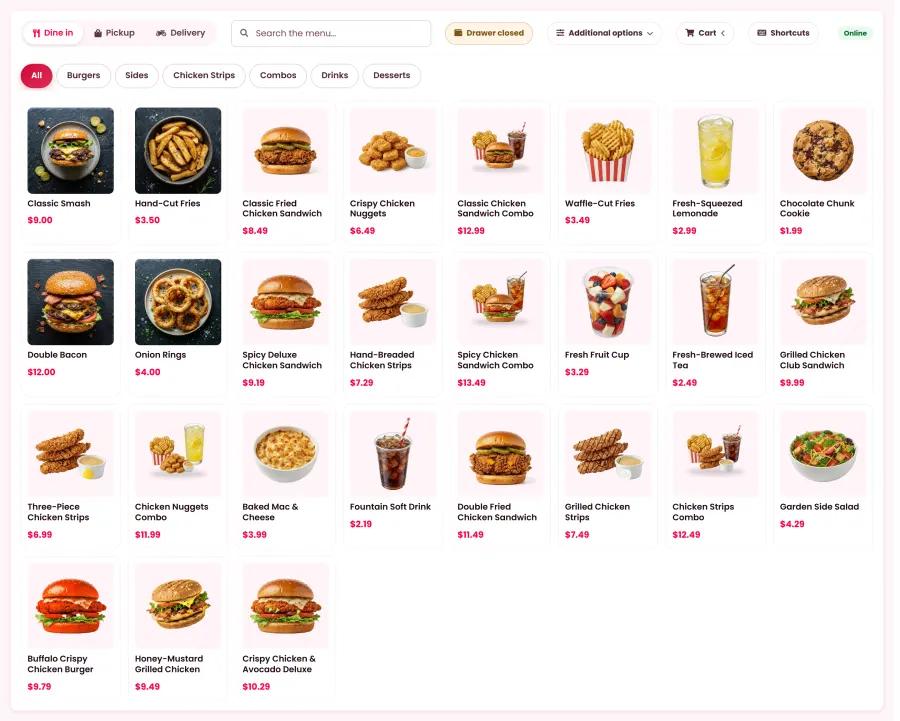
Point of sale
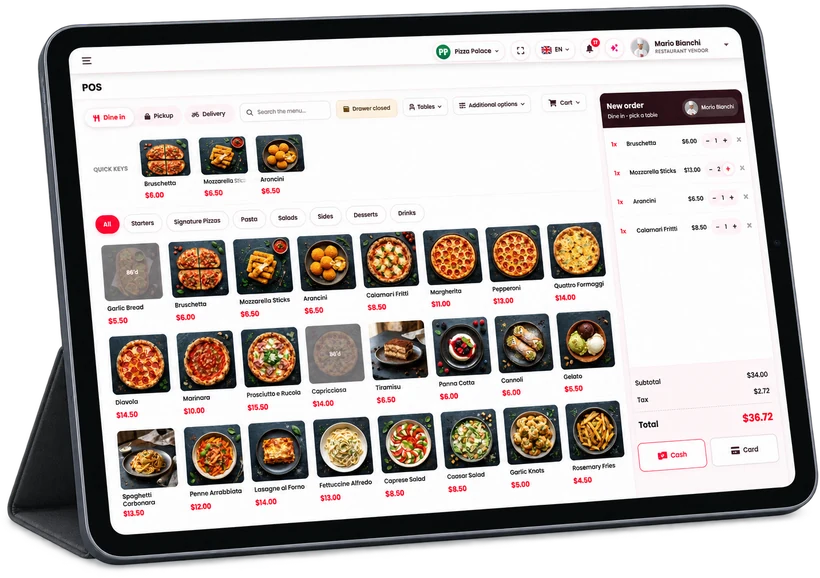
Modifiers, split bills, holds, drawer and printer.
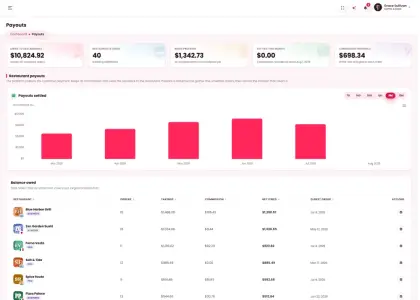
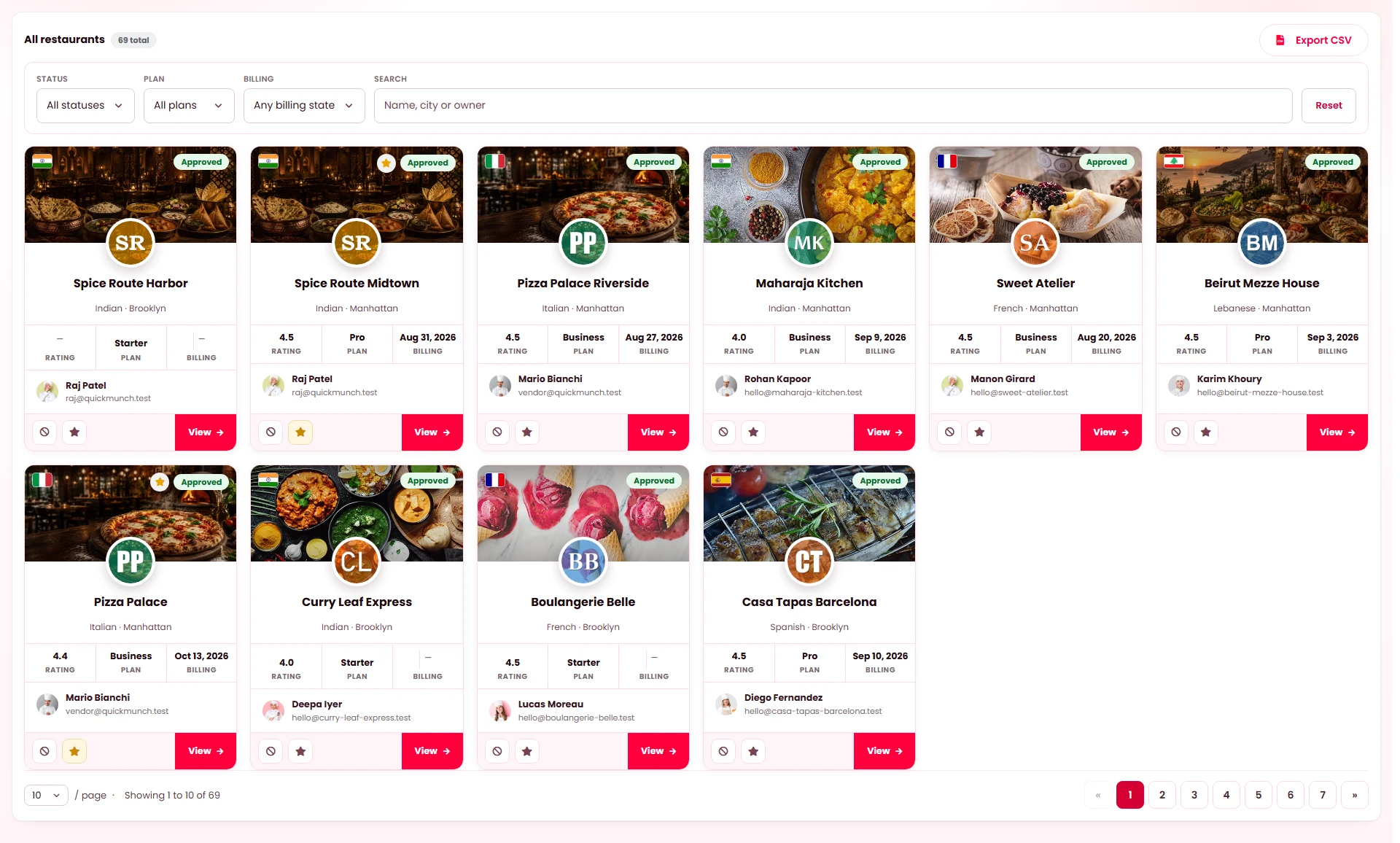
Independent restaurants join you under your brand. You collect, keep a commission and pay out the rest.
 Multi-restaurant owners
Every venue is yours, each branch its own takings — one dashboard re-points to any of them.
 Franchise
Franchisees collect through their own gateway; you invoice a royalty on their sales.
 Single restaurant
Storefront, POS, kiosk, kitchen display and reservations for one venue — switch the marketplace off and run the rest.







Self-hosted · one licence · no subscription
The storefront customers order from, the app riders deliver with, the dashboards you run it from — and the eight systems working inside the building.
















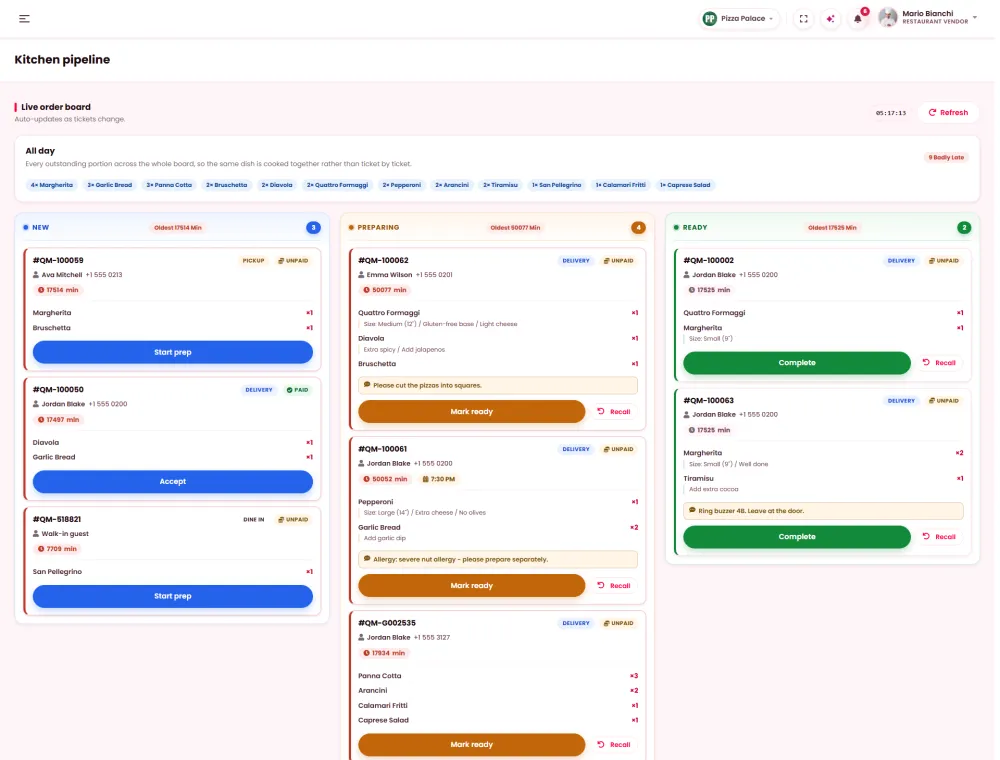
00 The whole platform · one sheet
Every channel an order can arrive by, every screen it passes through in the building, every place the money goes — and what it plugs into on the way.
StripePayPalSquareMollieRazorpayPaystackFlutterwaveMercado PagoPayfastQuick Social posts to
TwilioMailchimpGoogle MapsAnalyticsSearch ConsoleBusiness ProfileOpenAIClaudeGeminiOpenRouterLaravelor WordPress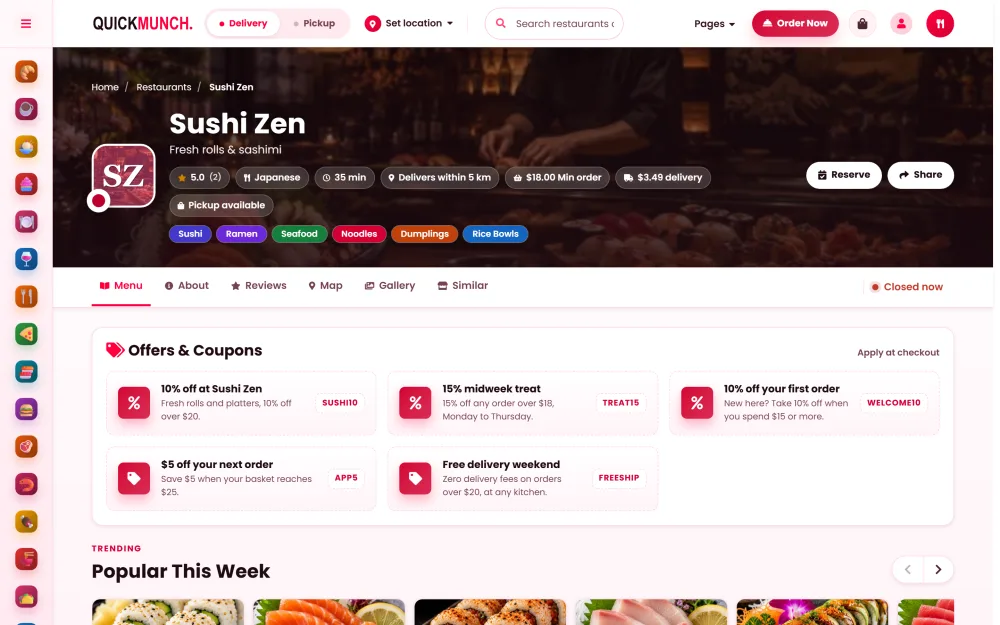
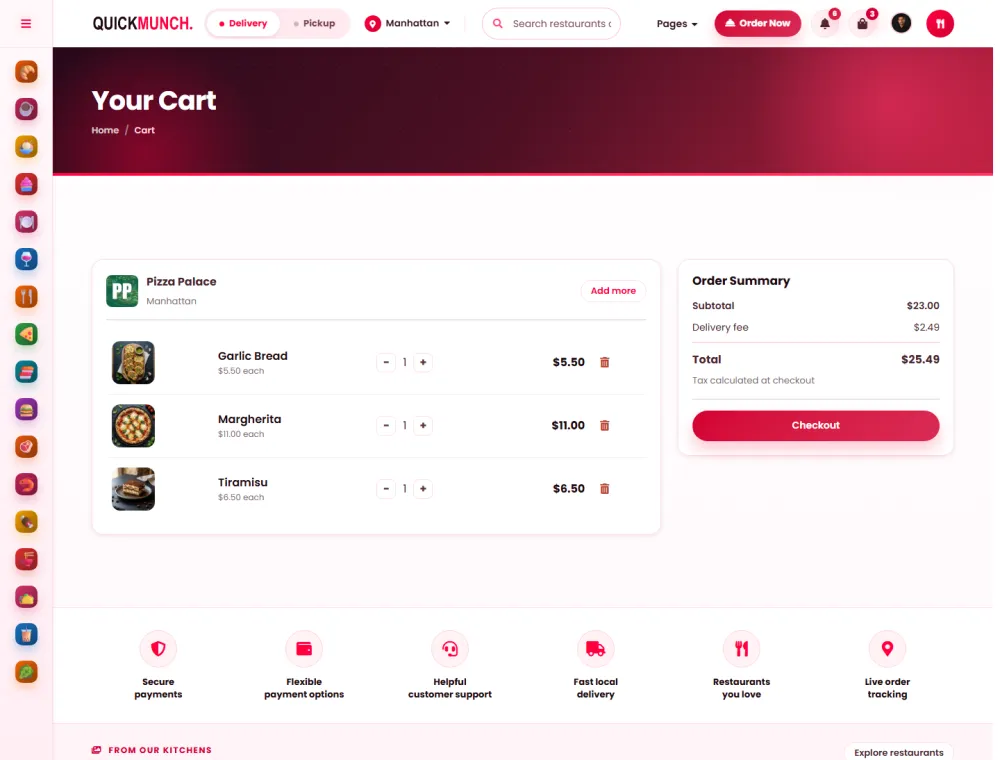
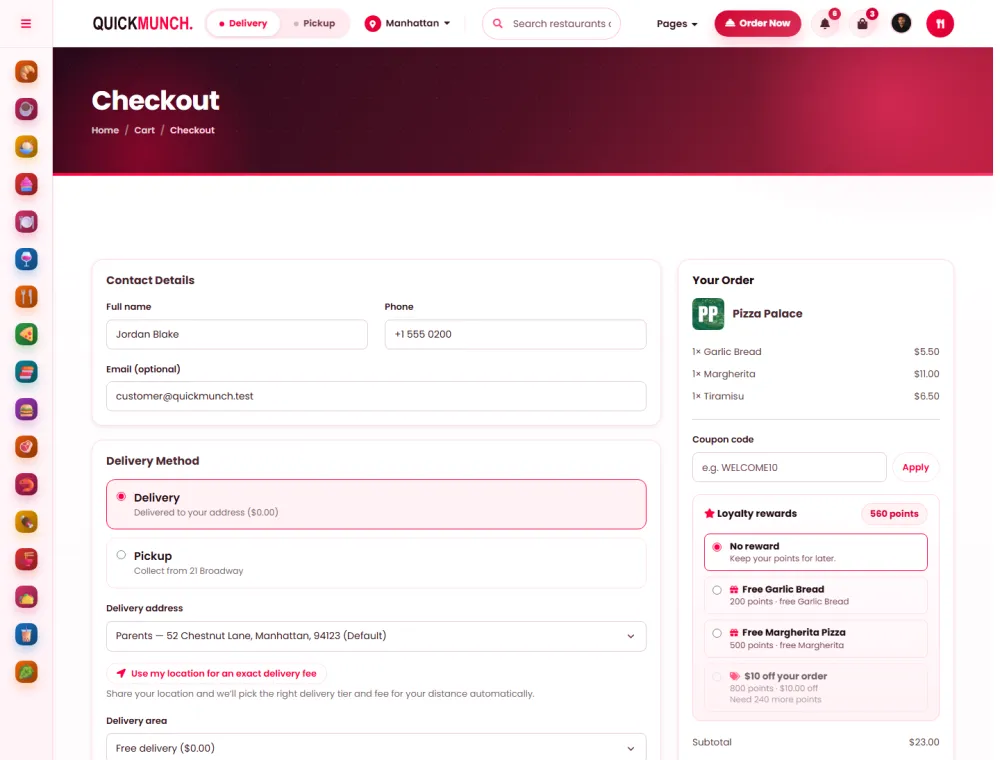
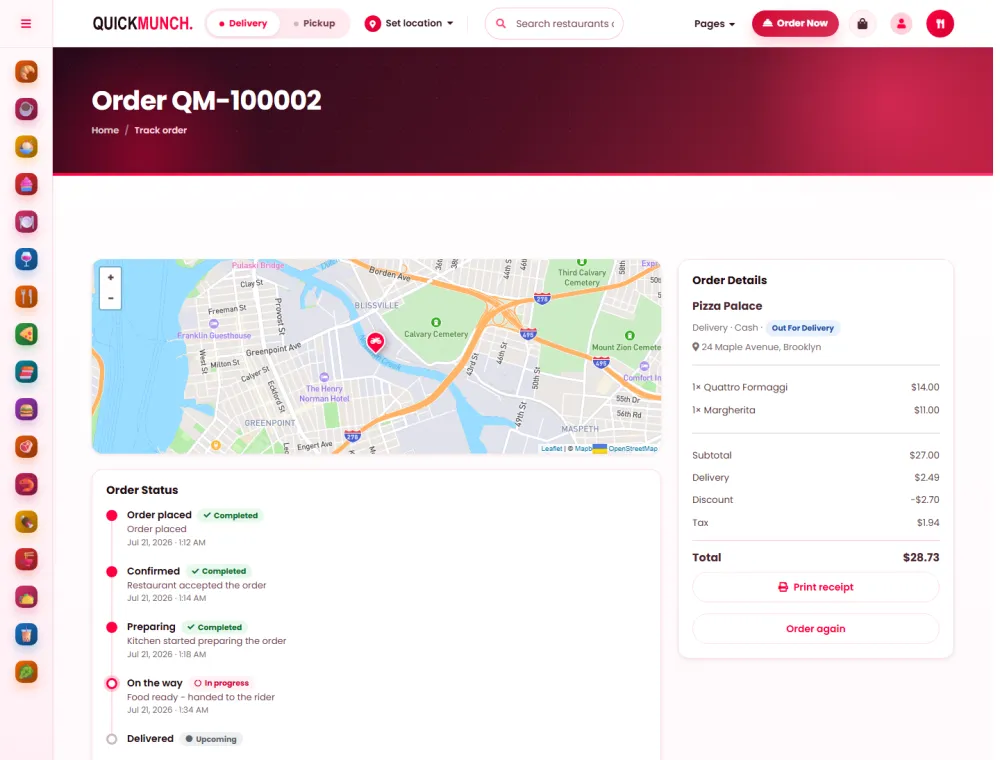
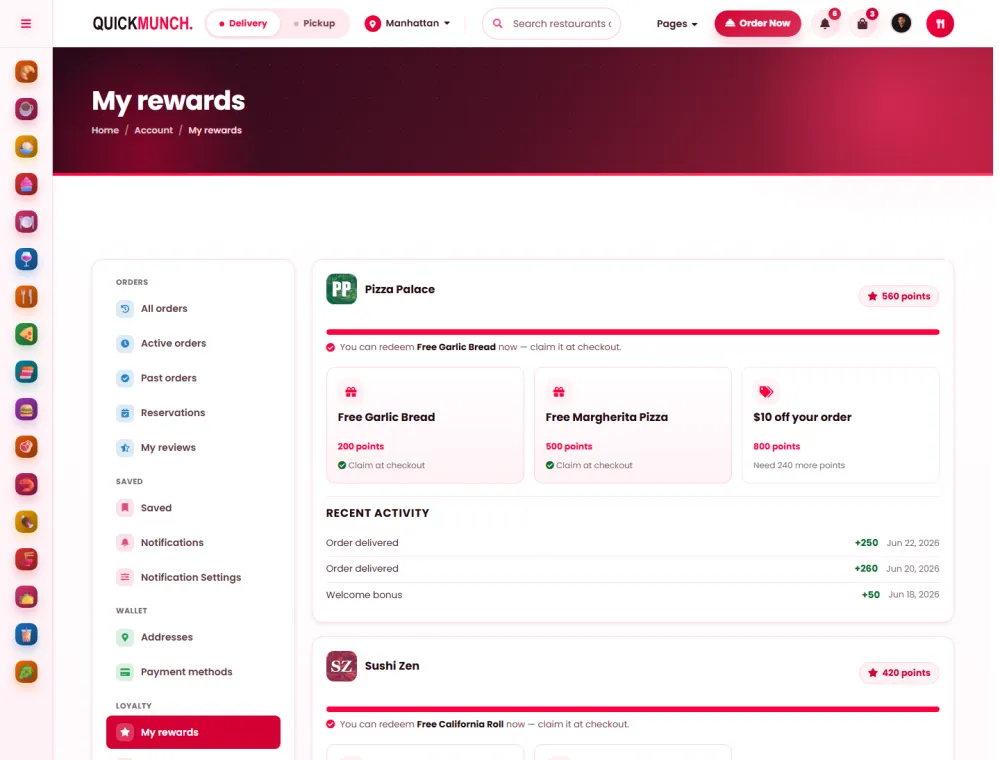
01 Ordering online
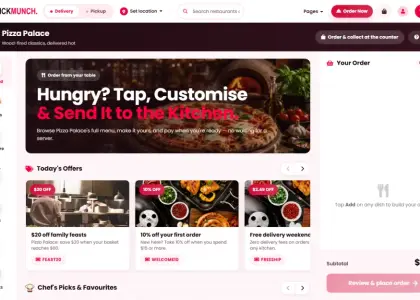
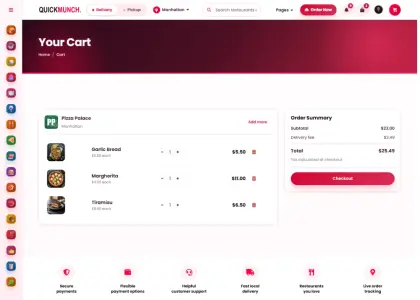
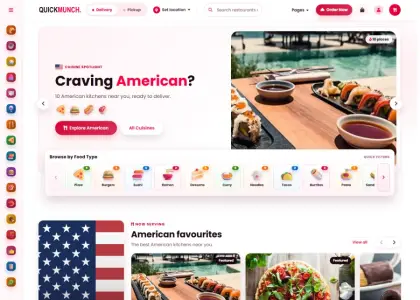
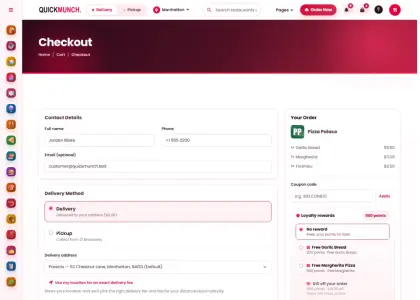
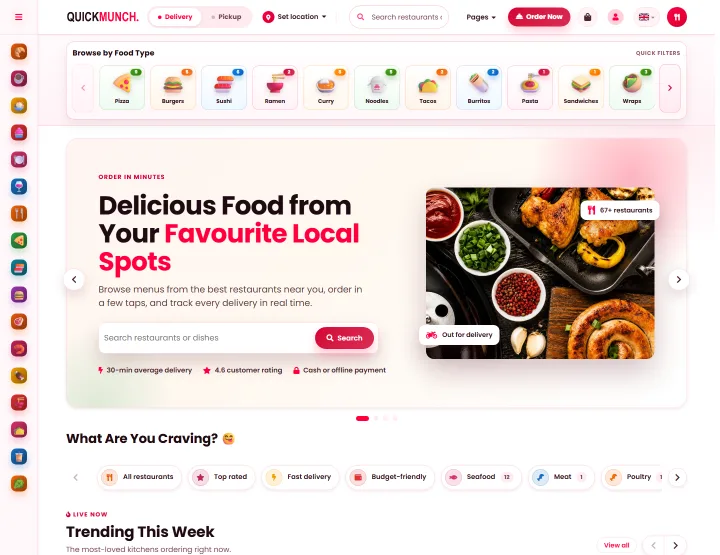
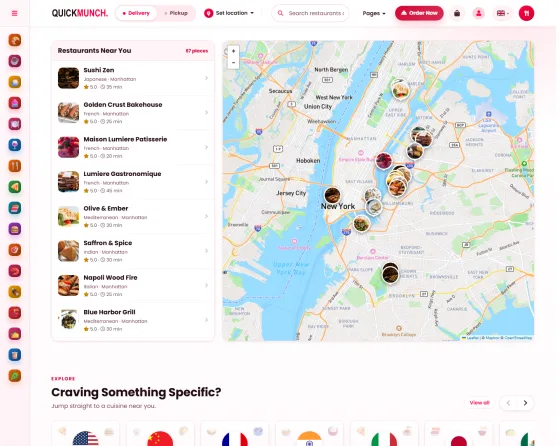
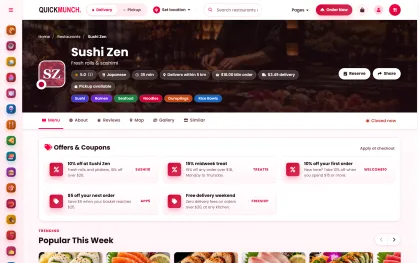
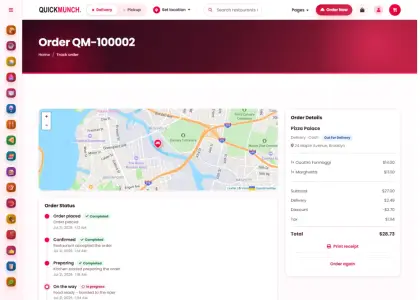
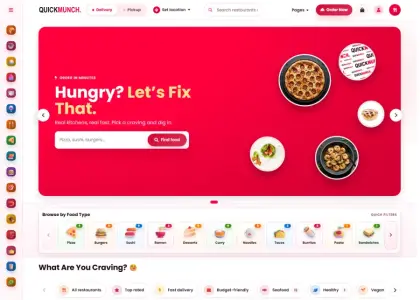
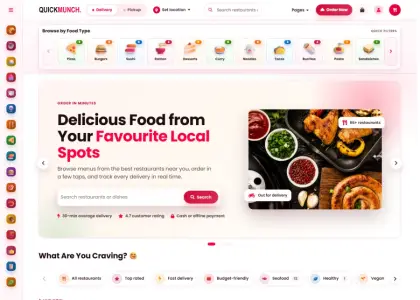
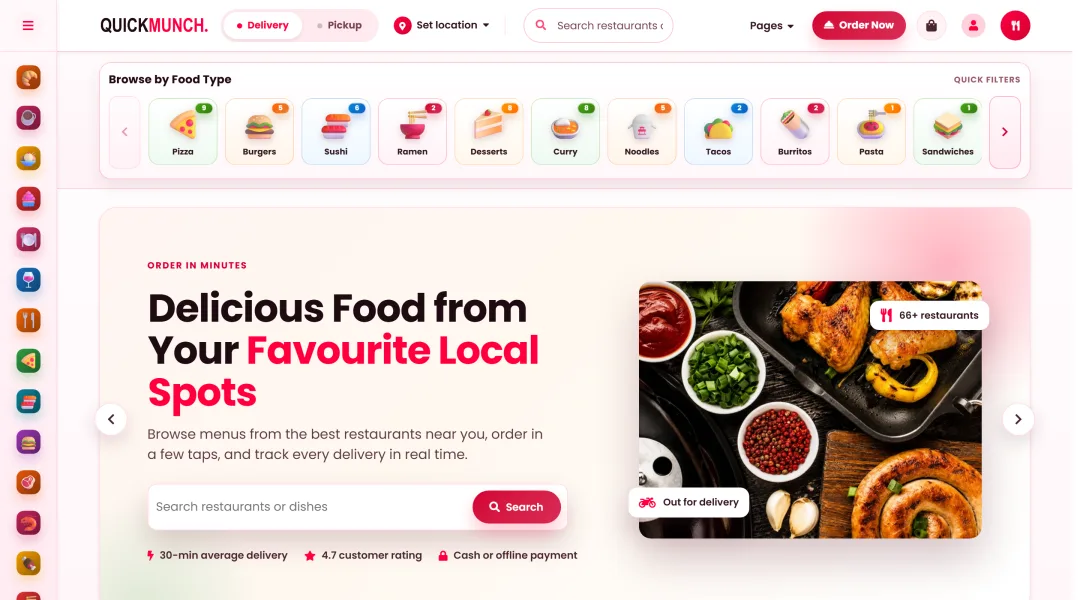
Browse, build the order with sizes and add-ons, check out as a guest or an account holder, and follow the rider to the door.
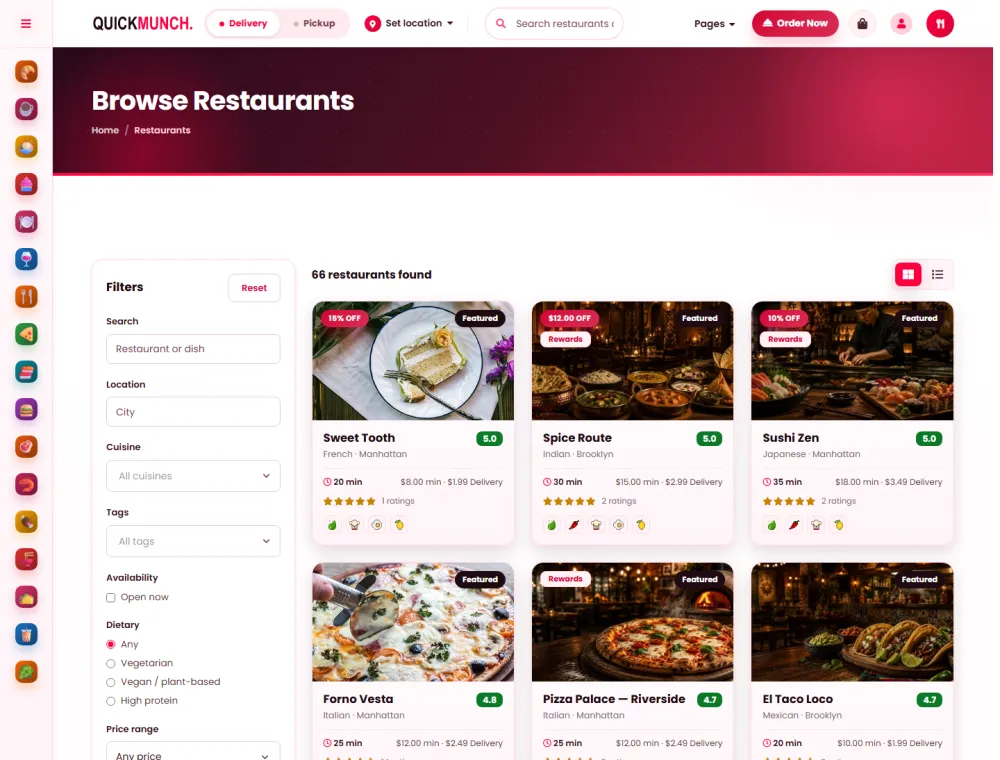
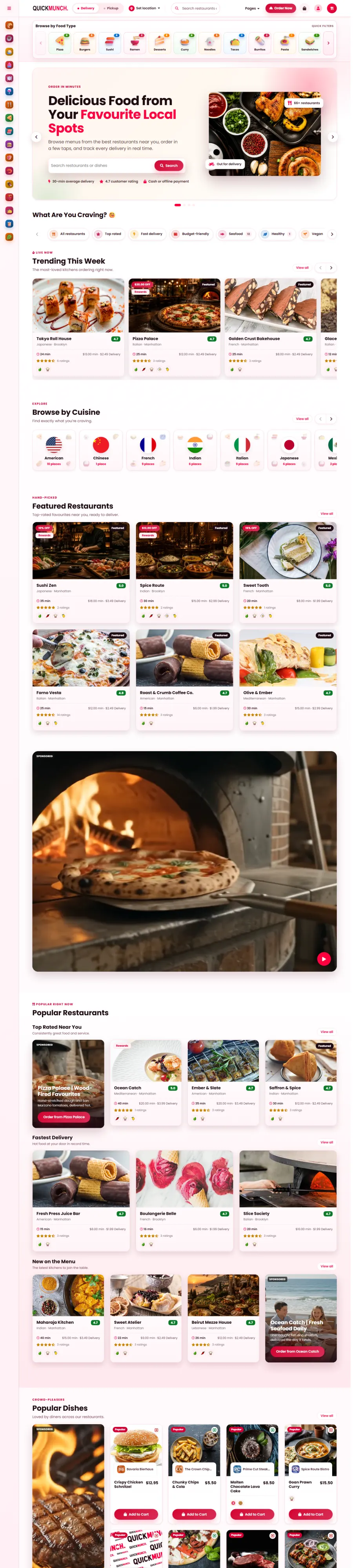
02 What customers see
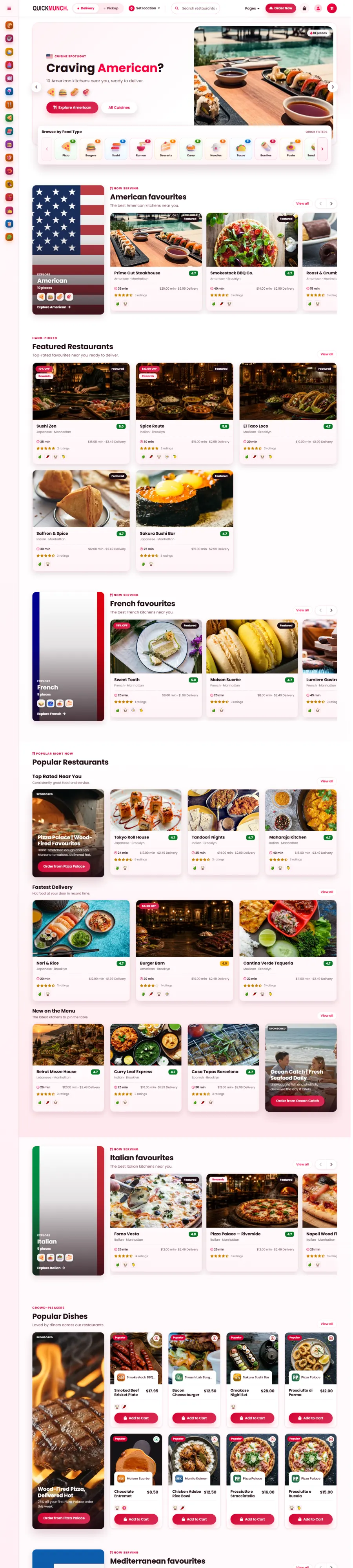
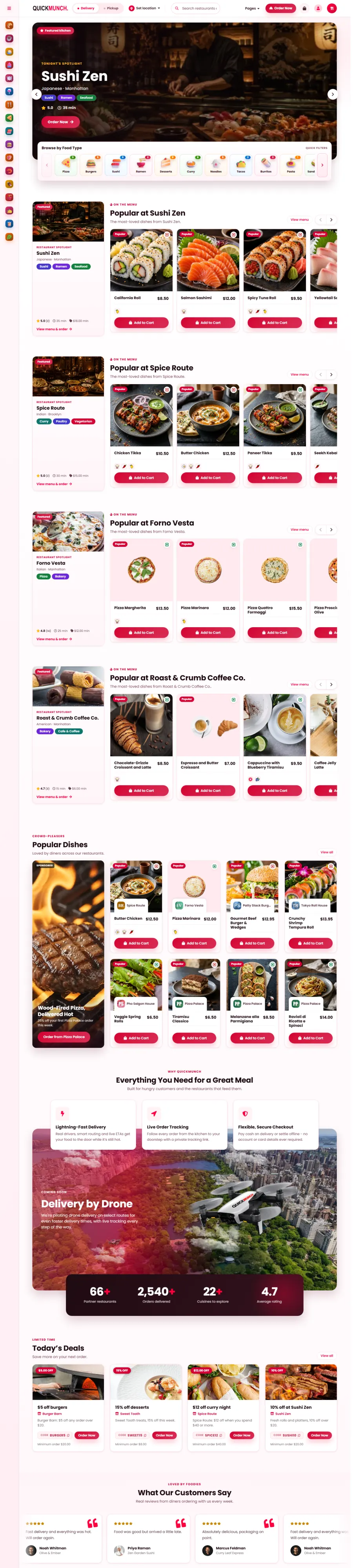
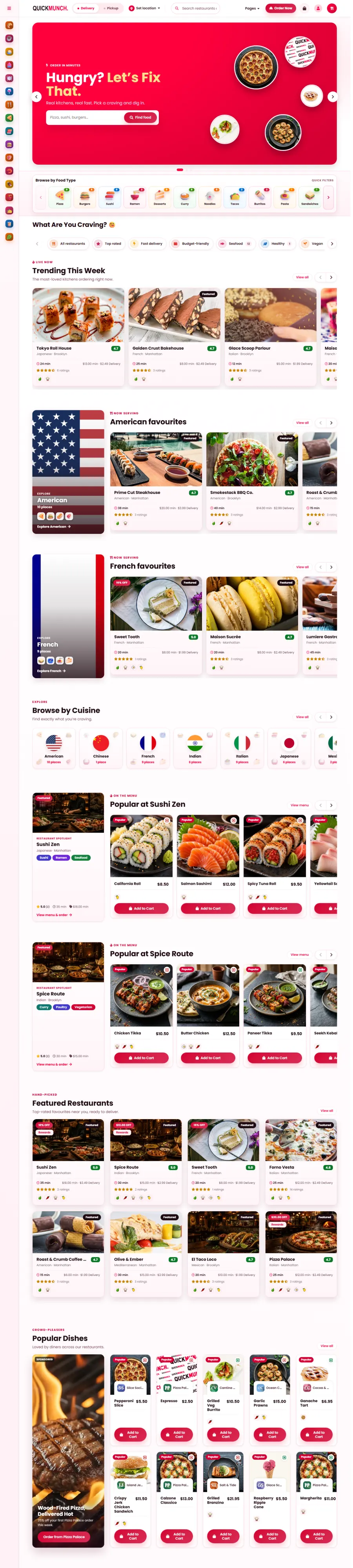
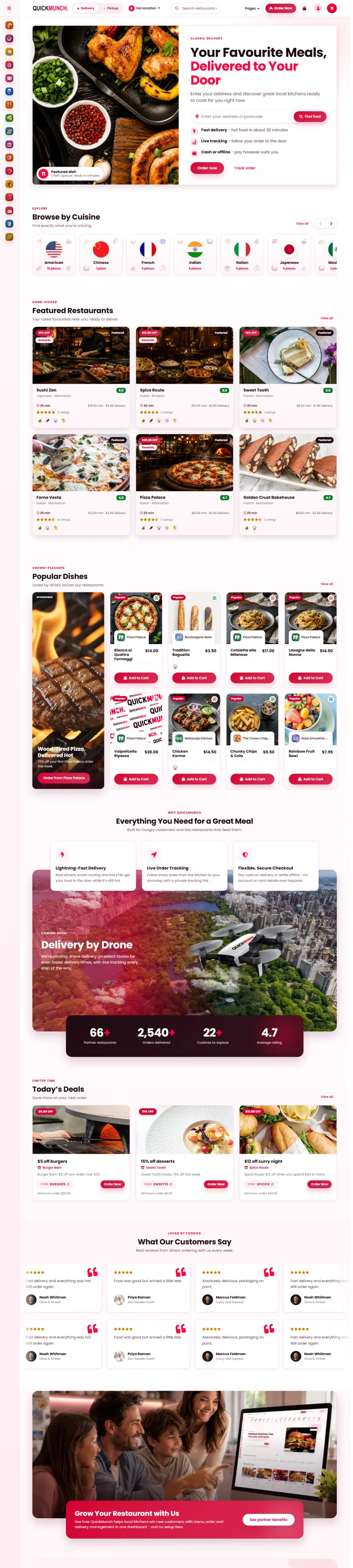
Not colour variants — six different ways to sell, built from the same live sections. Changed from a dropdown.
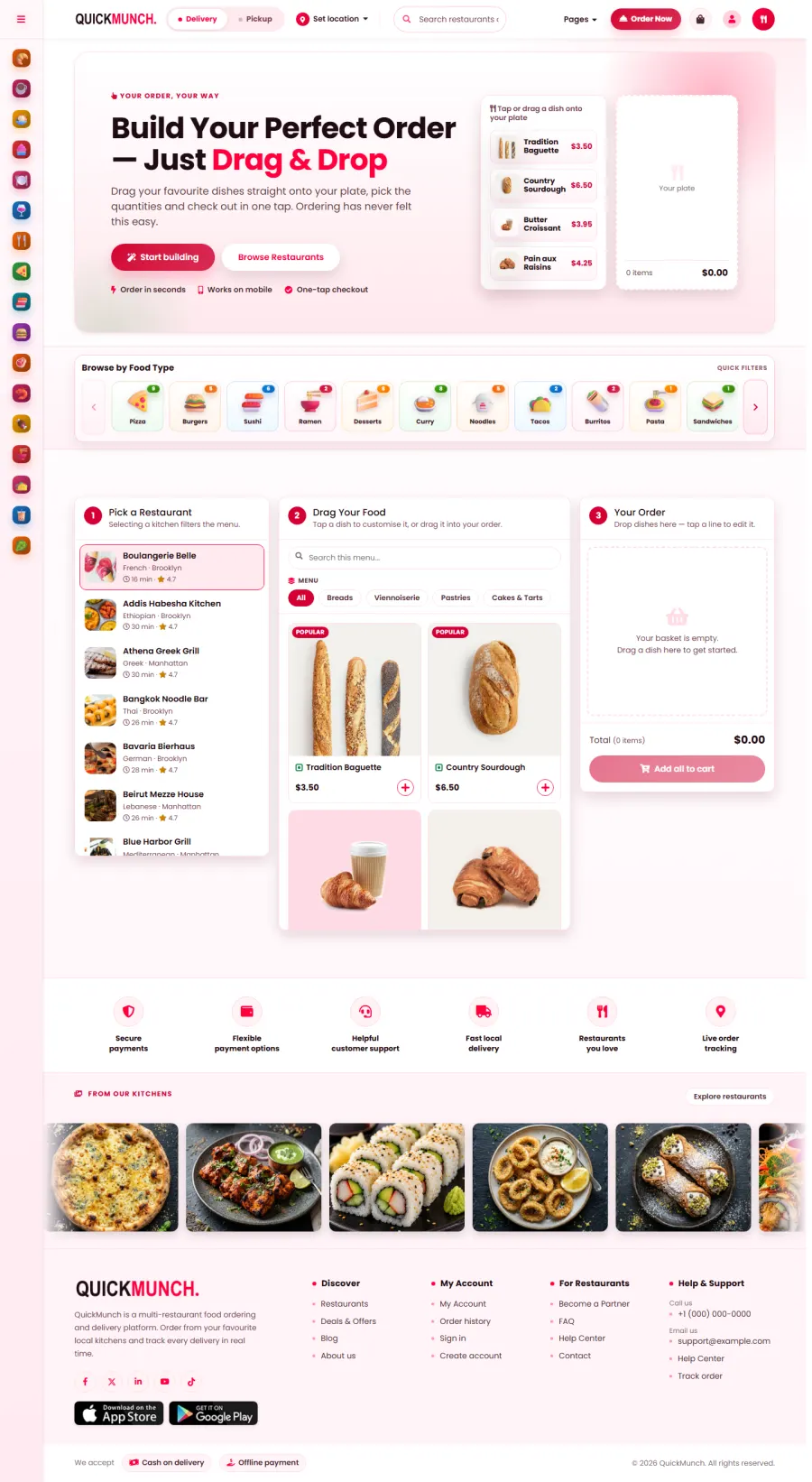
03 In venue · all eight
Eight systems for the counter, the table, the pass and the wall — every one reading the same menu, prices and stock.
The screens above the counter, the till behind it,
and the board in the window — all one menu.

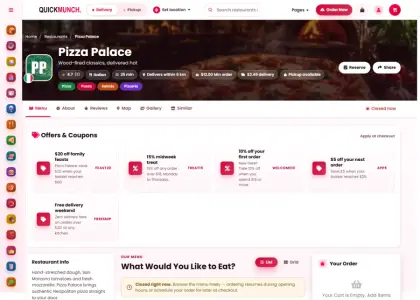
Wood-fired classics, delivered hot
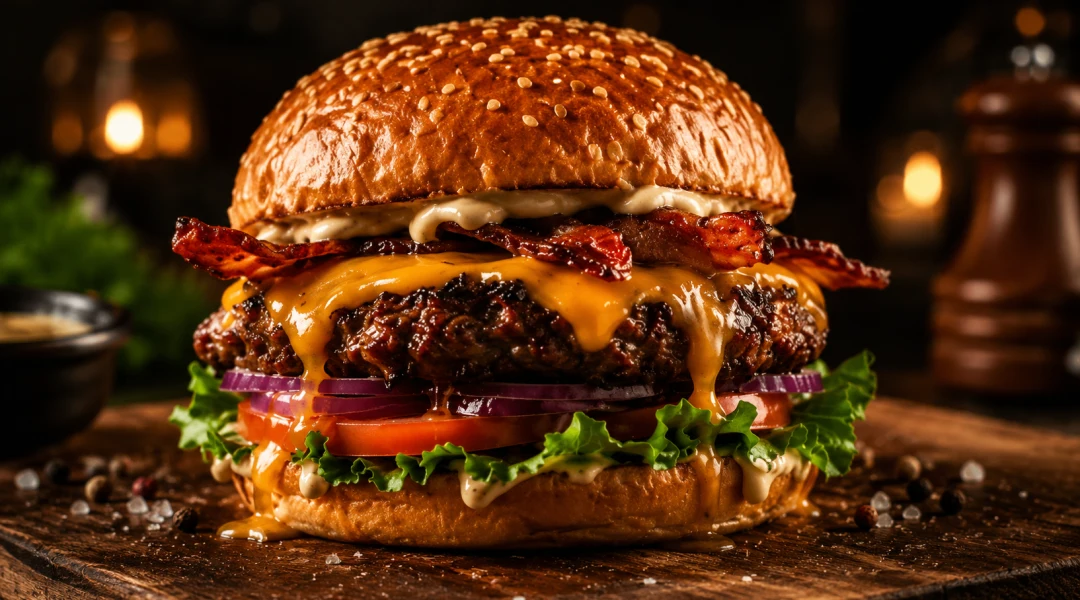
Toasted bread topped with tomato, basil and olive oil.
$6.00
Wood-fired classics, delivered hot
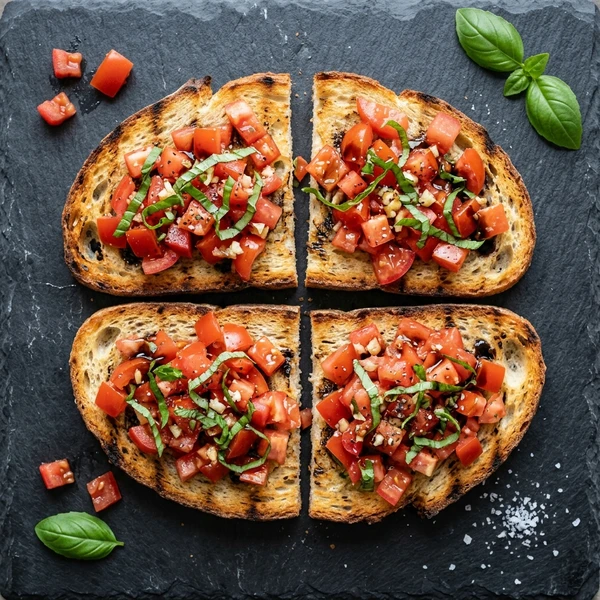 1
1 Bruschetta
Toasted bread topped with tomato, basil and olive oil.
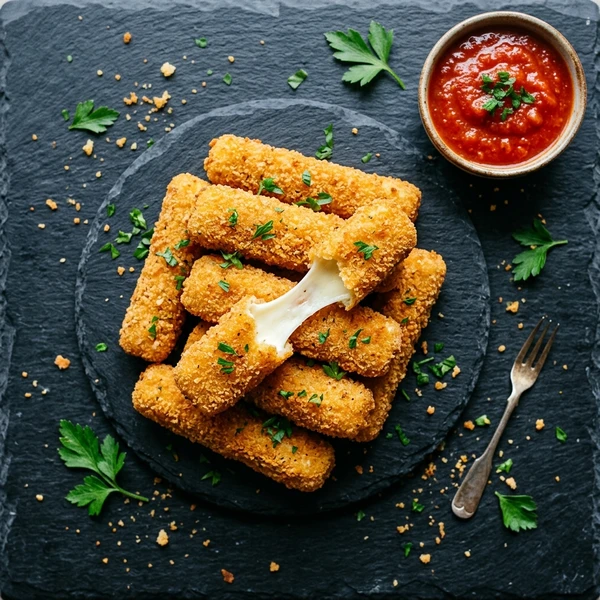 2
2 Mozzarella Sticks
Crispy breaded mozzarella with marinara dip.
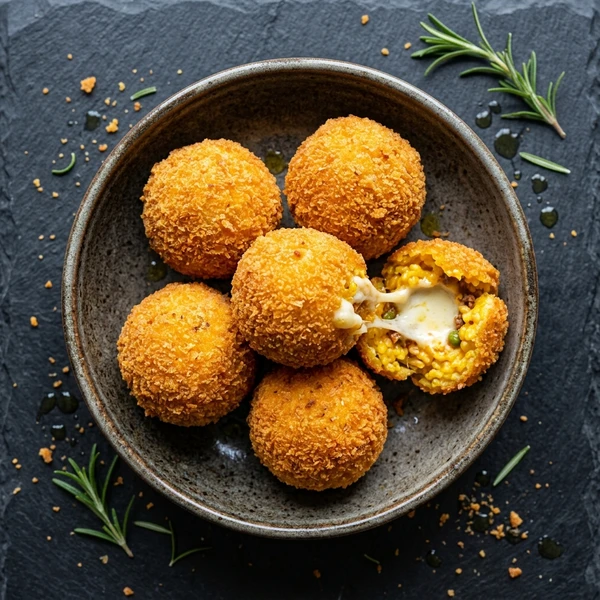 3
3 Arancini
Golden fried risotto balls with a molten mozzarella centre.
 4
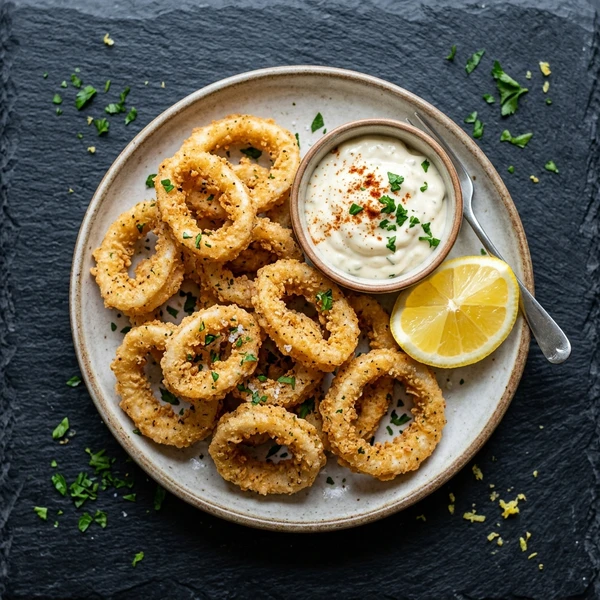
4 Calamari Fritti
Lightly fried squid rings with a lemon aioli.
Toasted bread topped with tomato, basil and olive oil.
$6.00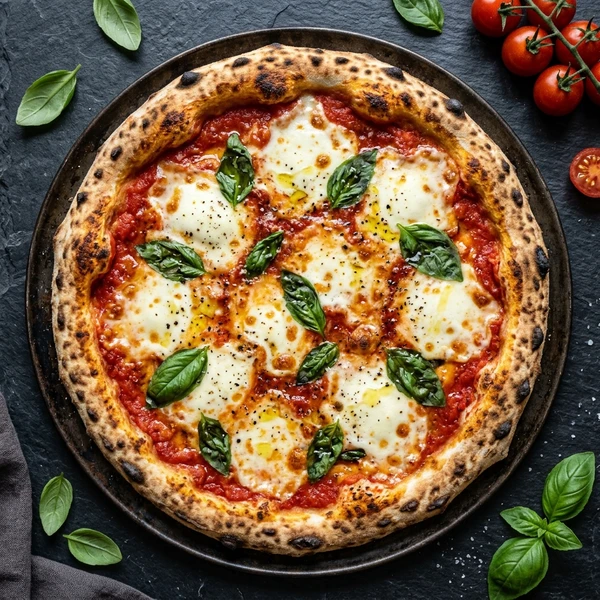 1
1 Margherita
San Marzano tomato, fresh mozzarella and basil.
 2
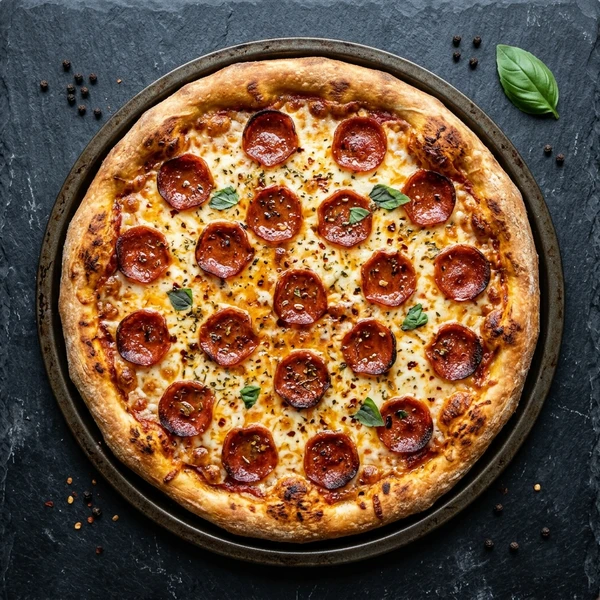
2 Pepperoni
Classic pepperoni with mozzarella and tomato.
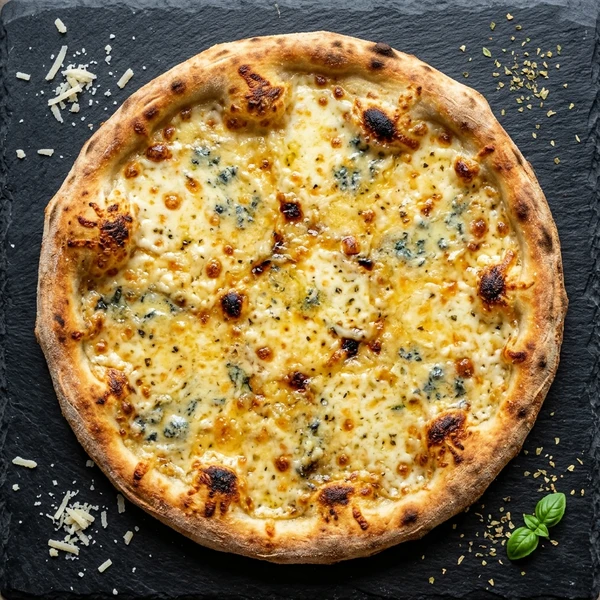 3
3 Quattro Formaggi
Four-cheese blend on a crisp wood-fired base.
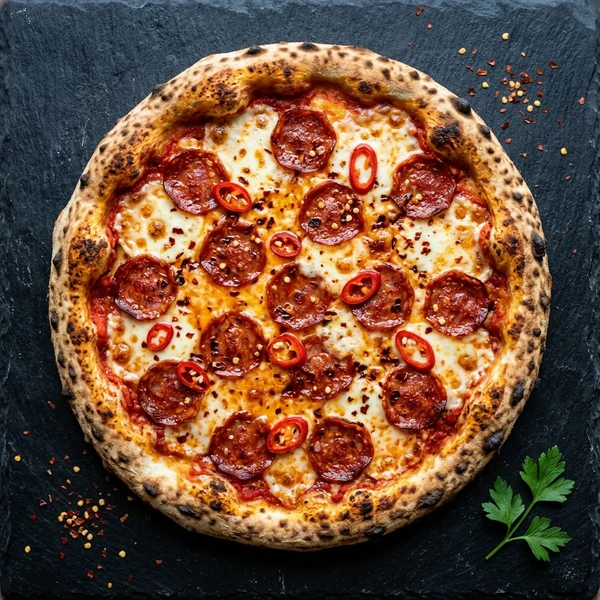 4
4 Diavola
Spicy salami, chilli and mozzarella.
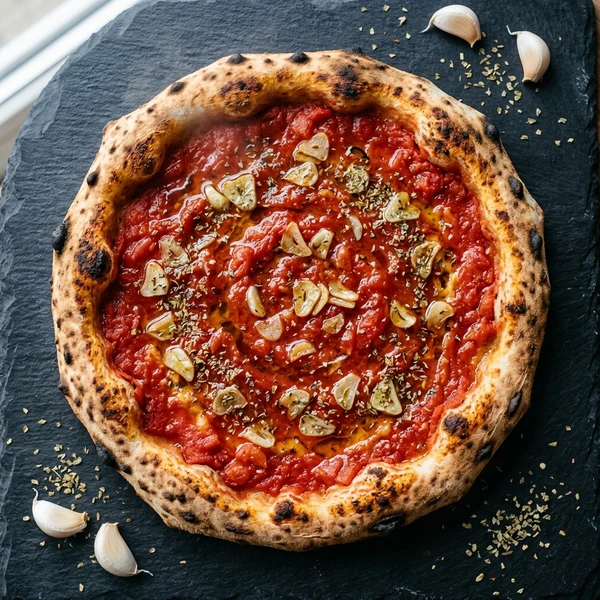 5
5 Marinara
San Marzano tomato, garlic, oregano and olive oil.
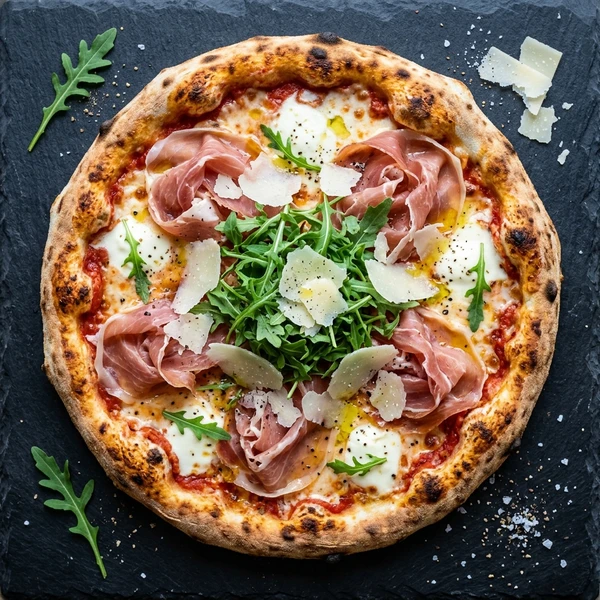 6
6 Prosciutto e Rucola
Parma ham, rocket and shaved parmesan on a wood-fired base.
Wood-fired classics, delivered hot
 1
1 Bruschetta
Toasted bread topped with tomato, basil and olive oil.
2 Mozzarella Sticks
Crispy breaded mozzarella with marinara dip.
3 Arancini
Golden fried risotto balls with a molten mozzarella centre.
4 Calamari Fritti
Lightly fried squid rings with a lemon aioli.
1 Margherita
San Marzano tomato, fresh mozzarella and basil.
2 Pepperoni
Classic pepperoni with mozzarella and tomato.
3 Quattro Formaggi
Four-cheese blend on a crisp wood-fired base.
4 Diavola
Spicy salami, chilli and mozzarella.
5 Marinara
San Marzano tomato, garlic, oregano and olive oil.
6 Prosciutto e Rucola
Parma ham, rocket and shaved parmesan on a wood-fired base.
Wood-fired classics, delivered hot
1 Bruschetta
Toasted bread topped with tomato, basil and olive oil.
2 Mozzarella Sticks
Crispy breaded mozzarella with marinara dip.
3 Arancini
Golden fried risotto balls with a molten mozzarella centre.
4 Calamari Fritti
Lightly fried squid rings with a lemon aioli.
Toasted bread topped with tomato, basil and olive oil.
$6.00
1 Margherita
San Marzano tomato, fresh mozzarella and basil.
2 Pepperoni
Classic pepperoni with mozzarella and tomato.
3 Quattro Formaggi
Four-cheese blend on a crisp wood-fired base.
4 Diavola
Spicy salami, chilli and mozzarella.
5 Marinara
San Marzano tomato, garlic, oregano and olive oil.
6 Prosciutto e Rucola
Parma ham, rocket and shaved parmesan on a wood-fired base.
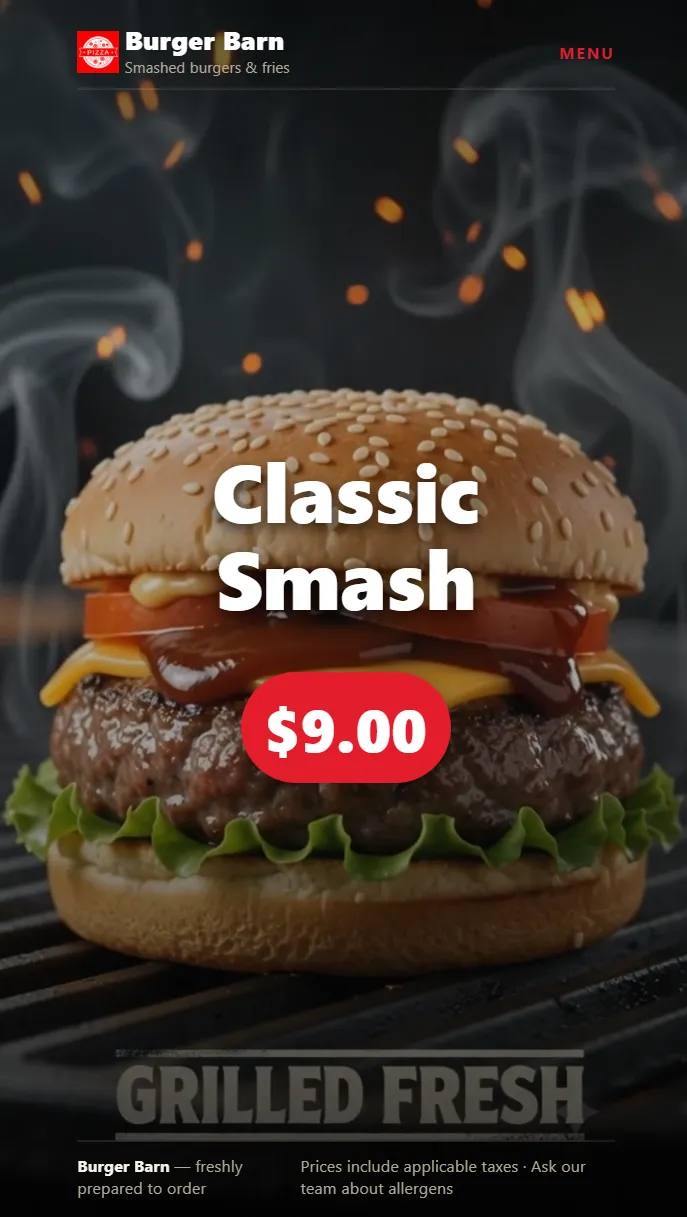
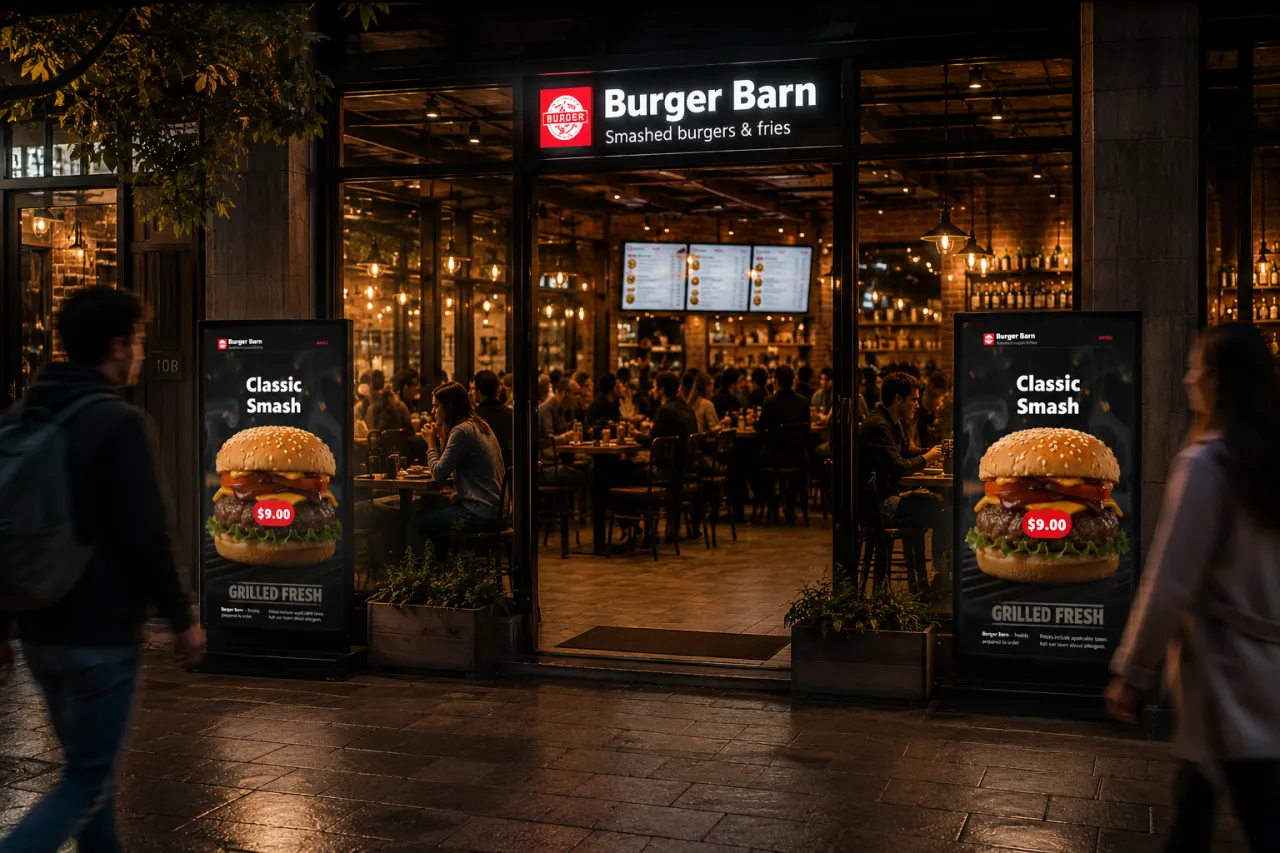
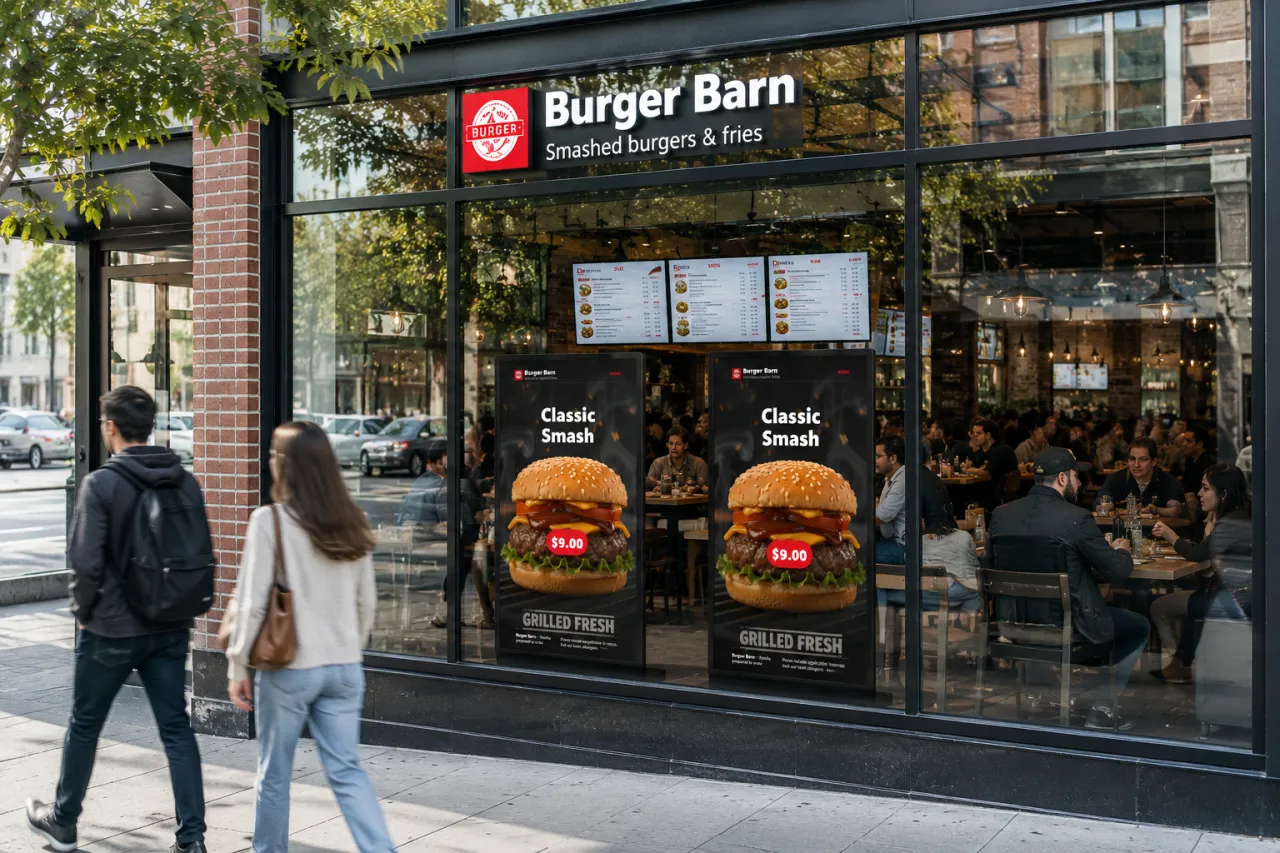
05 & 06 In venue · Menu screens & digital signage
Composed in the dashboard and priced from the live menu — what you see below is the product’s own markup rendering itself, not artwork.
Wood-fired classics, delivered hot
Toasted bread topped with tomato, basil and olive oil.
$6.00
Wood-fired classics, delivered hot
1 Bruschetta
Toasted bread topped with tomato, basil and olive oil.
2 Mozzarella Sticks
Crispy breaded mozzarella with marinara dip.
3 Arancini
Golden fried risotto balls with a molten mozzarella centre.
4 Calamari Fritti
Lightly fried squid rings with a lemon aioli.
1 Margherita
San Marzano tomato, fresh mozzarella and basil.
2 Pepperoni
Classic pepperoni with mozzarella and tomato.
3 Quattro Formaggi
Four-cheese blend on a crisp wood-fired base.
4 Diavola
Spicy salami, chilli and mozzarella.
5 Marinara
San Marzano tomato, garlic, oregano and olive oil.
6 Prosciutto e Rucola
Parma ham, rocket and shaved parmesan on a wood-fired base.
And the till in front of them, reading the same menu
as the board above their heads.
Modifiers, split bills, holds, drawer and printer.
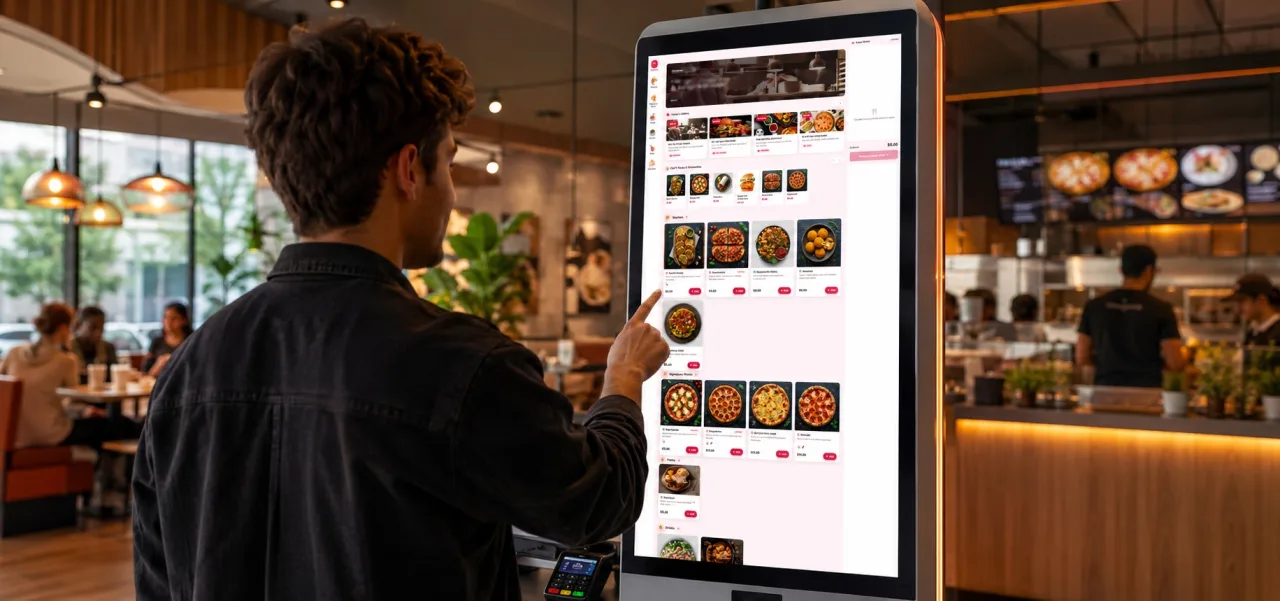
Paired by code. Portrait or landscape.
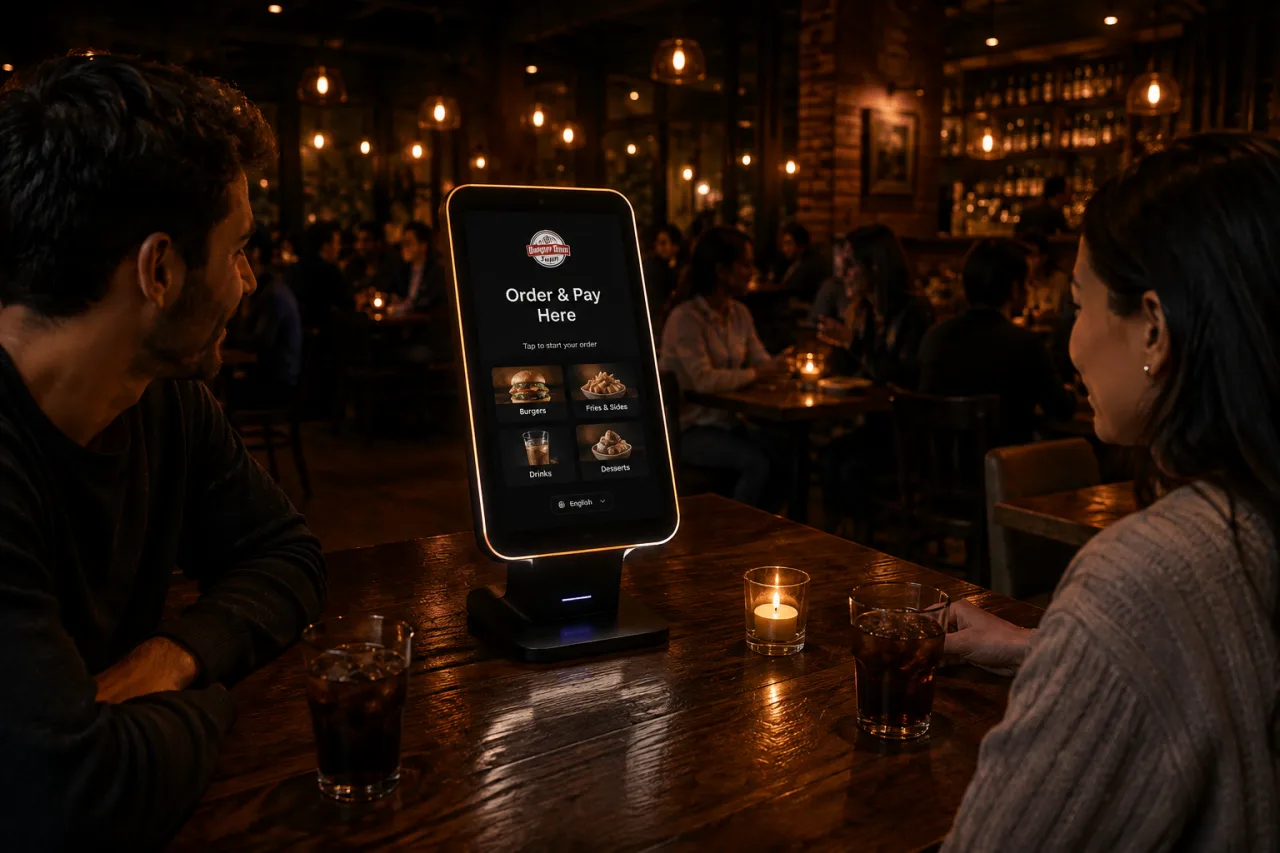
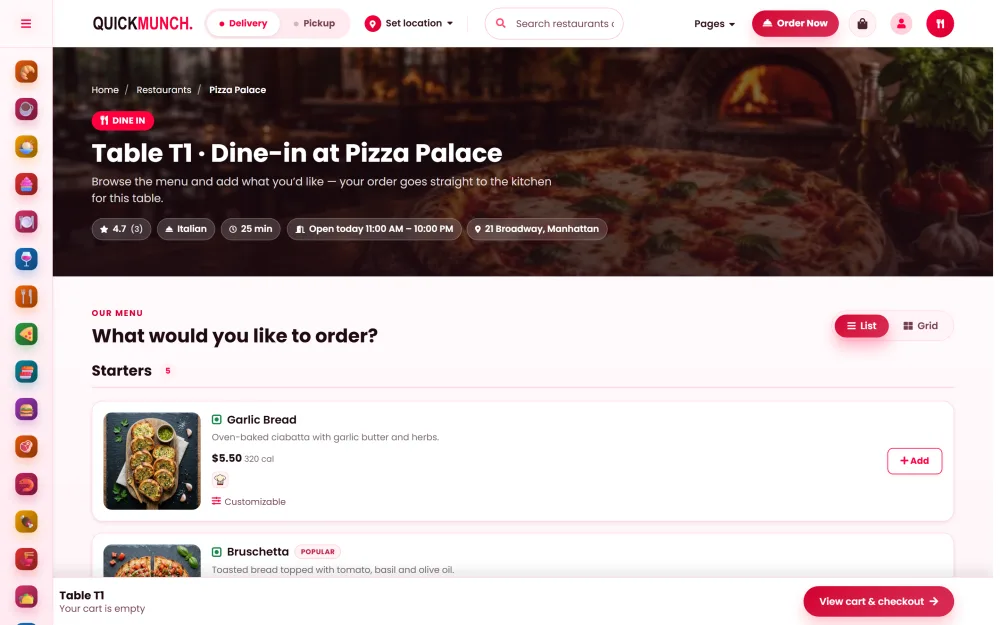
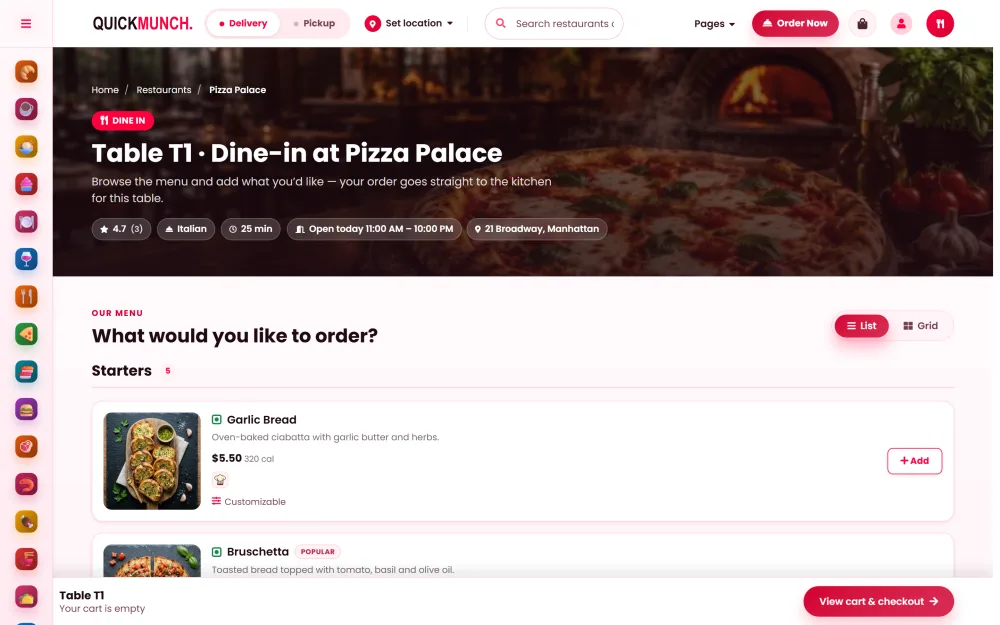
One code per table. The order knows where it sits.
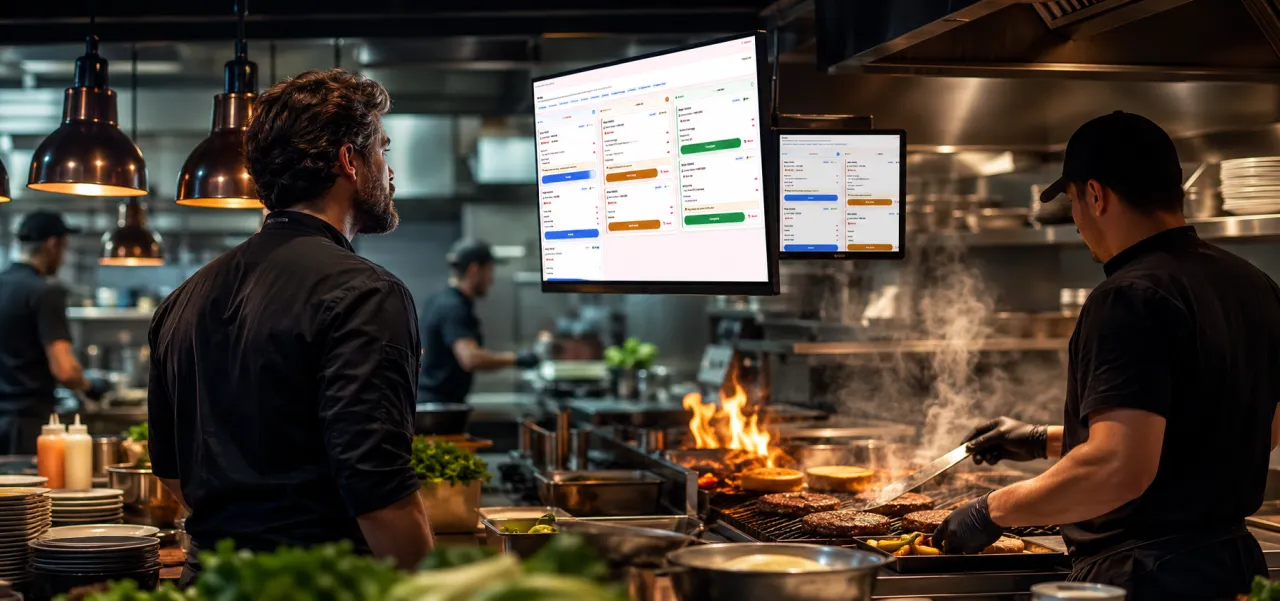
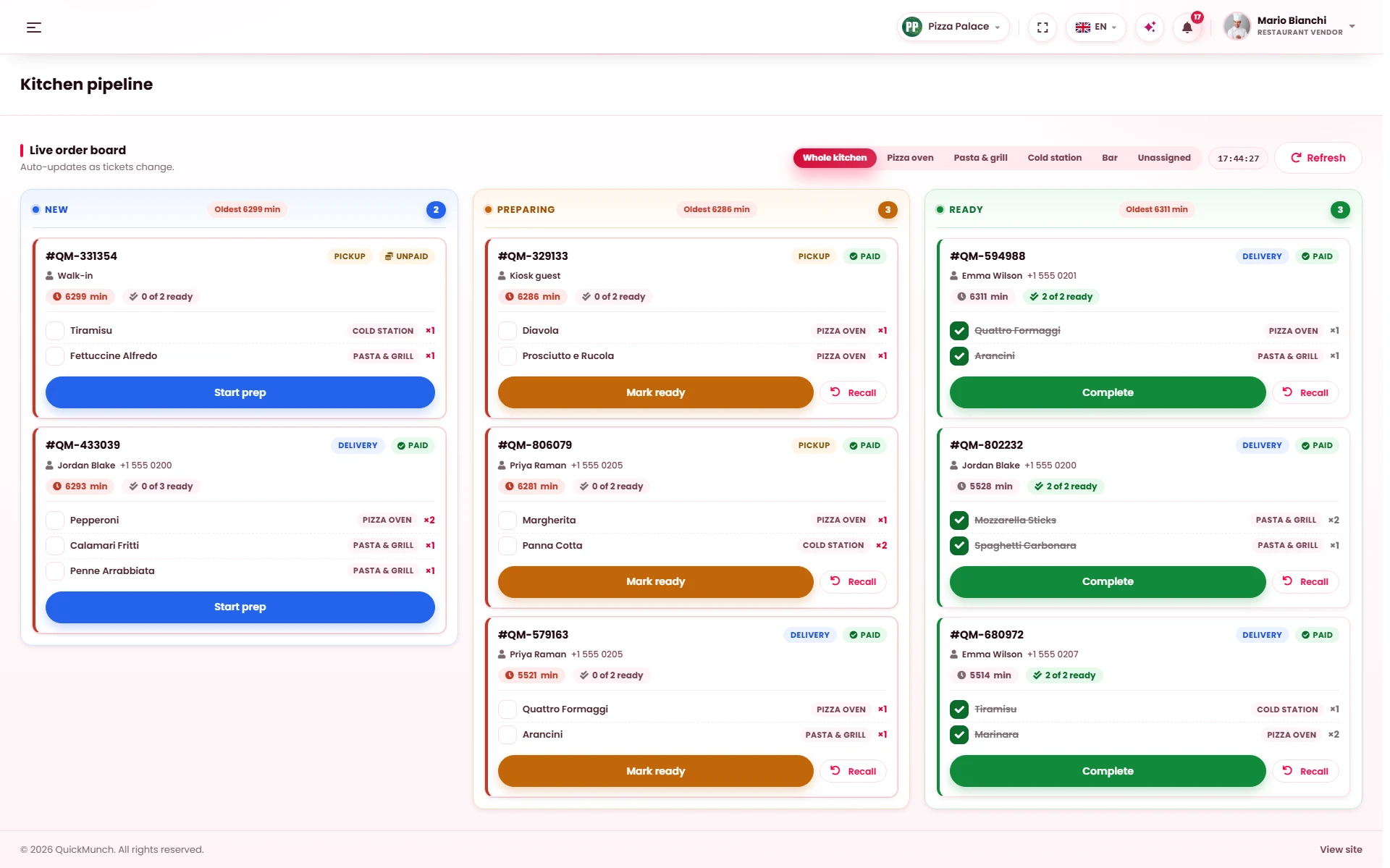
Tickets age on screen. Every one cleared carries a name.
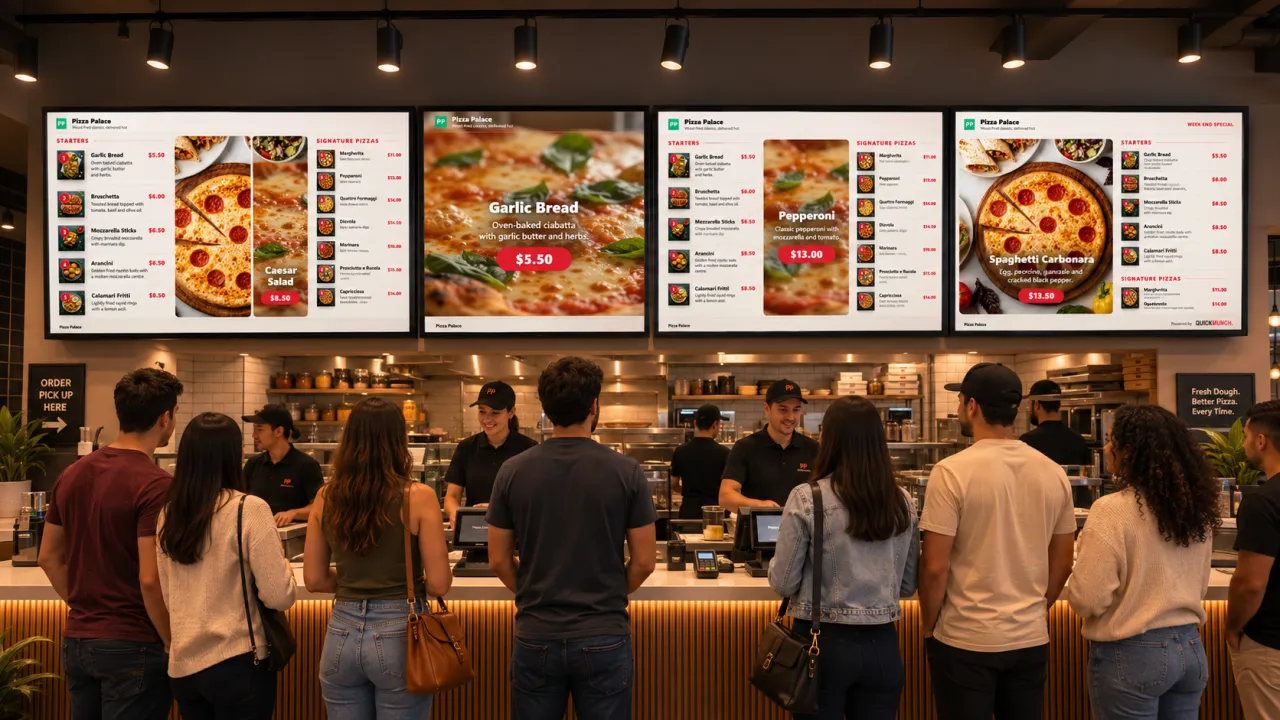
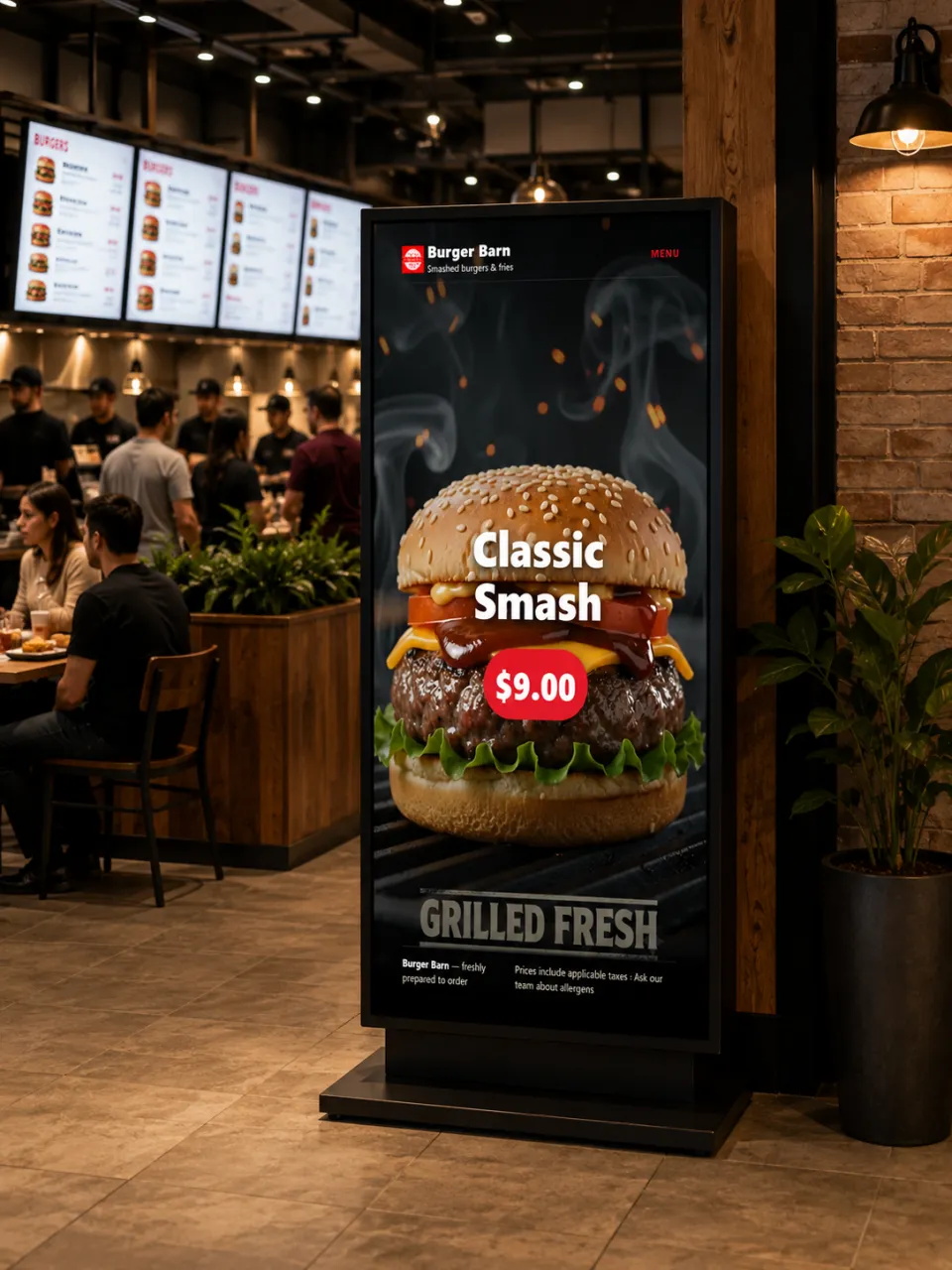
Design once. Every paired screen follows the menu.
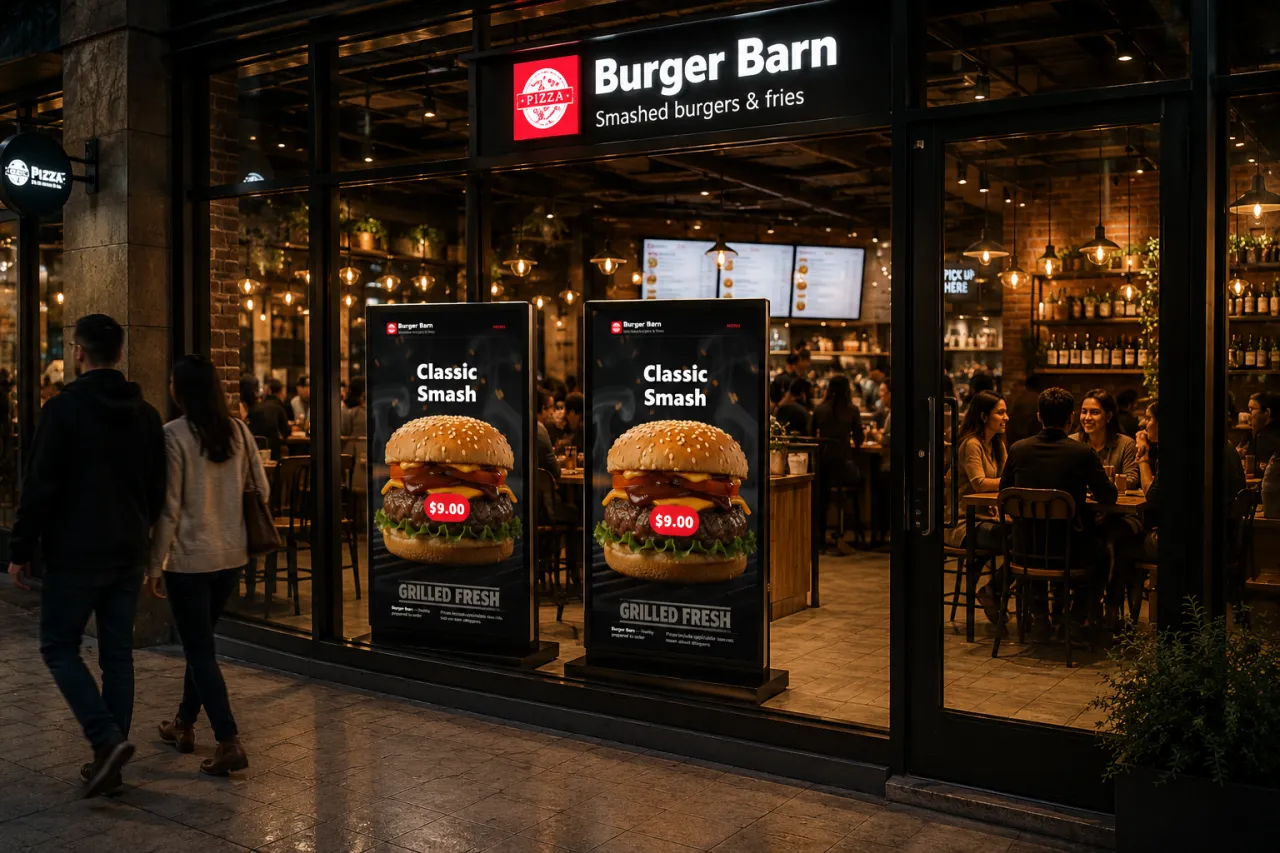
Window and street, scheduled by daypart.
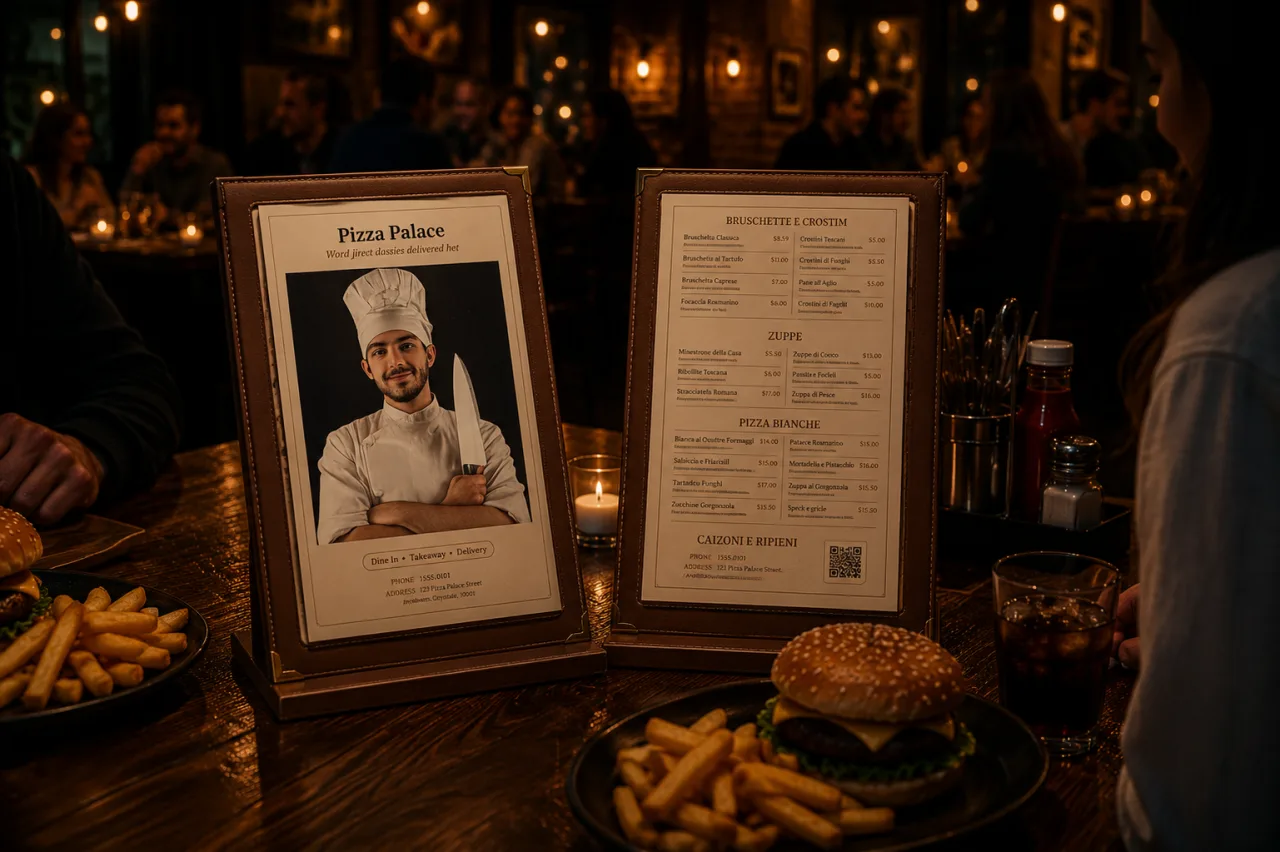
Twenty-four designs, exact A4, built from the live menu.
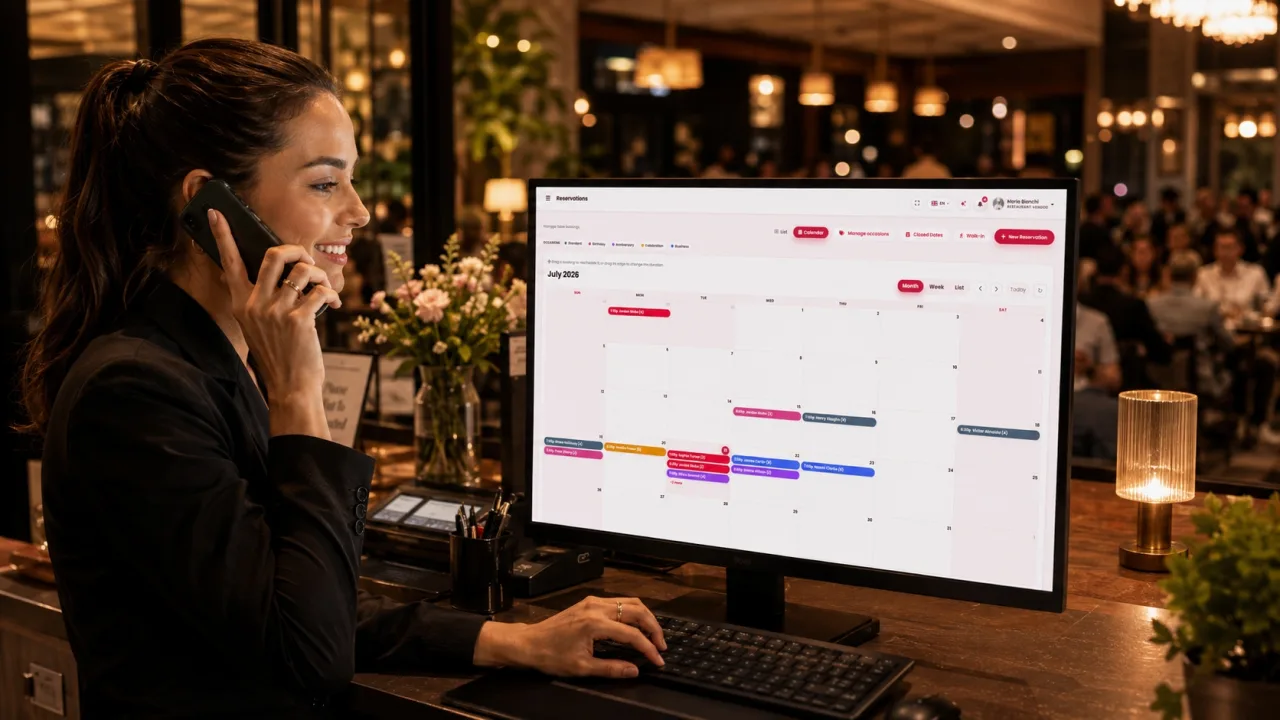
Booked from the restaurant page. Covers land in reporting.
04 In venue · 01 of 08
Same menu, same prices, same stock as every other channel — on a tablet the team carries to the table.
Counter till
Takes the money and fires the ticket in one action.
pay_send
Table service
Ticket to the kitchen now; the bill stays open on the table.
send_only
Back office
Captures the order. Nothing fires, nothing is charged.
order_only
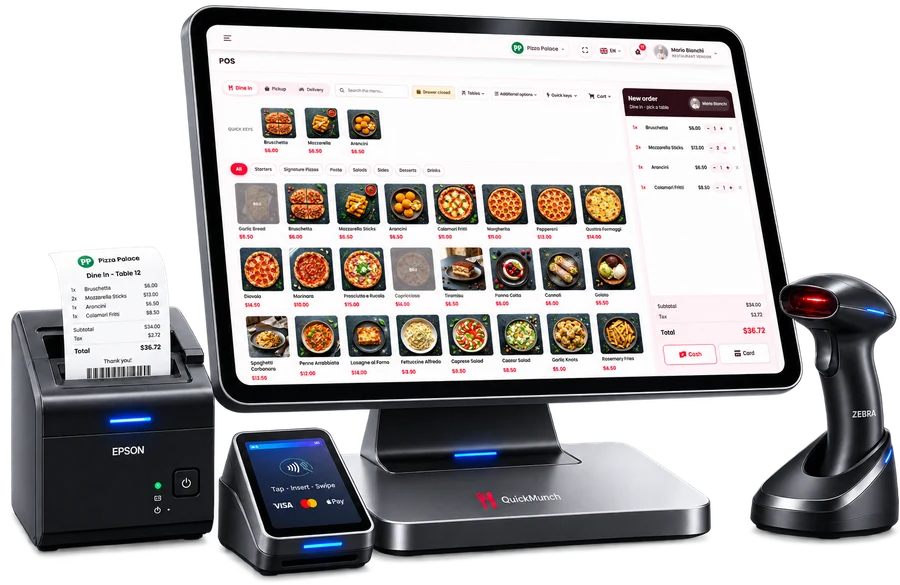
05 Taking the money
A reader on the counter, a managed drawer under it, and a payment QR when the guest would rather not hand over a card.
•••• •••• •••• 4242
06 Secure POS
Staff sign in as themselves, and one tap locks the terminal behind a PIN when they step away. The lock is enforced on the server, so it cannot be clicked past.
07 In venue · 02 & 03 of 08
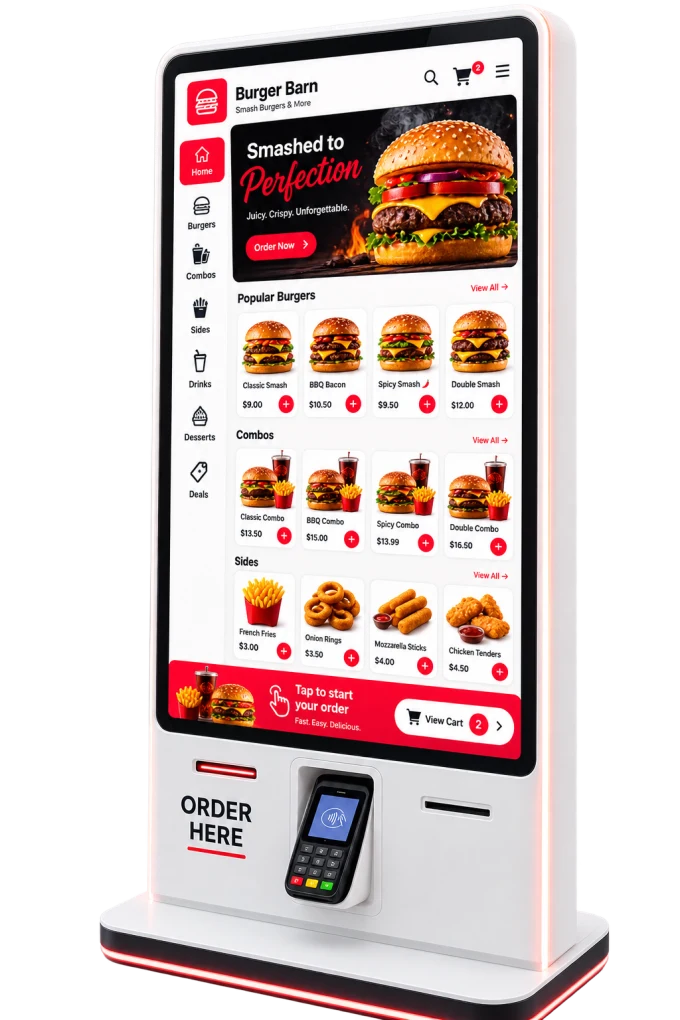
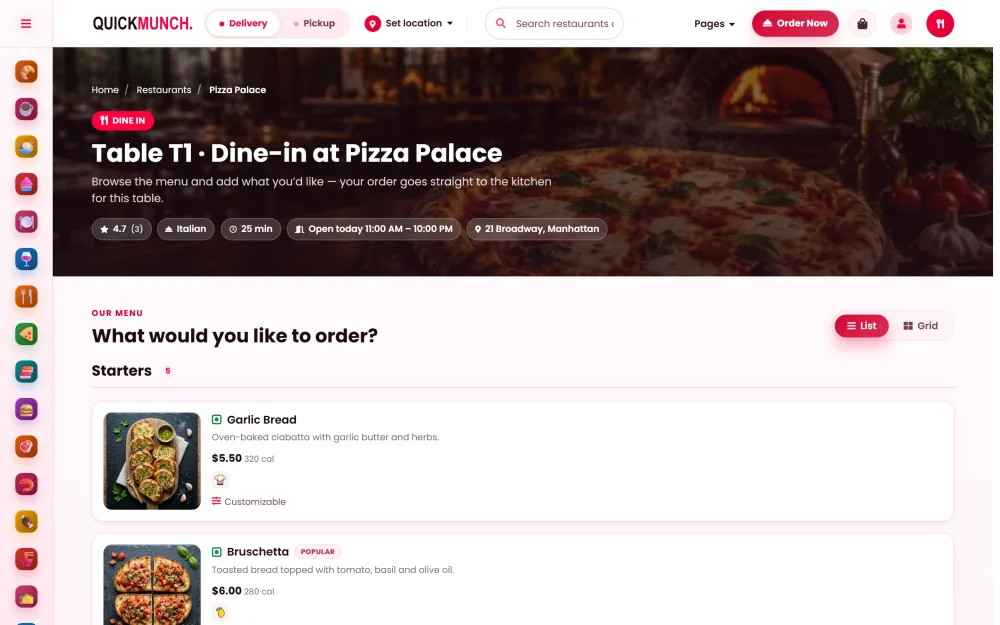
A kiosk paired by six-digit code, and a QR code per table that opens the menu already knowing where the guest is sitting.
08 In venue · 04 of 08
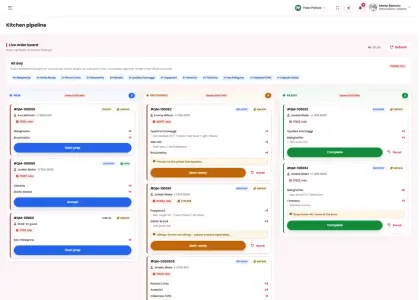
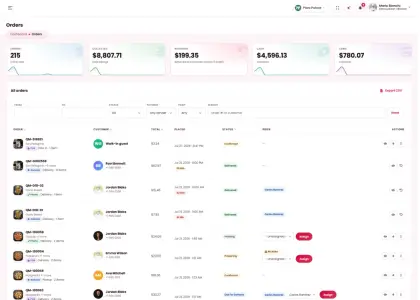
Storefront, till, kiosk and QR table all arrive in the same queue — and the clock starts the second they do.
09 In venue · 05 & 06 of 08
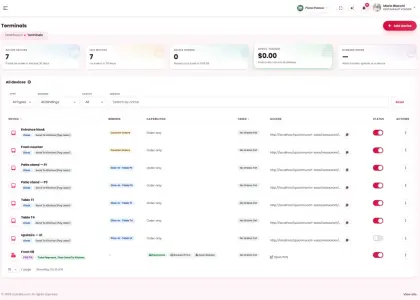
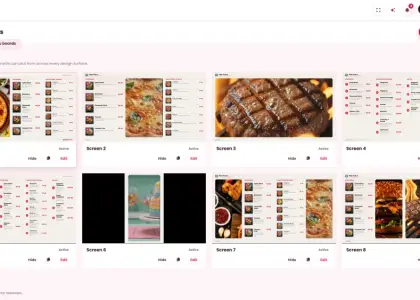
Pair a display with a code and it pulls the live menu and refreshes itself. The same engine drives the window and the street.
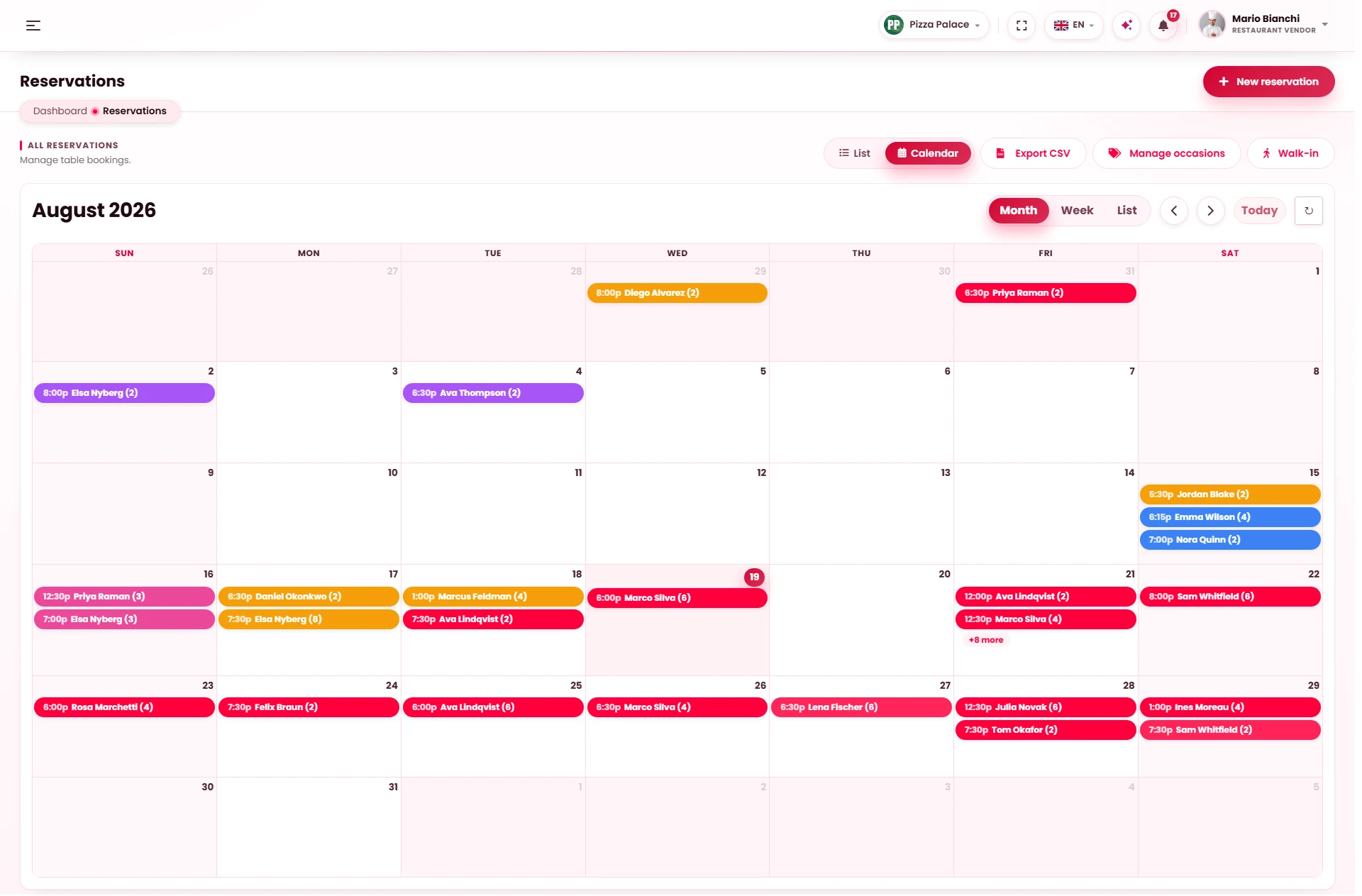
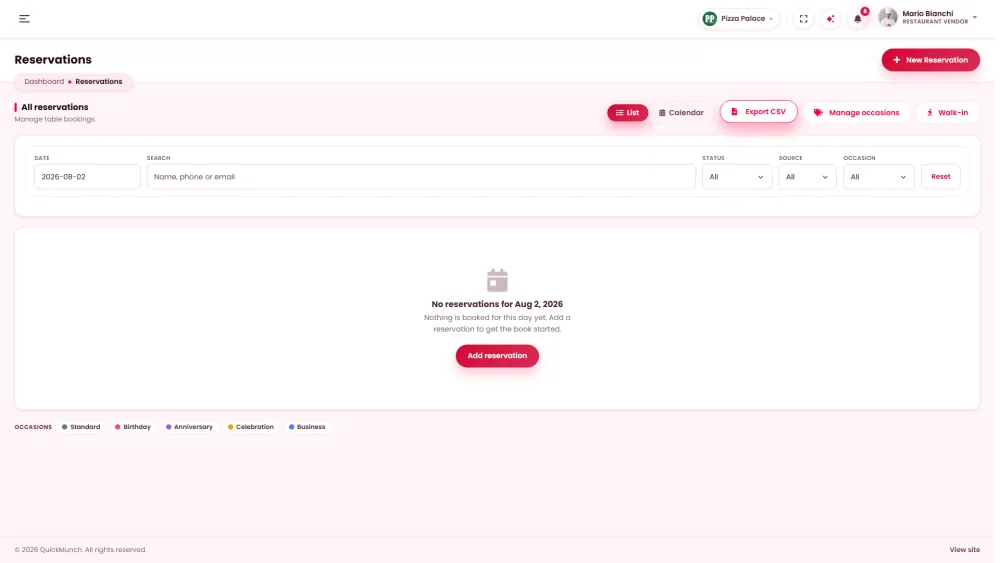
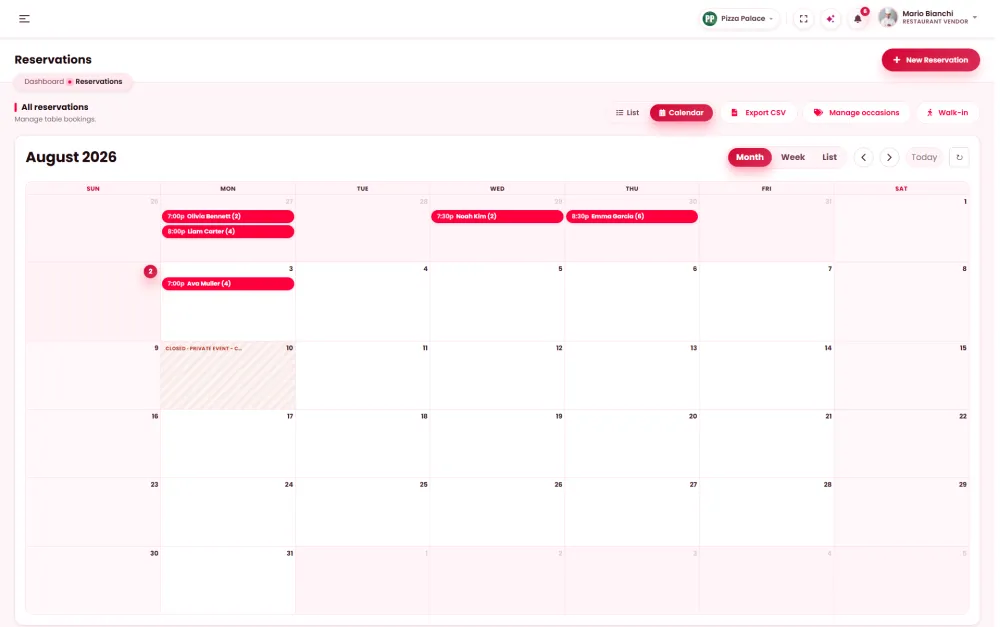
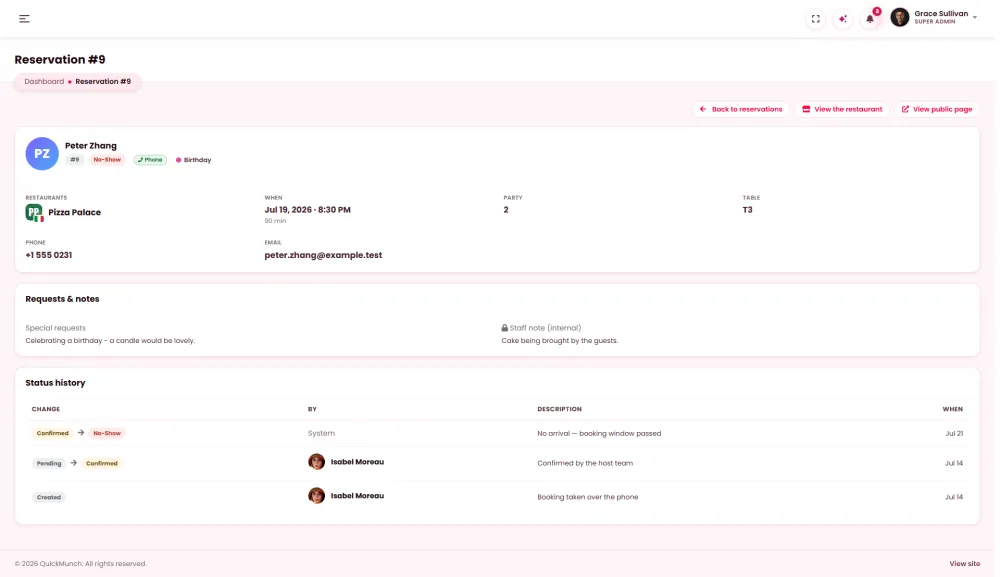
Walk-ins, and the tables somebody booked weeks ago.
11 In venue · 08 of 08
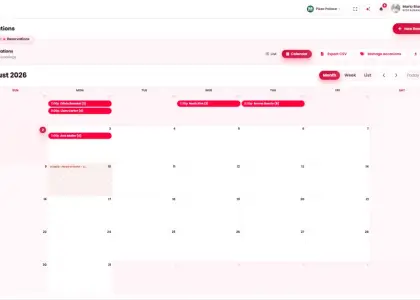
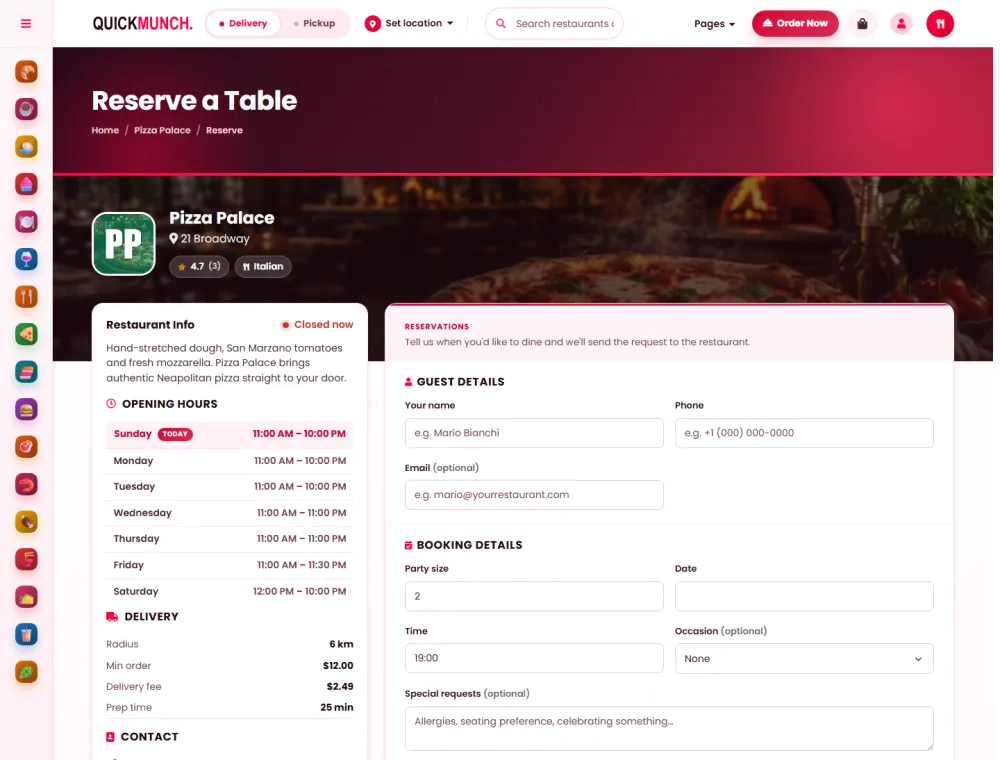
Guests book from the restaurant page. The host works a live list, and covers, turn times and no-shows land in reporting without anyone writing them down.
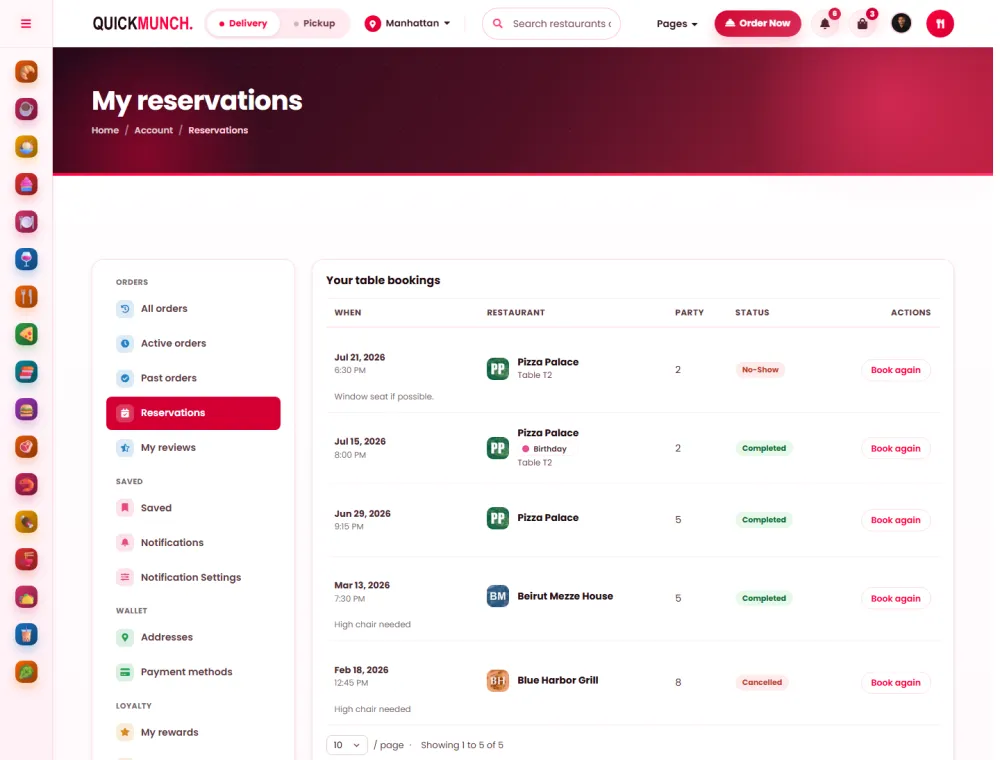
12 Table manager
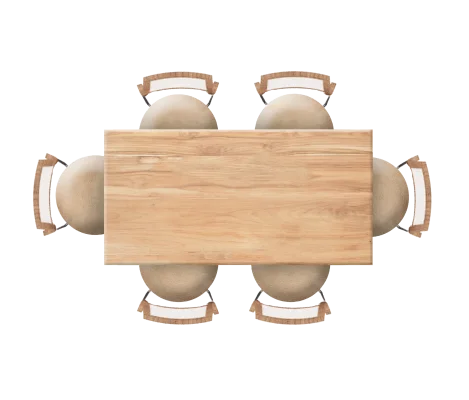
Every table where it really stands. Drag one to its spot, size it to the party it seats, turn it to the wall it hugs — the host, the floor and the reservation book share the same map.
Click a table — its controls appear on it. Drag to move, pull the corner dot to resize.
13 Your booking page
Every restaurant decides for itself. On, and the venue gets a booking page on its own storefront — date, time, party size, straight into tonight’s list. Off, and that page stops existing.
A booking is rarely just a table.
Occasion, covers and notes all travel with it.
Assigned, picked up, and followed to the door.
14 Delivery
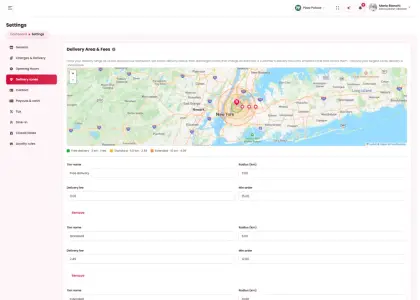
Circular tiers around the restaurant — a free one close in, larger ones with their own fee and minimum order. Checkout picks the smallest tier that covers the address, and refuses anything past the last.
15 Receipts
Designed once in the receipt studio — logo, headline, footer, paper width — and printed exactly so at the till. Card or cash, dine-in or delivery, the drawer prints the same ticket the designer shows.
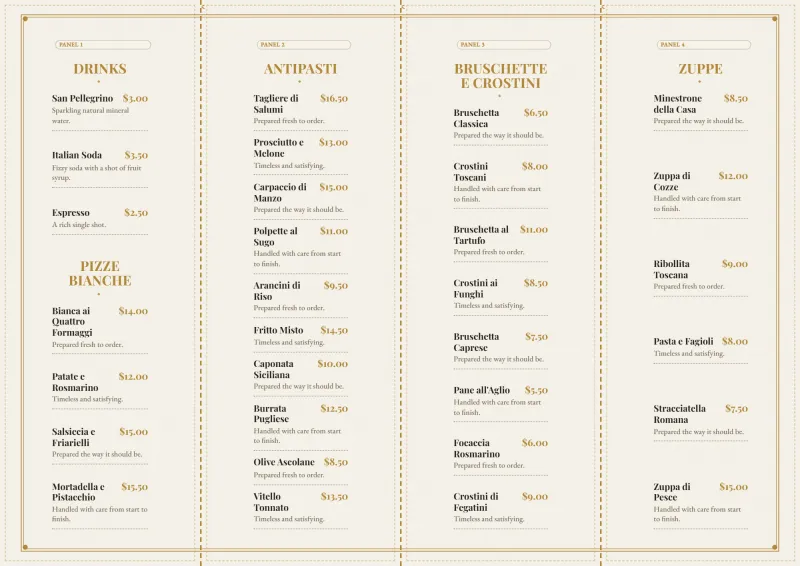
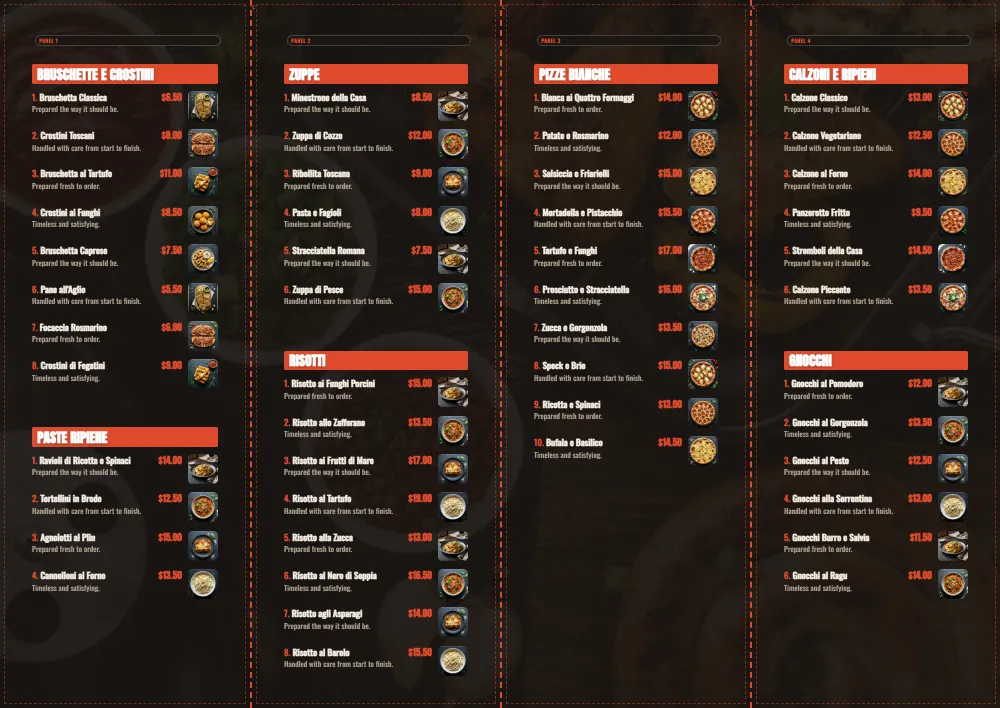
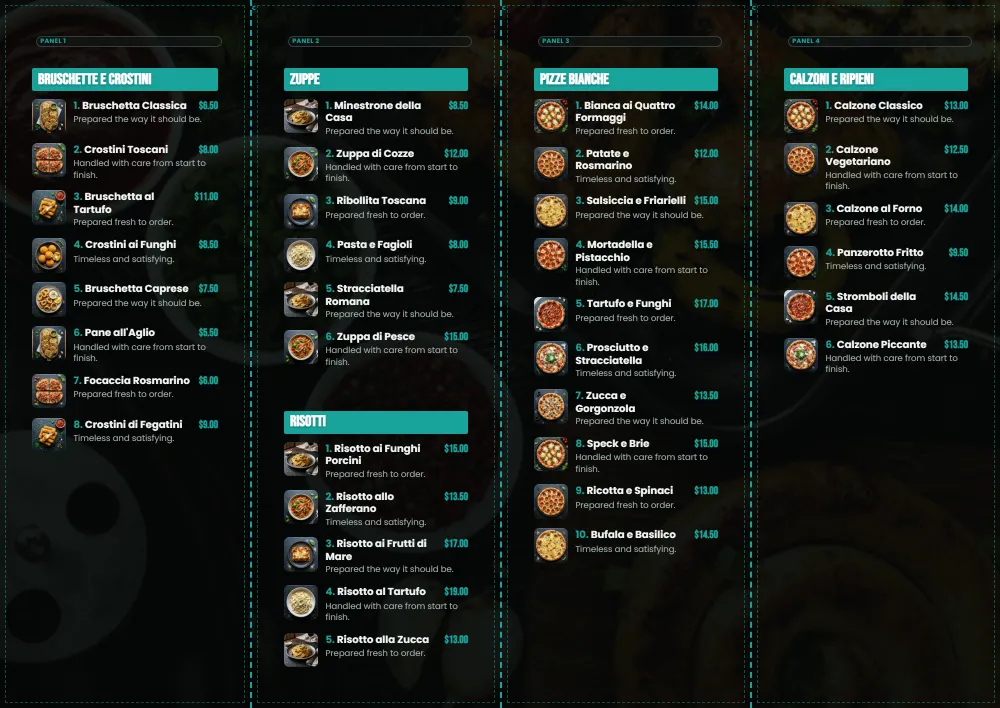
16 In venue · 07 of 08 · Printable menus
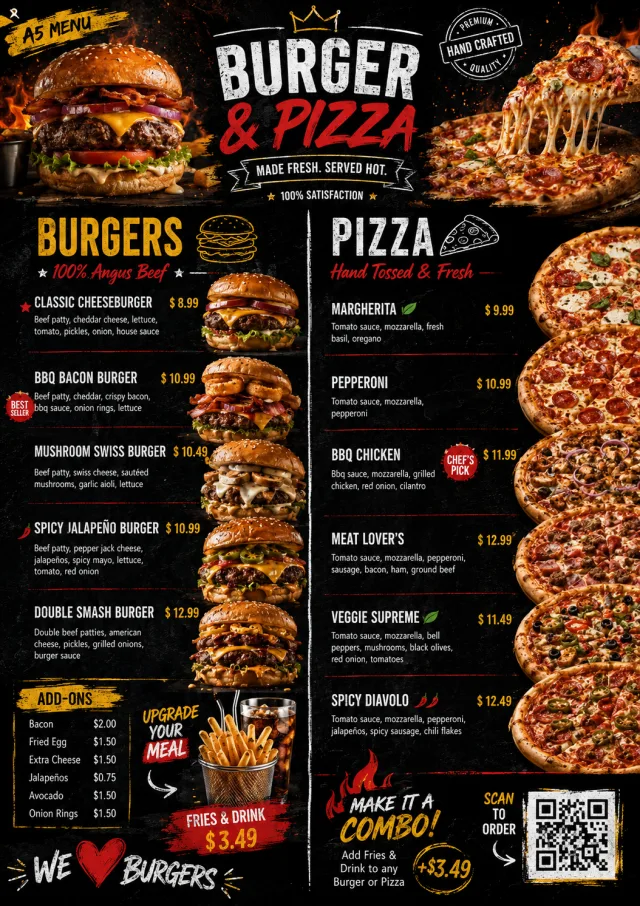
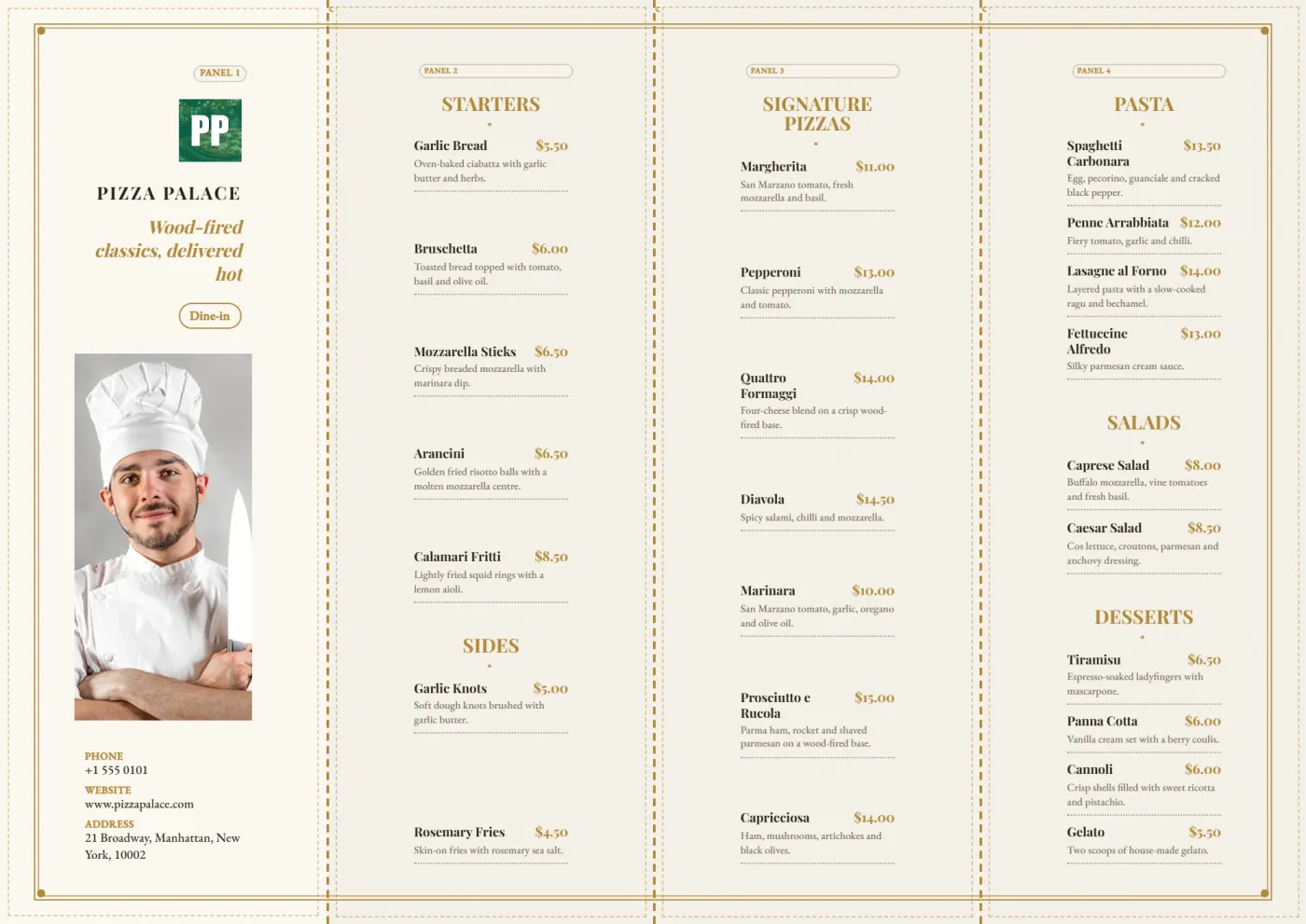
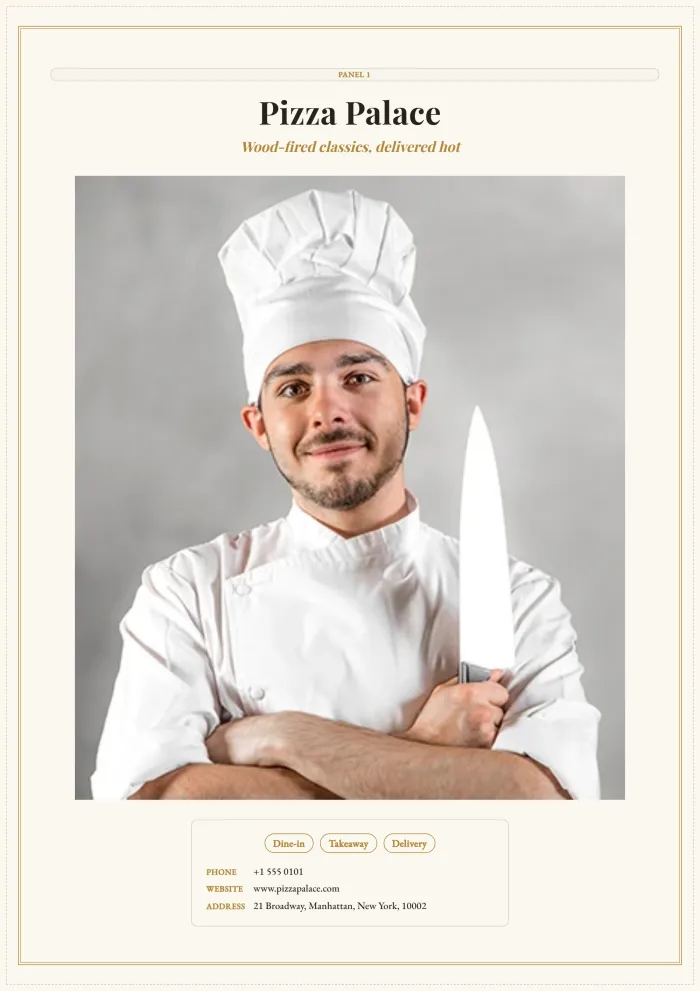
Twenty-four menus, ready for press: pick a design and the generator lays your real dishes and prices onto exact A4 — front and back — with the crop marks and fold guides a printer expects. Print from the browser, or save the PDF for the print shop.
From the moment it lands, it belongs to the kitchen.
Buy HTML
Buy PHP Vanilla
Buy PHP Laravel
Buy WordPress
17 Reporting
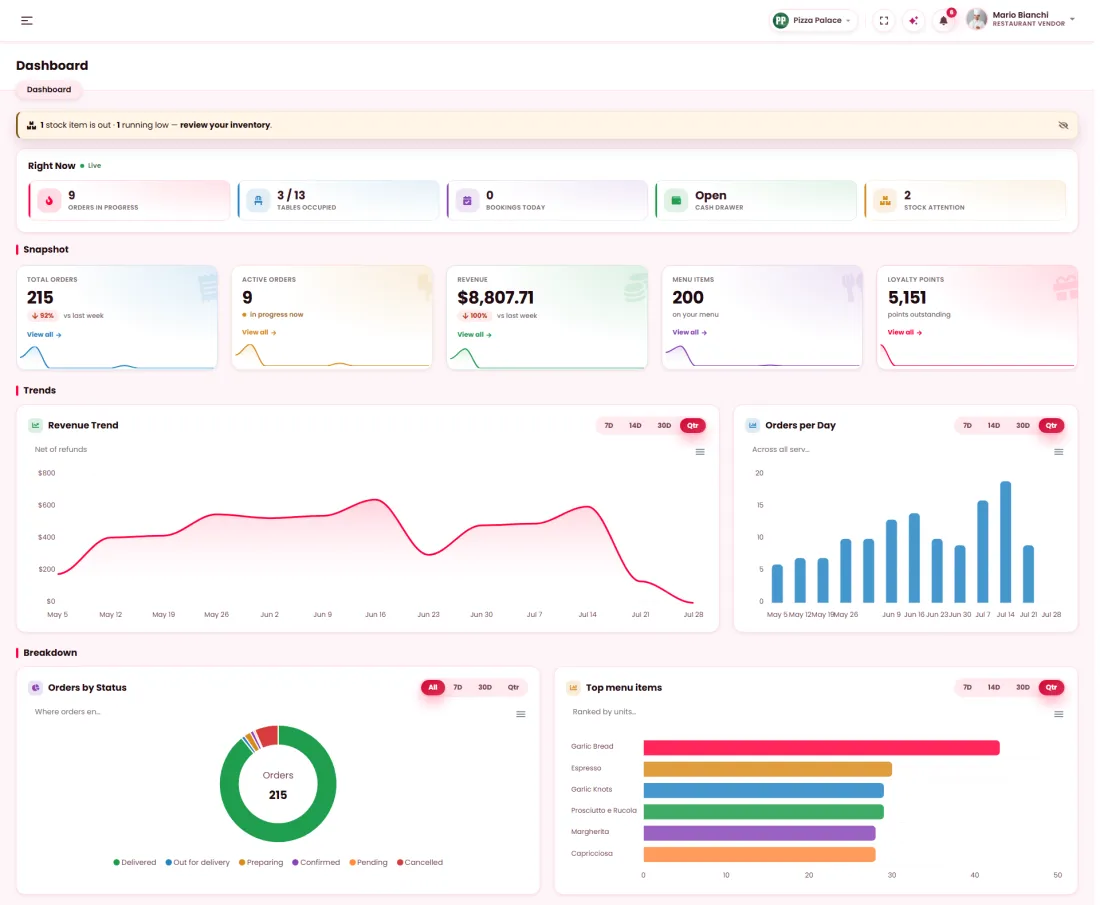
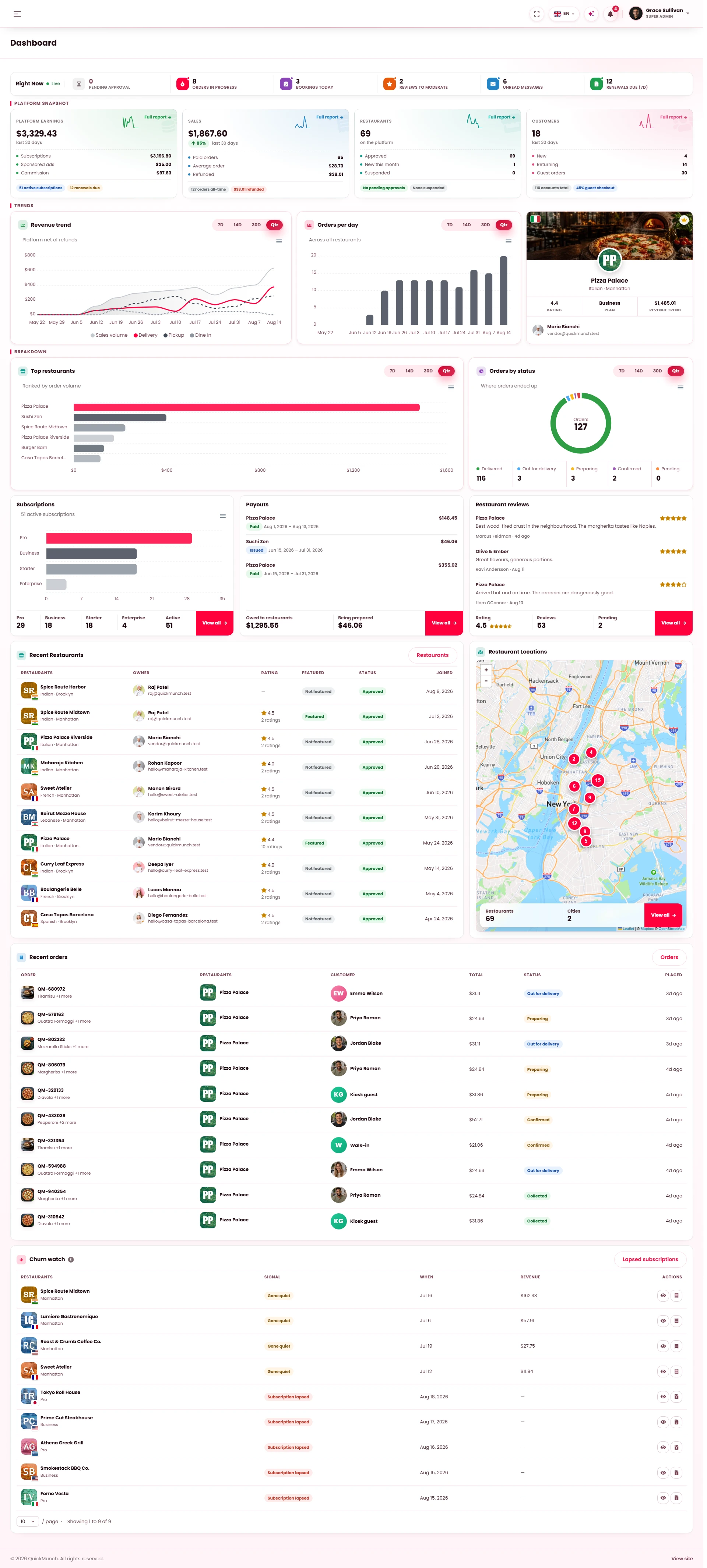
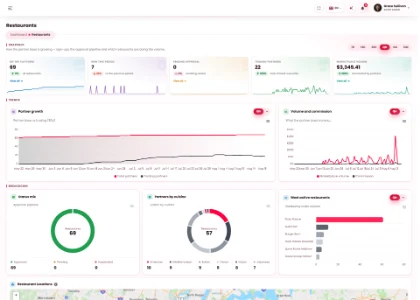
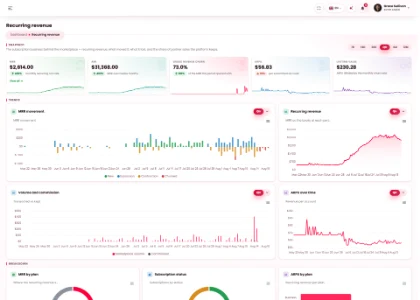
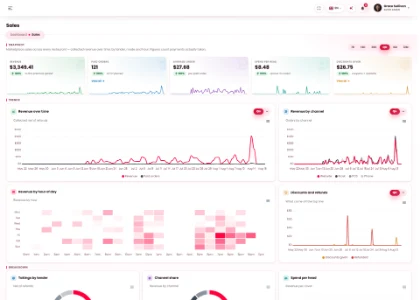
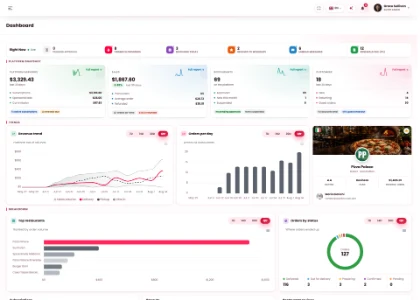
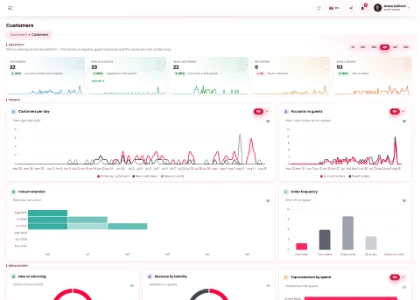
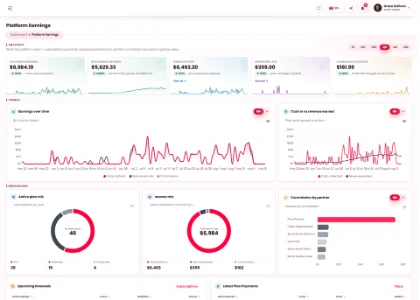
Revenue, sales, menu, customers, operations and reservations — on the platform and inside every restaurant, each with its own period.
18 Assistant
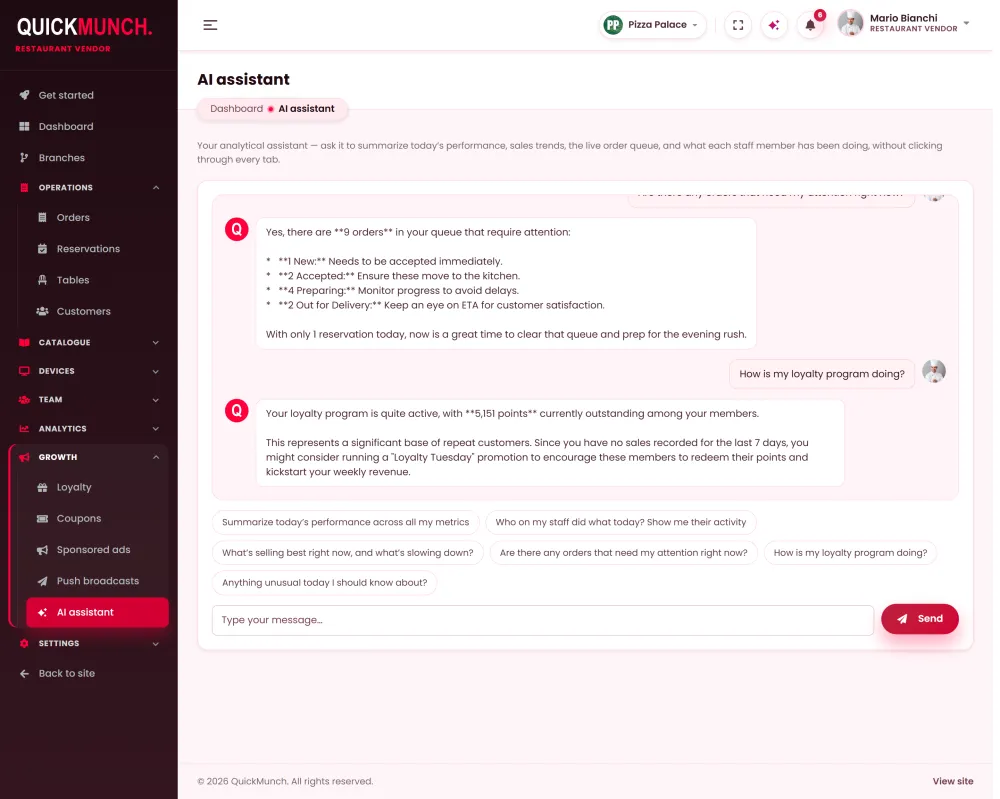
It reads today’s orders, revenue, the live queue and who was on shift, then answers in plain language. Bring your own key — it stays off, and offline, until you do.
OpenAI gpt-4o-miniAnthropic claude-sonnet-5Google Gemini gemini-3.1-flash-liteOpenRouter llama-3.3-70b-instruct:free
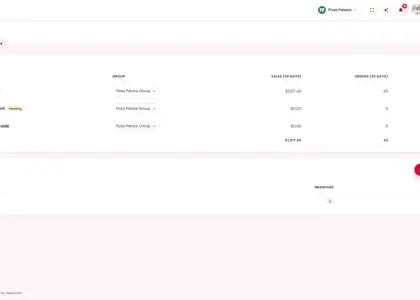
19 More than one
Add the second venue from inside the dashboard and it lands in the same approvals queue the first one went through. Each branch keeps its own takings and order count, and one click re-points the whole dashboard at it.
A Business model
Who takes the payment, and who owes whom afterwards. Chosen at install, changed whenever.
Independent restaurants join you. You collect, keep a commission, and pay out the balance.
Every venue is yours. Nothing is owed onward, so there is no payout run at all.
Franchisees collect through their own gateway. You invoice a royalty on their sales.
What you offer
Eight services — one platform.
B White-label ready
How the money moves and what the install offers are separate settings. Switch off anything this business does not sell — including the marketplace front end, which leaves a services install: the dashboard plus the per-venue guest surfaces.
C Growth
Commission is the obvious one. These are the rest — built in, not bolted on.
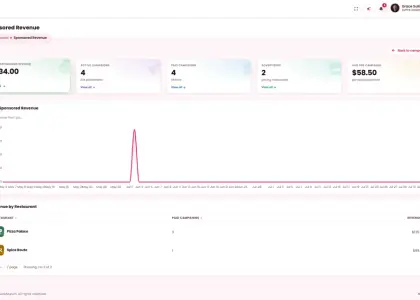
Seven sponsored slots across the storefront — hero slide, home box, tall banner, home card, feature video, listing and mega-menu. You set the monthly price, approve, mark paid, and it goes live. Empty slots fall back to a house promotion instead of a gap.
 stripe
Mollie
Square
Paystack
Flutterwave
PayU
SSLCommerz
Cash on delivery
Offline
stripe
Mollie
Square
Paystack
Flutterwave
PayU
SSLCommerz
Cash on delivery
Offline
Stripe and PayPal on your own checkout, six hosted-page gateways for Europe, the Americas, Africa and South Asia — every payment confirmed by the gateway itself — plus cash and manual settlement for markets where cards are not the default.
Collect subscribers to your own database, or collect and push them to a Mailchimp audience. Per-placement, so the footer and the checkout can behave differently.
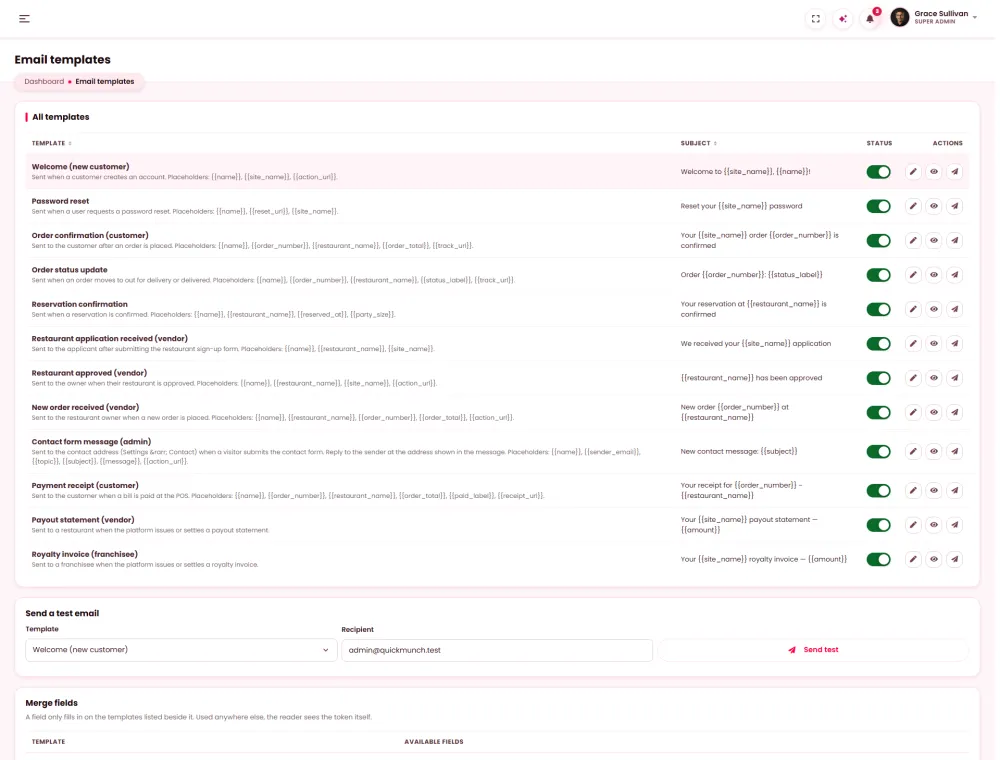
Eight transactional templates, edited visually or in HTML, with a live preview beside them.
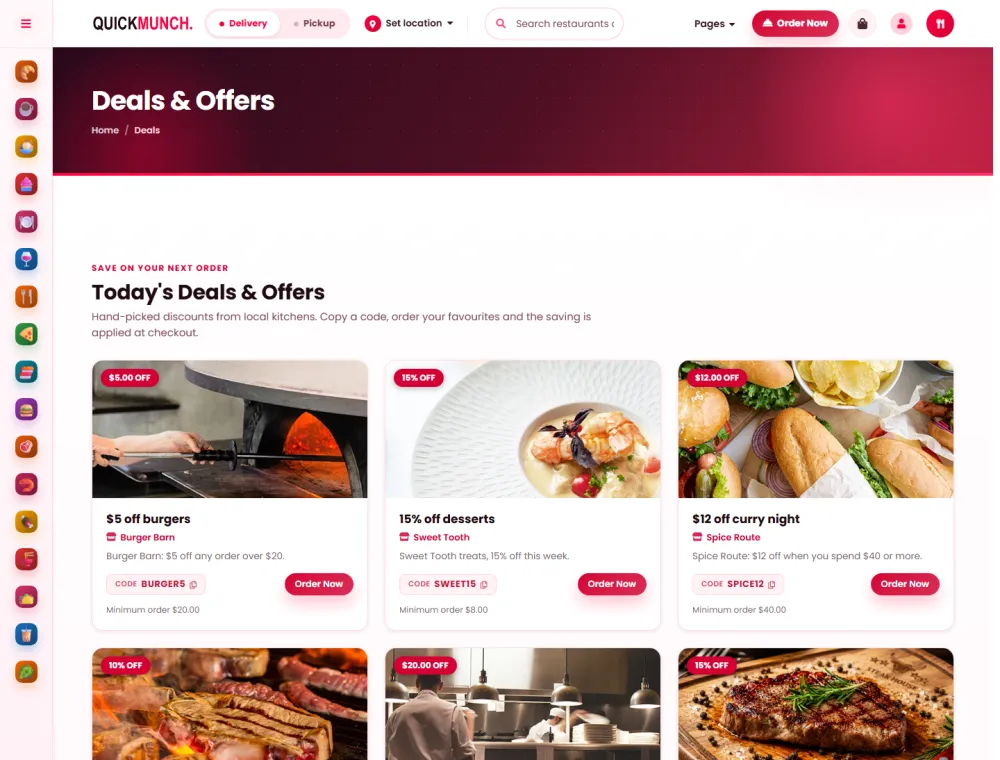
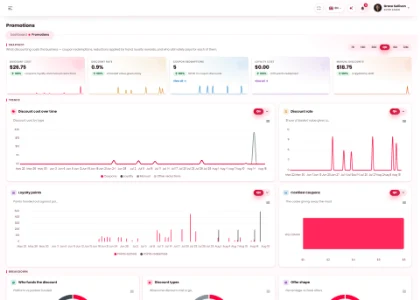
Platform-wide deals, and per-restaurant codes with their own limits and expiry.
Pages, posts, categories and tags, plus builders for the navigation, header, sub-header and footer. Comments moderated in the same place.
Subscription tiers, each with its own price, billing cycle and commission rate — monthly, yearly or one-off. A restaurant can pay a plan rather than a percentage, or both.
Only a delivered order can be reviewed — one review, moderated before it shows. Ratings a visitor can trust are the cheapest growth there is.
D Payments · WordPress edition
Stripe, PayPal, Square, Mollie, Razorpay, Paystack, Flutterwave, Mercado Pago and Payfast — plus cash on delivery with no keys at all. Switch on the ones your market pays with.
StripePayPalSquareMollieRazorpayPaystackFlutterwaveMercado PagoPayfastWordPress edition. Checkout runs through WooCommerce, so any of its gateways plugs in. The PHP editions take Stripe, PayPal, cash and offline payments.
E Access
Granted by privilege, not job title. The greyed panels are not disabled — they are gone from that person's navigation.
F Languages
Switch the language and the whole interface turns around — rail, tables, charts and buttons, not only the words. Try it on the panel.
G Running it
Unglamorous, and the reason a platform survives its first year.
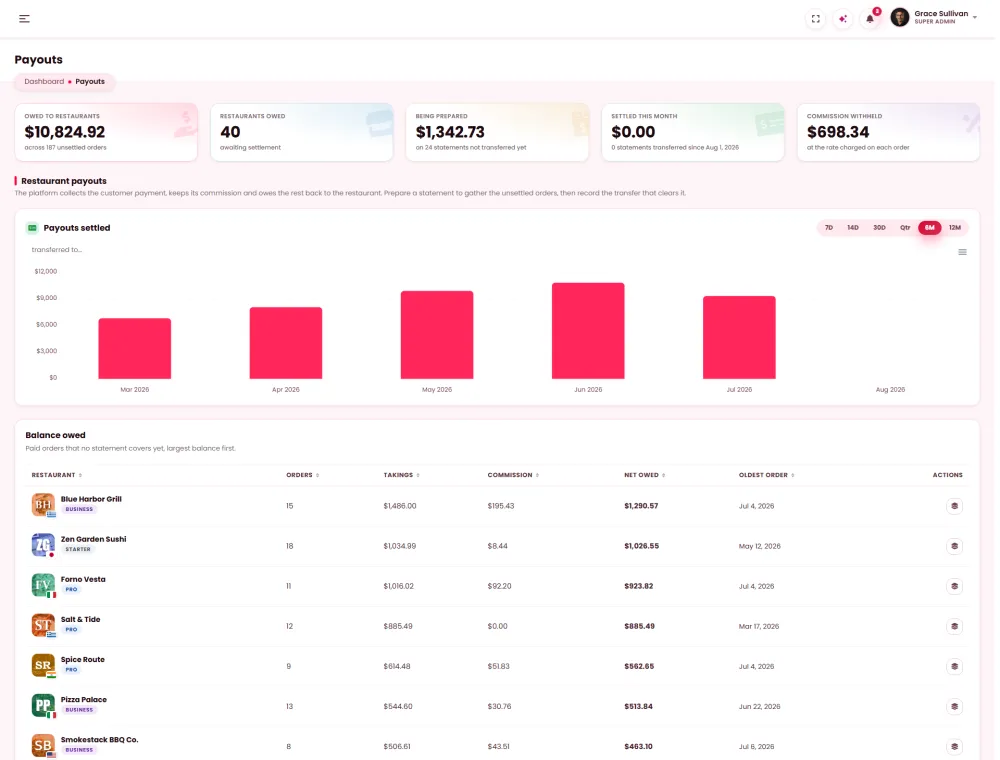
What each restaurant is owed, per period, reconciled from commission automatically — and their own view of the same figures.
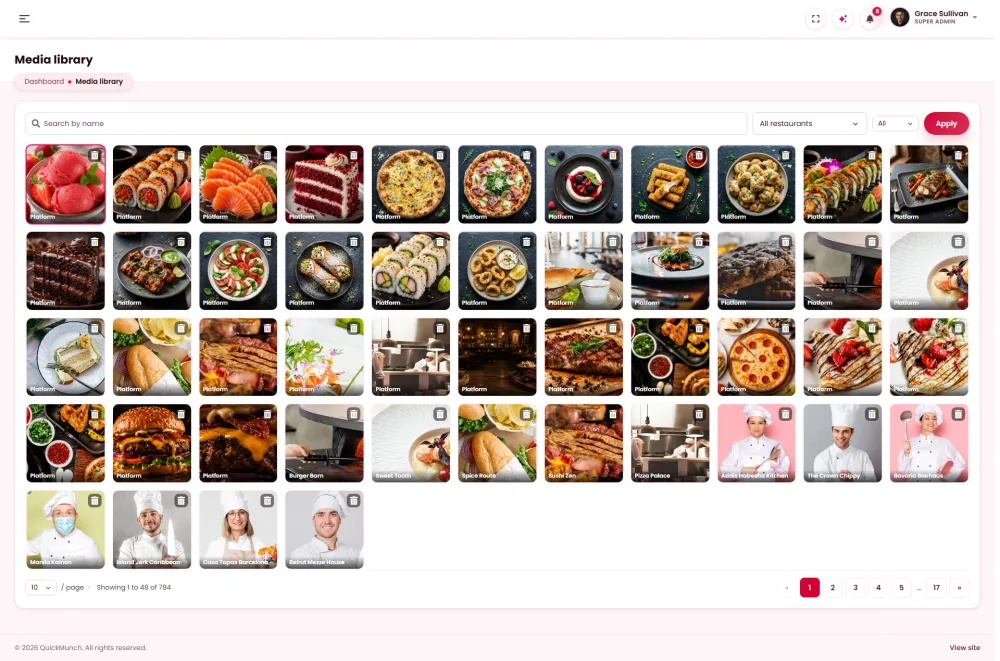
One place for every upload, kept per restaurant so nobody browses anybody else's files.
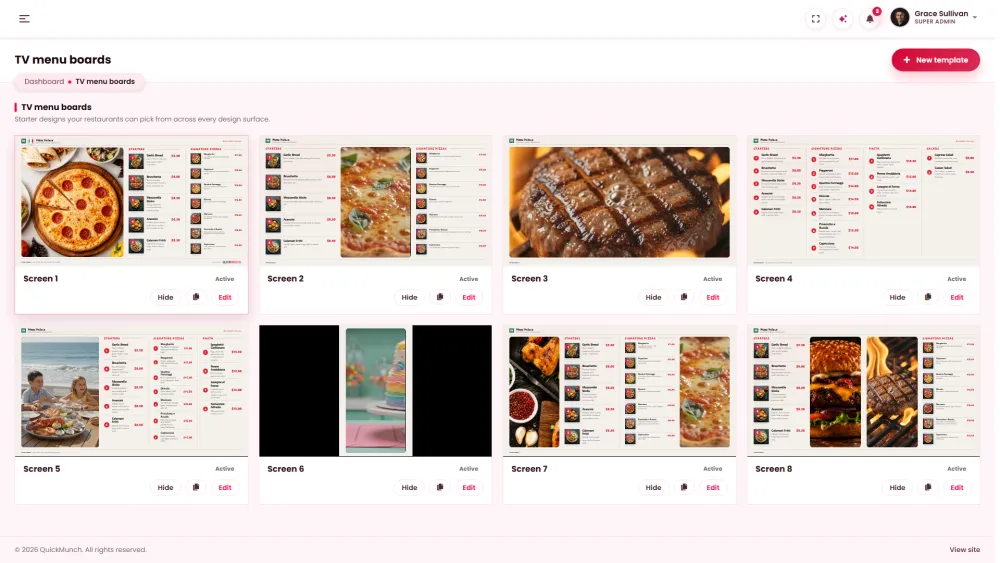
Board, card and printed-menu designs published from the platform to every venue at once.
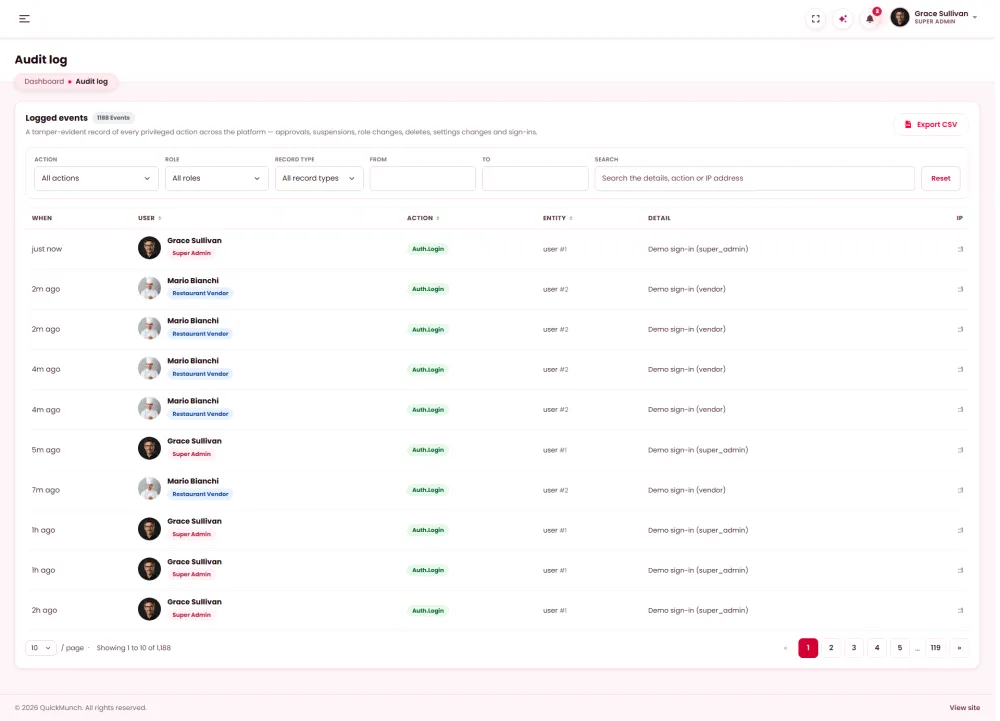
Who changed what, and when. The first thing you want the day something looks wrong.
A new restaurant gets a checklist scored against its own data — menu, hours, delivery, payments — so nobody goes live half-configured.
Cuisines, food types and dietary tags are yours to edit — rename them, add your own, and every filter follows.
Profiles, order history and a balance staff can adjust at the till.
Announce to a whole role or a single restaurant. Routine notices respect a mute; an urgent broadcast still gets through.
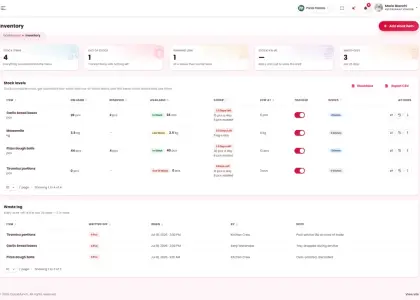
Ingredient counts fall as orders are made, and a dish goes unavailable on its own.
Requirements, database, admin, done. No shell access needed.
H Integrations
Payments, messaging, maps, marketing and the A.I provider of your choice — keys in settings, no middleware, no per-connection fee.
 Stripe
 PayPalWooCommerceTwilioMailchimpGoogle AnalyticsSearch ConsoleBusiness ProfileGoogle MapsOpenAIClaudeGeminiOpenRouterWPBakeryElementor
I What it is
Not a storefront with a dashboard bolted on. Four complete products, one codebase, one database, one licence.
Customer storefront
Six homepage layouts, three menu styles, guest or account checkout.
Restaurant
Menu, orders, tables, devices, staff, loyalty — and its own reporting.
Staff
Role-limited, PIN-locked screens for the line, the floor and the till.
Platform admin
Approvals, plans, payouts, campaigns, CMS, white-label branding.
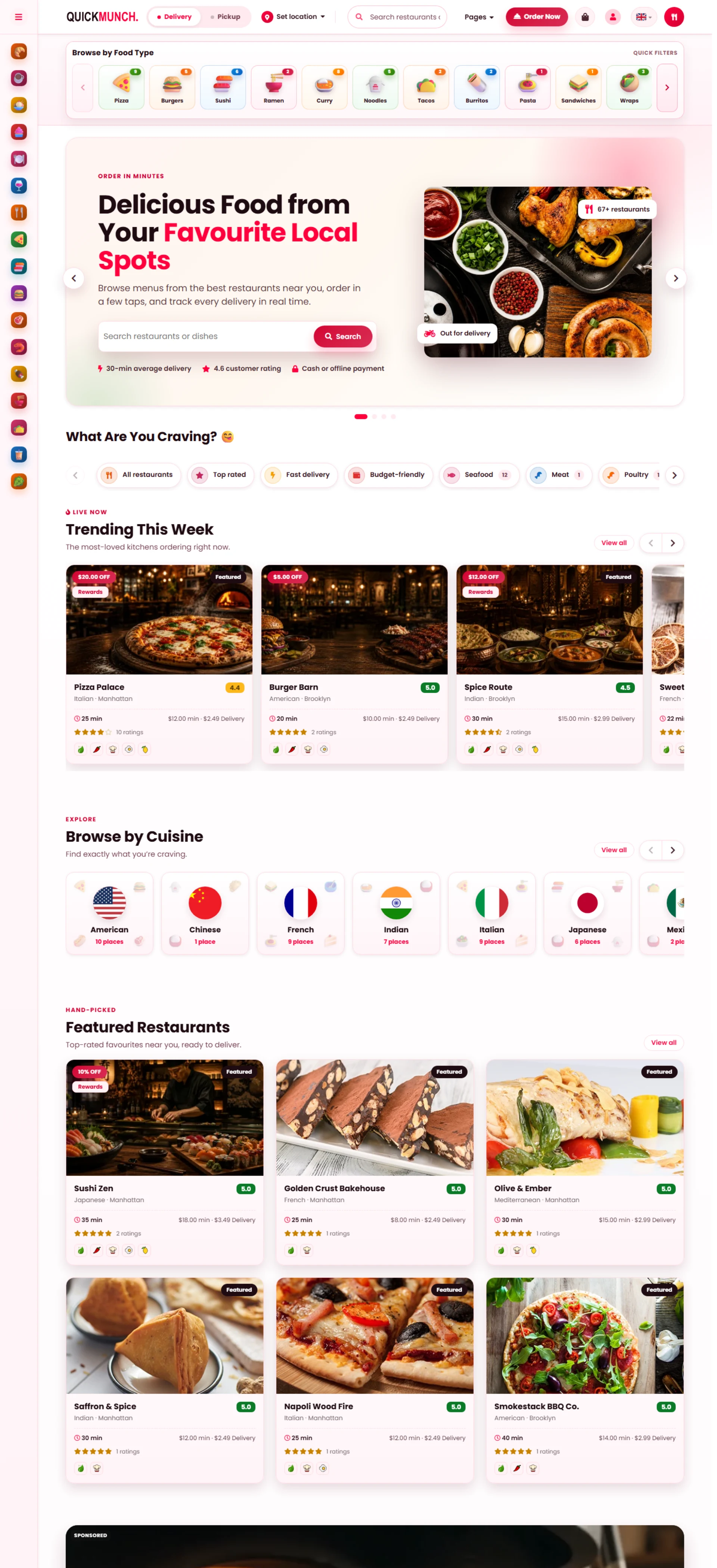
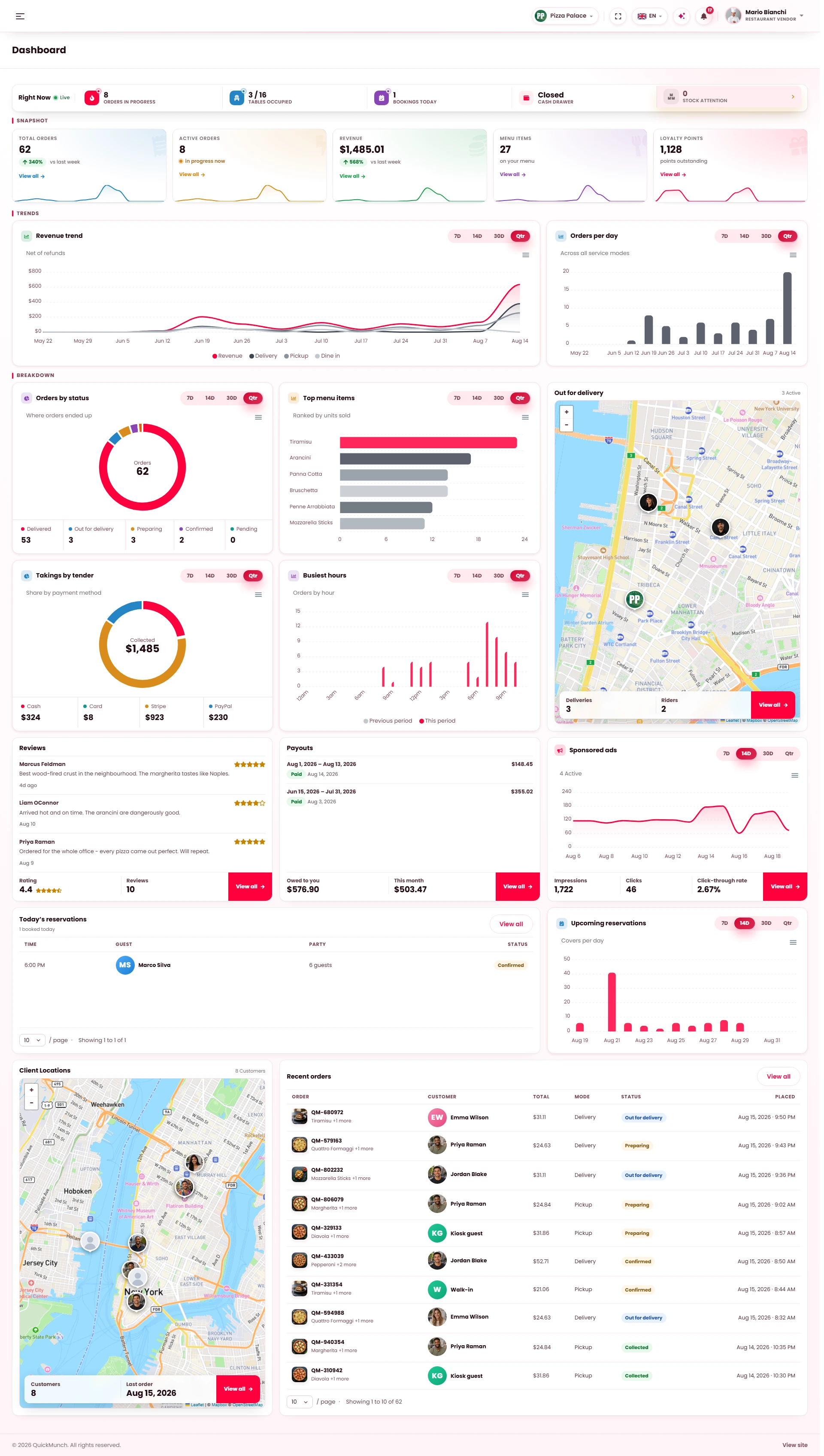
The same product, four codebases — buy the one your team ships with. Secure checkout and instant download.
$55 $34.99 one licence
Every screen as 257 static HTML pages — the storefront, both dashboards and the design studio, ready for any backend team to build on.
$100 $49.99 one licence
The complete running platform in plain PHP — web installer, no Composer, at home on any shared host.
$100 $49.99 one licence
The same platform, framework-native on Laravel 12 — Blade views, artisan tooling, a standard Laravel deployment.
$199 $123.99 one licence
The same platform as a WordPress theme on WooCommerce — one-click demo import, every page editable in WPBakery or Elementor.
Pay once — it’s yours forever.
Updates and upgrades included.
Don’t take our word for it
One click — your assistant opens with the question already asked.
The things people ask us before they commit — answered plainly.
White label
Running it as your own product, under your own name.
Restaurant
Using it to run venues, service and the floor.
Developer
Installing it, hosting it, and changing the code.
Formats
HTML, PHP Vanilla, Laravel or WordPress — and which one you need.
Four ways, and you can run all of them at once: a monthly or annual plan each restaurant pays you, a commission on every order that comes off the top automatically, your own delivery with per-distance fees instead of an aggregator taking the margin, and internal ads — restaurants buying hero slides, home boxes and listing banners on your storefront. See the other way a platform earns and three ways to operate, or work out what you would earn.
They are yours entirely. Create as many subscription tiers as you like, each with its own price, billing cycle and feature set, and decide per plan whether a restaurant pays a flat fee, a percentage, or both. Nothing is hard-coded and there is no revenue share with us — see how the models work.
Whichever you choose, and you can change it later. In marketplace mode you collect everything and pay restaurants out on a settlement run; in franchise mode each venue collects through its own gateway and you invoice a royalty; in my own restaurants mode every payment is simply yours. One switch in the dashboard — the three models.
Completely. Your logo, your colours, your name, your domain, your favicon — and the branding reaches the e-mails, the receipts and the printed menus, not just the header. There is no "powered by" anywhere a customer or a restaurant can see, and one setting recolours the entire platform: white-label ready.
No. It runs on your server, so the only ceiling is your hosting. No per-order fee, no per-restaurant fee, no monthly cost to us, however large the platform grows — that is the whole point of buying it once. Branch groups and multi-venue owners are handled natively: one owner, every location.
Approving restaurants that apply, watching payouts settle, and deciding plans and campaigns — the rest runs itself. Six reports on the platform side tell you what is earning, and the AI assistant answers questions about your own data. See reporting and running it.
Yes — every one of the eight in-venue systems is a switch. Turn off the storefront and use it purely as a till; turn off delivery and run pickup and dine-in only; add the kiosk next year. You are never forced to replace something that already works: eight services, one platform.
Each role only ever sees its own job — the kitchen sees the pass, the waiter sees the floor and the till, the host sees the book. Screens are PIN-locked, so a shift change is a four-digit code rather than a logout, and nobody can wander into settings by accident: everyone sees their job.
In one queue, on one board, with the channel marked and the clock running from the moment it arrives. The kitchen never has to watch four devices, and nothing is retyped between systems: every channel, one board.
Yes — a booking page on your own storefront, a host calendar for the day, and an interactive floor plan where the tables sit where they really stand, shared with the reservation book. See filling the room and the floor plan.
Only if you want them. Set a radius, charge by distance, and follow each order to the door with the rider app — or switch delivery off entirely and run pickup and dine-in. See set the radius, charge by distance.
One thing. The menu, prices and stock live in one place and every surface reads it — storefront, till, kiosk, QR table, the TV boards above the counter and the printed menus. Mark it sold out once and it is gone everywhere: design once, every screen follows.
PHP 8.2+ with MySQL or MariaDB. The Laravel edition is framework-native Laravel 12 — Blade views, artisan commands, an automated test suite. The Vanilla edition is the same platform in plain PHP with its own small core, no framework. Both ship the full source, commented, nothing obfuscated or encoded.
None of them. Every asset is compiled in the download, so deployment is upload, open the address, answer four screens. Node is only needed if you want to edit the CSS partials or scripts and rebuild them.
PHP 8.2 or newer with the usual extensions (pdo_mysql, mbstring, openssl, gd, fileinfo, curl, zip, intl), MySQL or MariaDB, and a writable storage folder. Ordinary shared hosting is fine. The installer checks every requirement before writing anything and names whatever is missing.
Yes, and that is the argument for the Laravel edition: standard structure, standard tooling, so your team works the way it already does. Integrations are keys in settings rather than hard-wired code — what it plugs into.
The schema is versioned and updates run as migrations, so your data and your edits to unrelated files stay put. You control when an update is applied — nothing phones home or updates itself. Full detail lives in the documentation.
None to run. A default install makes zero external requests — no CDN, no tracker, no phone-home. Payments, maps, messaging, marketing and AI are optional: paste a key in settings to switch one on, leave it blank and the feature simply stays off.
Buy HTML if you have a backend team and want every screen designed and coded, ready to wire up. Buy PHP Vanilla if you want the whole platform running today on ordinary shared hosting, with no build tools. Buy PHP Laravel if your developers work in Laravel and you intend to extend it yourself. Buy WordPress if your site already runs on WordPress and you want the platform as a theme on WooCommerce, with pages you edit in WPBakery or Elementor. Undecided between the two PHP editions? Take Laravel. Compare all four.
The same product. Same screens, same eight in-venue systems, same four applications, same design. What differs is the codebase underneath — static pages, plain PHP, Laravel, or a WordPress theme on WooCommerce. Nothing is held back from the cheaper one: one install, four applications.
257 static pages covering every screen — six homepage layouts, the customer storefront, both dashboards and the design studio — with full RTL and zero CDN calls. It is the complete front end for a team building its own backend. Open the HTML demo.
The theme and a child theme, the companion plugins that carry the platform, and WPBakery bundled. Orders, payments and accounts run through WooCommerce and its gateways, alongside the POS, kiosks, QR table ordering, kitchen display, and the TV and printable menus. Import the WPBakery or Elementor demo in one click and every page is yours to edit. See the WordPress edition.
Functionally nothing; operationally quite a lot. Vanilla has no framework and no Composer, so it lands on cheap shared hosting and stays simple to hand over. Laravel gives you Blade, artisan, migrations and a test suite, which is what you want if the platform will keep growing. Same price, so choose by team, not by budget.
Yes — all four share one design, and the HTML screens map directly onto the PHP editions. They are separate products, so moving means buying that licence, but nothing is wasted and nothing has to be redesigned.
One licence covers one installation, bought once and yours permanently: no subscription, no per-order fee, no renewal to keep it running, with updates and upgrades included through the marketplace you bought it from. A second site needs a second licence. See pricing.
Everything above ships together.
10 Quick Social · 11+ channels
Then distribute it
on 11+ social media channels.
Sign up with Google and your Business Profile comes with you. Start from a dish or one of your photographs, let the AI write the caption or make the picture, finish it in the studios — and Quick Social shares it on every network on a calendar, from the restaurant's own dashboard.
Sign up with Google
your Business Profile syncs
Start from
a dish, or a Google photo
Pass it through the AI
caption written, picture made
Edit it
Image studio · Video studio
Campaigns, video and a calendar,
distributed to every network
Posts & pictures
Text, photos, a shared video
Native video
Shorts, Reels, TikTok, video pins
How it lands on each channel
The composer's own preview cards: one post from the dish, drawn the way each network shows it
Margherita night 🍕🔥 straight out of the wood-fired oven — delivery or pick-up 🛵 #pizza #foodtok
original sound · Pizza Palace