
Under the hood

How Quickmunch works,
from order to payout.

Follow one order through every part of the platform: where it comes in, who cooks it, how it reaches the guest and where the money goes.

  • 7ways an order comes in
  • 1kitchen board for all of them
  • 3business models
  • 12events your other tools hear

01  The whole platform  ·  one sheet

One order, every part.
From the door to the money.

Every way an order arrives, the kitchen it lands in, how it reaches the guest, where its money goes, and how Quick Social brings guests back. Pick how you run it, then tap a door to follow an order.

How a marketplace earns
  1. 01Comes in
  2. 02Into the kitchen
  3. 03Handed over
  4. 04The money settles

Every door leads to the same order and the same kitchen. Card orders are paid before the kitchen sees them; cash is paid when the food is handed over.

2.0Dimmed: in development

01 Comes in

Orders come from tap to follow

Returning guests
  • Branded mobile appseach restaurant’s own iOS and Android app2.0

Brings guests in

  • Loyalty
  • Coupons
  • Deals
  • Sponsored ads
  • Reservations
  • Win-back emails
  • Newsletter
  • AI growth autopilot

02 Into the kitchen

One orderwhichever door it came through

Card orders pay first

  • Stripe
  • PayPal
  • Square
  • Mollie
  • Paystack
  • Flutterwave
  • PayU
  • SSLCommerz

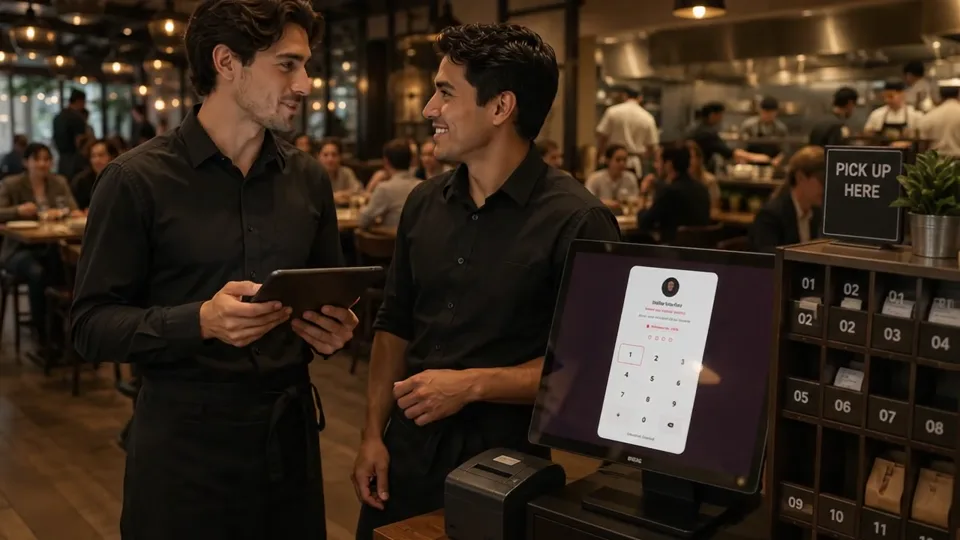
The kitchen never sees an unpaid card order. Cash, pay at the counter and Uber Eats go straight to the board.

New

#1041Tiramisu

Preparing

#1039Carbonara
#10402× Garlic bread

Ready

#1038Diavola

In the venue

Works the order

  • Floor planzones and tables, each with its live status
  • Receiptsdesigned once, printed at the till or emailed
  • Kiosks and tillseach paired with its reader, printer and drawer
  • Staff locka shared screen, opened with each person’s PIN

Shows the live menu

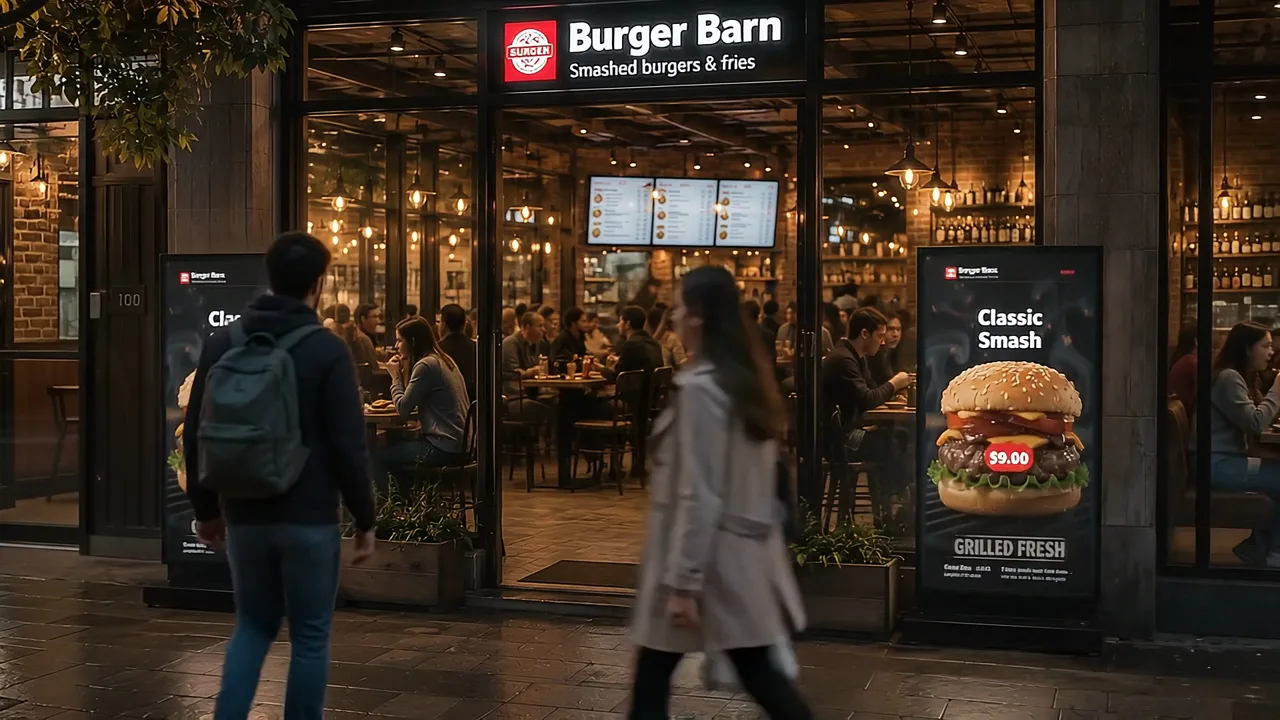
  • TV menu boardspaired by code: dishes, images or video
  • TV slideshowsboards in rotation, by time of day
  • Printable menusprint-ready designs from the menu

Printed for the tables

  • Table QR cardseach table’s own scan-to-order code
  • Payment QR cardsa fixed scan-to-pay link for the counter

03 Handed over

Who is told

  • The kitchen and the teama new ticket, with a chimeBellPush
  • The ownerevery new orderBellEmail
  • The guestconfirmed with a tracking link, then each stepEmailBellPush
  • A party waitingtheir table is readySMS

And your other tools

  • Webhooks and Zapier
  • Slack
Served or collecteddine in and pickup; cash is paid here
The guestat the table or the door
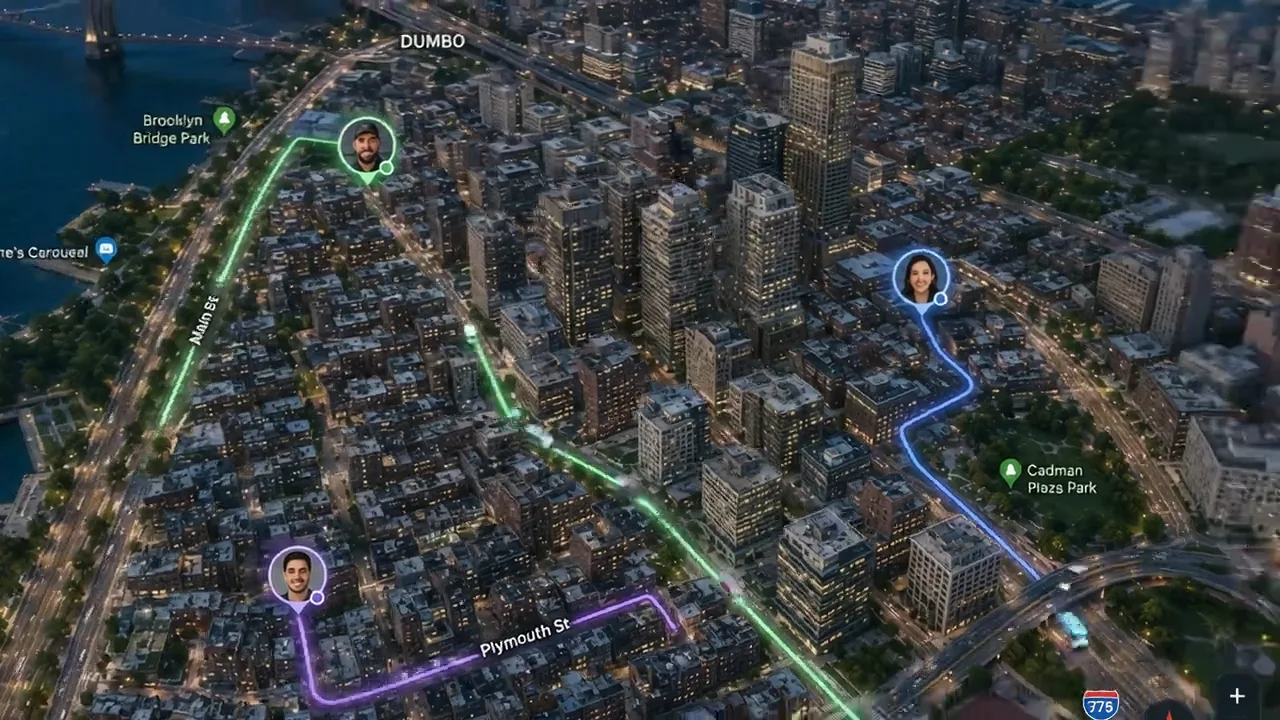
Your own ridersthe rider app, tracked live
On-demand couriersDoorDash Drive or Uber DirectDoorDash DriveUber Direct

04 The money settles

Super admin wallet

$12,480.20

Commission, plans and ads this month

    Where it comes from

    • Commission
    • Royalty
    • Plans
    • Sponsored ads

    Payout: its share

    Restaurant income

    $8,940.60

    Pizza Palace · its share after commission

    #1041 · Tiramisu$16.20

    Restaurant $14.80Commission $1.40

    10% of the food, before delivery, tax and tip

    • Next payoutto its own Stripe or PayPal account$2,184.30

    Run from

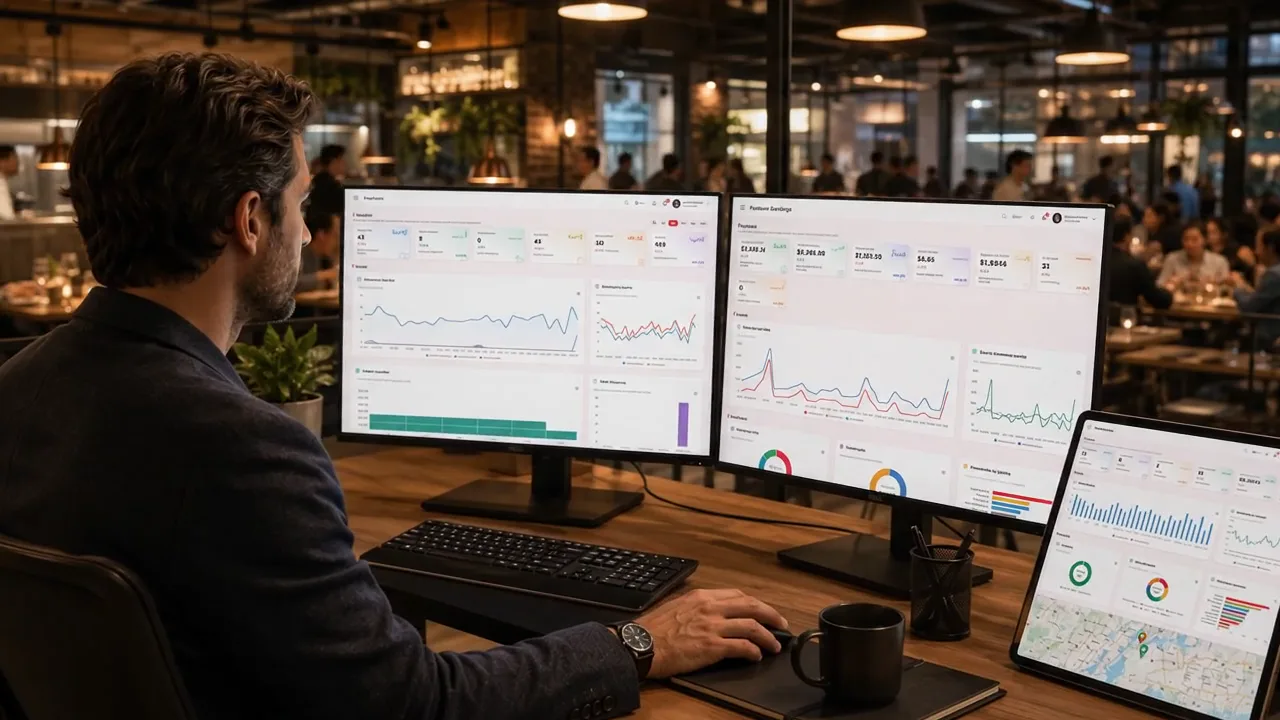
    • Restaurant dashboard
    • Platform admin
    • Branches
    • Reporting
    • A.I assistant

    AI operations agent

    • Demand forecast
    • Prep lists
    • Stock reorders
    • Shift planning

    01 Where guests come from  ·  Quick Social, out and back

    1Make the post

    1. A dish or a Google photofrom the menu or the Business Profile
    2. The AI writes itthe caption, or the picture itself
    3. Finish it in the studiosthe image studio and the video studio
    4. Post now or schedule iton the campaign calendar
    Quick Social one post, every account the branch connected

    2Out to every network

    Posts and pictures

    • Facebook
    • Instagram
    • Threads
    • X
    • LinkedIn
    • Pinterest
    • Telegram
    • Bluesky

    Native video

    • YouTube Shorts
    • TikTok
    • Instagram Reels
    • Facebook Reels
    • Pinterest video pins

    3Back from your guests

    • Googleguests’ photos and videos
    • Googlereviews
    • Tripadvisorthe latest reviews and photos
    • Facebookcomments on your posts
    • Facebookrecommendations
    • YouTubecomments on your videos
    • Blueskyposts that mention you

    Read again every few hours.

    4You approve

    • Priya S.a photo on GooglePending
    • Omar H.a review on TripadvisorPending
    • Daniel K.a review on GoogleApproved

    Nothing shows until you approve it. A link you paste yourself goes straight on.

    5On the restaurant’s page

    your-domain.com/restaurant/pizza-palace

    Pizza PalaceWhat our guests say

    A guest’s photo of a pizza
    Google

    ★★★★★

    Best Margherita in town.

    Daniel K. · Google
    A guest’s video of a birthday cake
    TikTok
    See the page it builds

    Guests see it, react, post and review

    Guests come back and order again

    Plugs into

    • Twilio
    • Mailchimp
    • Email (SMTP)
    • Web Push
    • OpenStreetMap, Mapbox or Google Maps
    • Business Profile
    • Tripadvisor
    • OpenAI
    • Claude
    • Gemini
    • OpenRouter
    • Slack
    • Google Drive
    • Google Sheets
    • Google Calendar
    • Zapier
    • QuickBooks
    • Xero
    • REST API

    03  An order’s life

    Five steps, forward only.
    Every one is told.

    An order only moves forward. Each step is logged with who moved it, and the guest, the team and your other tools hear it as it happens.

    1. PendingPlaced

      Through any door. A card order waits here until its payment is confirmed.

      order.placed
    2. ConfirmedAccepted

      By the restaurant, or on its own when the board auto-accepts.

      order.accepted
    3. PreparingCooking

      On the kitchen board, with a prep timer. Late tickets turn red.

    4. Out for deliveryReady

      On its way with a rider, or “Ready for pickup” and “Ready” at the counter and the table.

      order.ready
    5. DeliveredDone

      Handed over. Cash is booked, loyalty points are earned and it counts in the reports.

      order.delivered

    CancelledFrom any step before delivery. The coupon, the points and the stock it held are given back, and a courier on the way is called off. order.cancelled

    • Unpaid card orders never reach the kitchen.

      The board leaves them off until the gateway confirms the payment, and nobody can mark one delivered.

    • Abandoned checkouts clean up after themselves.

      A card order left unpaid is cancelled, and everything it was holding goes back.

    • Pre-orders wait for their time.

      A scheduled or catering order stays off the board until it is due, then the kitchen is told.

    • Two cooks, one ticket.

      Each line is ticked off on its own, and the ticket is ready when every line is.

    • A mistake walks back one step.

      A ticket marked ready too soon is recalled to the kitchen, without cancelling the order.

    • Pickup and dine in read right.

      The same step says “Out for delivery” to the dispatcher, “On the way” to the guest, and “Ready for pickup” at the counter.

    04  The money

    Three ways to run it.
    One switch.

    Pick the business model once, in the platform admin. It decides who takes the money, what the platform keeps and how everyone is settled.

    Marketplace

    Independent restaurants, on your platform

    Card payments
    Collected by the platform, on your gateway.
    Cash
    The restaurant’s own. No commission on it.
    The platform keeps
    Commission at the restaurant’s plan rate.
    Settled by
    Payouts of each restaurant’s share, by Stripe or PayPal, on a schedule or with Pay now.
    Also earns
    Plans and sponsored placements.
    Work out a marketplace’s income

    My own restaurants

    Every venue is yours

    Card payments
    Your own takings.
    Cash
    Your own takings.
    The platform keeps
    Nothing. You don’t charge yourself.
    Settled by
    Nothing to settle: one report across every branch.
    Also earns
    No plans or placements to sell.
    Run several restaurants

    Franchise

    Franchisees, under your brand

    Card payments
    Taken by the franchisee, on its own gateway.
    Cash
    The franchisee’s, at its own till.
    The platform keeps
    A royalty on every order, card and cash.
    Settled by
    Royalty statements the franchisee pays online.
    Also earns
    Plans and sponsored placements.
    Work out your royalty

    Commission and royalty are taken on the food: the subtotal after discounts, before delivery, tax and tip. The rate is the restaurant’s plan rate, fixed the moment the order is paid.

    Plans restaurants pay you the defaults; change any of them

    PlanPriceCommission
    StarterFree15%
    Pro$29 a month10%
    Business$79 a month7%
    Enterprise$149 a month5%

    Placements restaurants buy a month each, the defaults

    PlacementPrice
    Featured video$129
    Hero slide$99
    Home tall banner$65
    Home box$55
    Listing banner$45
    Home card or menu tile$35

    05  What it tells

    Your other tools hear it.
    The rest runs on its own.

    Every order, booking and review goes out to the tools you connect. One cron line runs everything that happens on a schedule.

    Twelve events, out as they happen

    • order.placed
    • order.accepted
    • order.ready
    • order.delivered
    • order.cancelled
    • order.refunded
    • reservation.created
    • reservation.cancelled
    • reservation.no_show
    • review.created
    • dish.off_sale
    • stock.low
    • Webhooks and Zapierto any URL you choose, retried when it fails
    • Slacka card per order that updates as it moves, plus the reports
    • Google Calendarevery booking, changed or cancelled with it
    • Uber Eats and courierstold when an order is accepted or cancelled
    The REST API and webhooks

    Runs on its own

    Every 5 minutes
    Scheduled order alerts · Payment checks · Payouts or royalty statements · Social posts due
    Hourly
    Abandoned orders cancelled · Reservation reminders · Unfinished order emails · Email delivery and retries
    Daily
    Subscription renewals and expiry · Loyalty points expiry · Drip emails
    Weekly
    The performance report PDF · Old logs trimmed

    The jobs that send marketing email start switched off. You choose which ones run.

    Rated five stars

    Loved by
    more than 145 clients.

    Excellent product and outstanding support! Great product with excellent features! Quickmunch works very well, and the support team is super fast, helpful and responsive. Highly recommended! 👏

    A Quickmunch client

    Very clean, easy to customize, excellent communication with the seller! Highly recommended!

    Customizability

    Best template, clean code and fast support.

    Code quality

    Very nice and clean template.

    Design quality

    Thank you for helping me; the issue is fixed. If you want one system for everything, choose Quickmunch. Thanks again to the author, I can see the hard work. We love you!

    Customer support

    CodesterMost popular item for more than 7 weeks

    Every part, one install.
    Yours to run.

    Bought once, installed on your own server, with no subscription and no fee per order.

    Suggest a feature