
 English
 العربية
 Español
 Français
 বাংলা
বাংলা Русский
 Nederlands
 हिन्दी
 اردو
اردو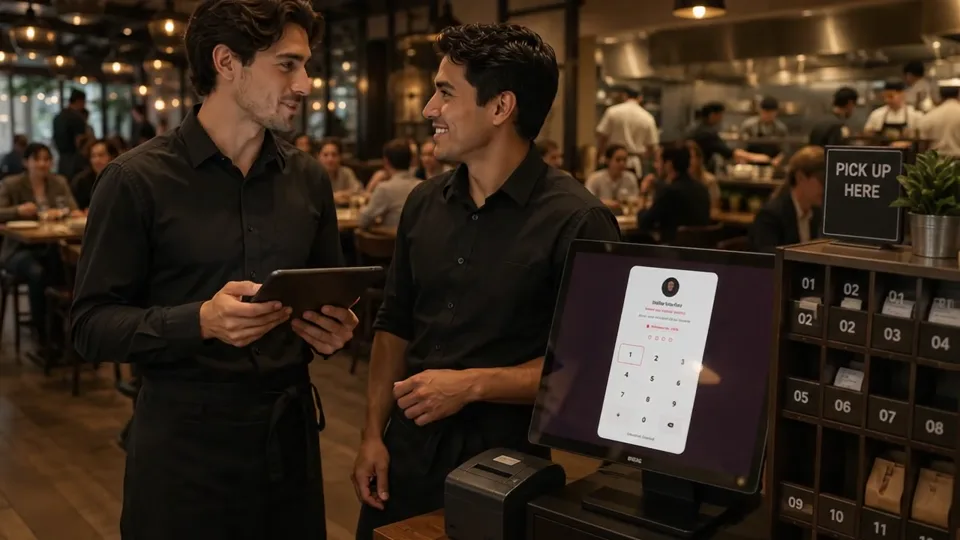


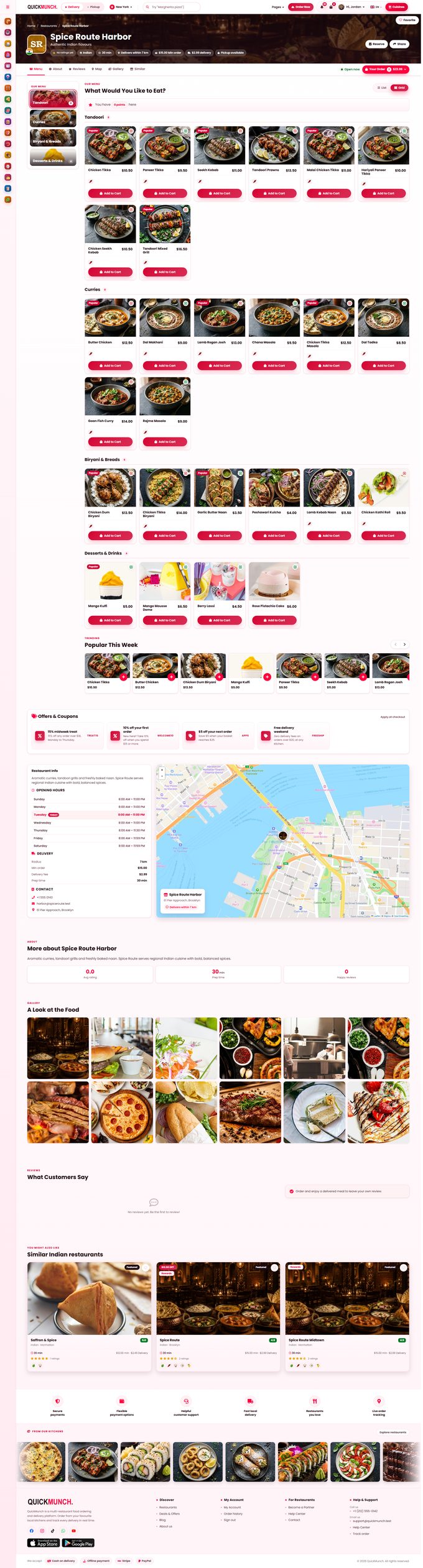
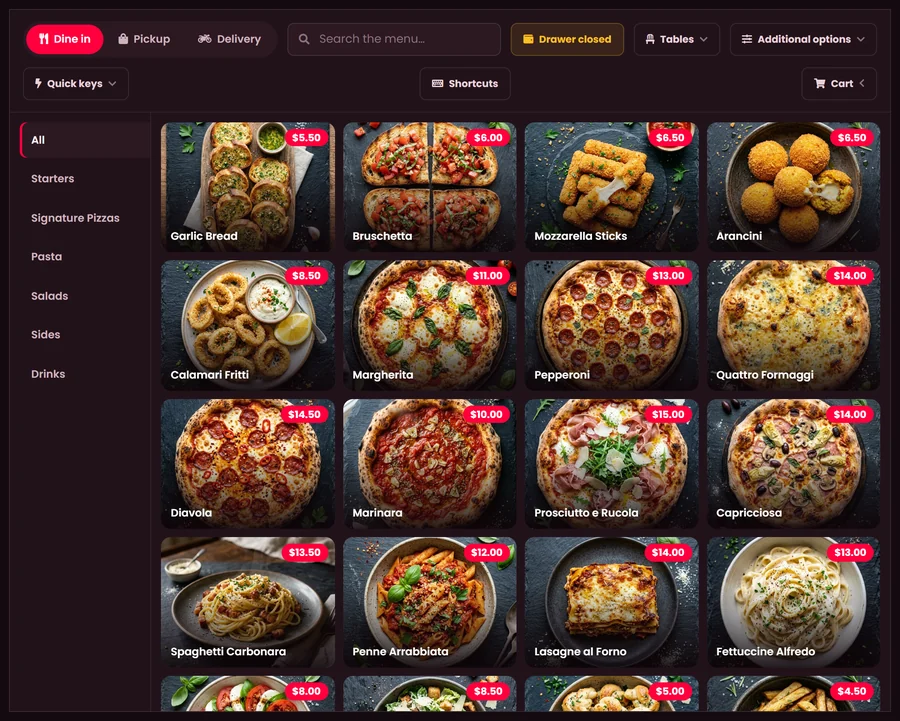
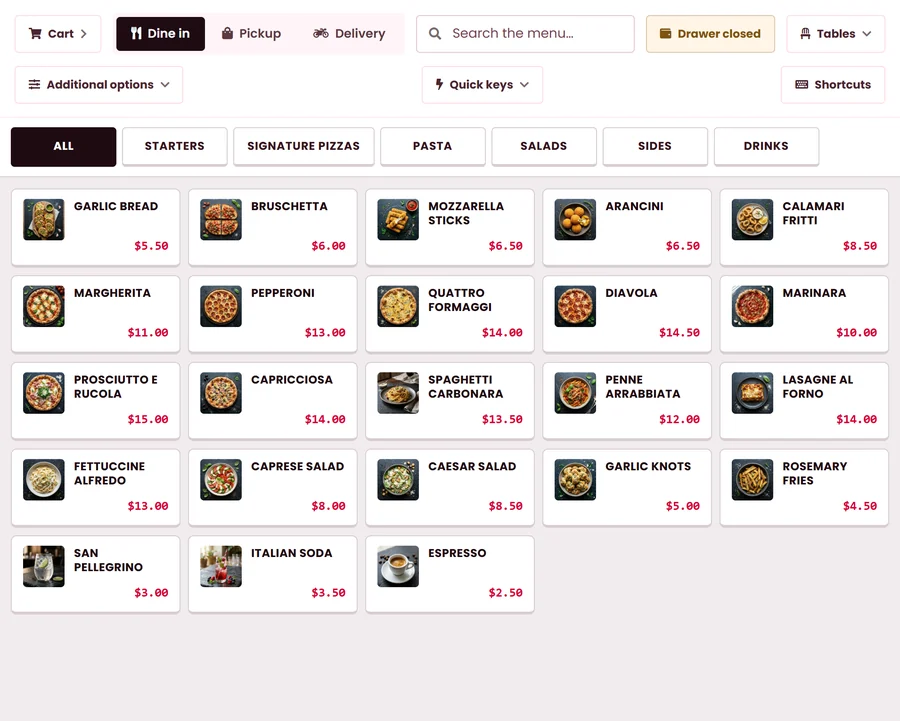
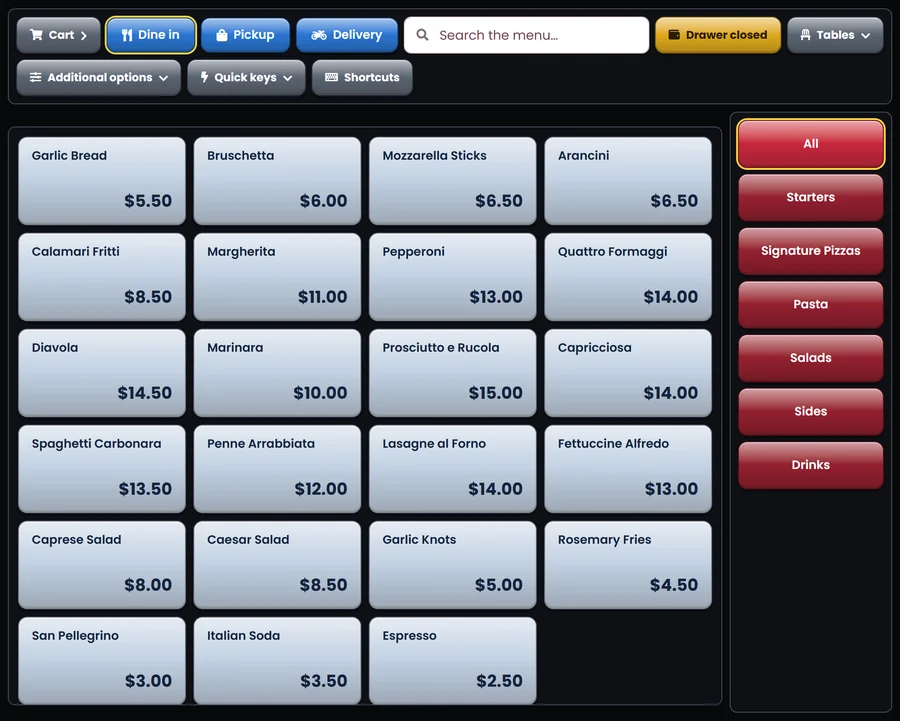

Best Margherita in town. The crust is perfect and it was at our door in 20 minutes.
 Daniel K.2 days ago
Pizza PalaceThank you, Daniel! See you on Friday 🍕
Restaurant ordering system · POS · Kiosk
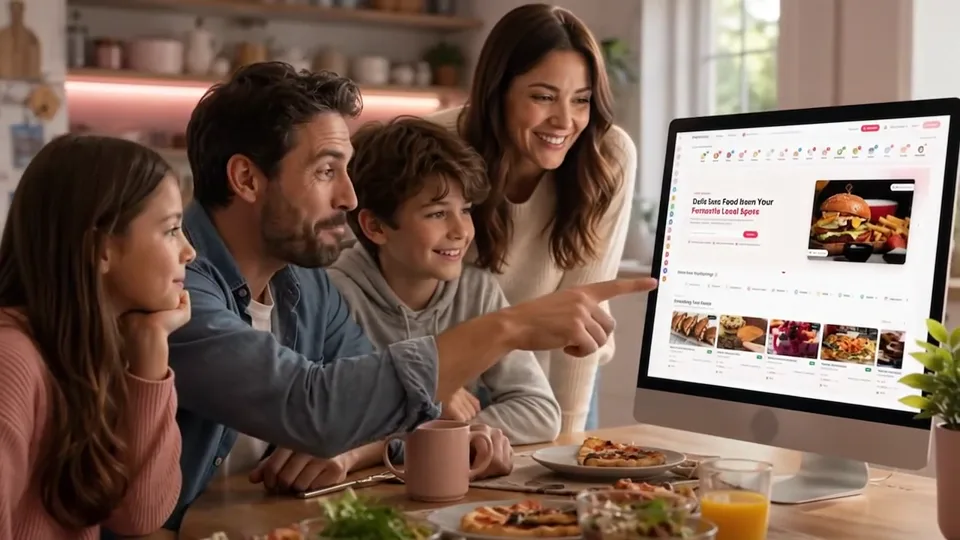
Guests order delivery or pickup from your own website, pay online and follow the order to their door.
Loved by 145+ clients · one payment · we install it for $59
Loved by 145+ clients
 Most popular item for 7+ weeks
 Stripe
 PayPal
 Square
 DoorDash Drive
 Google Business
 QuickBooks
01 The real cost
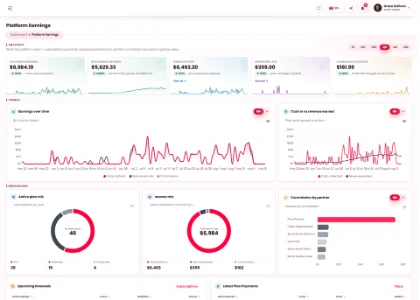
The apps take a cut of every order, every month. Quickmunch is one payment for the system that runs your website, your POS, your kiosk, your kitchen and your bookings.
Per order, per month, and who keeps the customer
| Cost | Your own systemQuickmunch | DoorDash | Uber Eats |
|---|---|---|---|
| On a delivery order | 0%with your own riders, or the courier’s fee per delivery | 15% – 30% | 20% – 30% |
| On a pickup order | 0% | 6% | 7% – 10% |
| On $10,000 of delivery sales a month | $0nothing taken | $1,500 – $3,000every month | $2,000 – $3,000every month |
| How you pay | $58.99, onceyours for good | A cut of every order, for as long as you sell | A cut of every order, for as long as you sell |
| Whose customer it is | Yoursnames, orders, loyalty | The app’s | The app’s |
| Your brand | Your own websiteyour name, logo and domain | Listed beside competitors | Listed beside competitors |
Rates are the US marketplace rates DoorDash and Uber Eats publish; your own agreement may differ. Card processing fees apply to online card payments everywhere, your own website included.
Every Quickmunch tool, next to DoorDash and Uber Eats
| Tool | All includedQuickmunch | DoorDash | Uber Eats |
|---|---|---|---|
| Ordering | |||
| Ordering website under your name | IncludedYour website, your domain | Sold separatelyOnline Ordering, card fees per order | Sold separatelyWebshop, through Uber |
| Live order tracking | IncludedOn your website | IncludedIn the DoorDash app | IncludedIn the Uber Eats app |
| AI phone line | IncludedTakes orders and bookings | Sold separatelyAI phone ordering | Not included |
| In the restaurant | |||
| Restaurant POS | IncludedFour till layouts | Not included | Not included |
| Self-order kiosk | IncludedOrder and pay at the screen | Not included | Not included |
| QR table ordering | IncludedA code on every table | Sold separatelyTableside Order & Pay, monthly fee | Not included |
| QR payment | IncludedAt the table and the counter | Sold separatelyTableside Order & Pay, monthly fee | Not included |
| Kitchen display | IncludedEvery channel, one board | PartlyAn order tablet | PartlyAn order tablet |
| TV menu screens | IncludedBoards from the live menu | Not included | Not included |
| Printed menus | Included24 print-ready designs | Not included | Not included |
| Receipts with your logo | IncludedPrinted from the POS | Not included | Not included |
| Bookings | |||
| Reservations and floor plan | IncludedNo per-cover fee | Sold separatelySevenRooms | Not included |
| Delivery | |||
| Delivery zones and your own riders | IncludedFees by distance, rider app | PartlyTheir drivers | PartlyTheir drivers |
| Marketing | |||
| Loyalty points and coupons | IncludedOnline and at the till | PartlyPromotions you fund | PartlyPromotions you fund |
| Social posting to 11+ channels | IncludedQuick Social, included | Not included | Not included |
| Your numbers | |||
| Reports and A.I assistant | IncludedEvery channel, six reports | PartlyDoorDash orders only | PartlyUber Eats orders only |
At a month on a 25% plan, the apps take
$30,000a yearQuickmunch, every tool in the table above
$58.99once02 How it works
Three steps from the purchase to the first order on your kitchen screen. Not technical? We do the first two for you.
Upload Quickmunch to ordinary web hosting. The web installer checks the server, connects the database and creates your admin account, no command line.
Or we install it for $59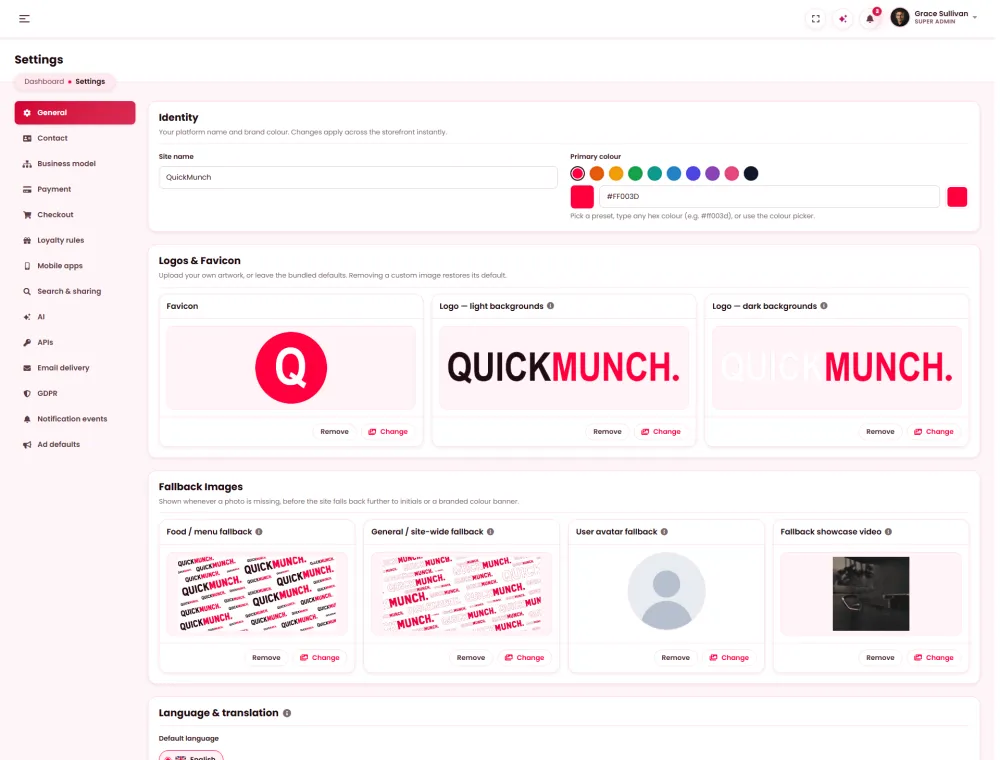
Add your logo and colours, the menu with photos and prices, your hours, delivery zones and payment keys, then pair the tablets, kiosk and TV screens with a code.
Every screen in the guides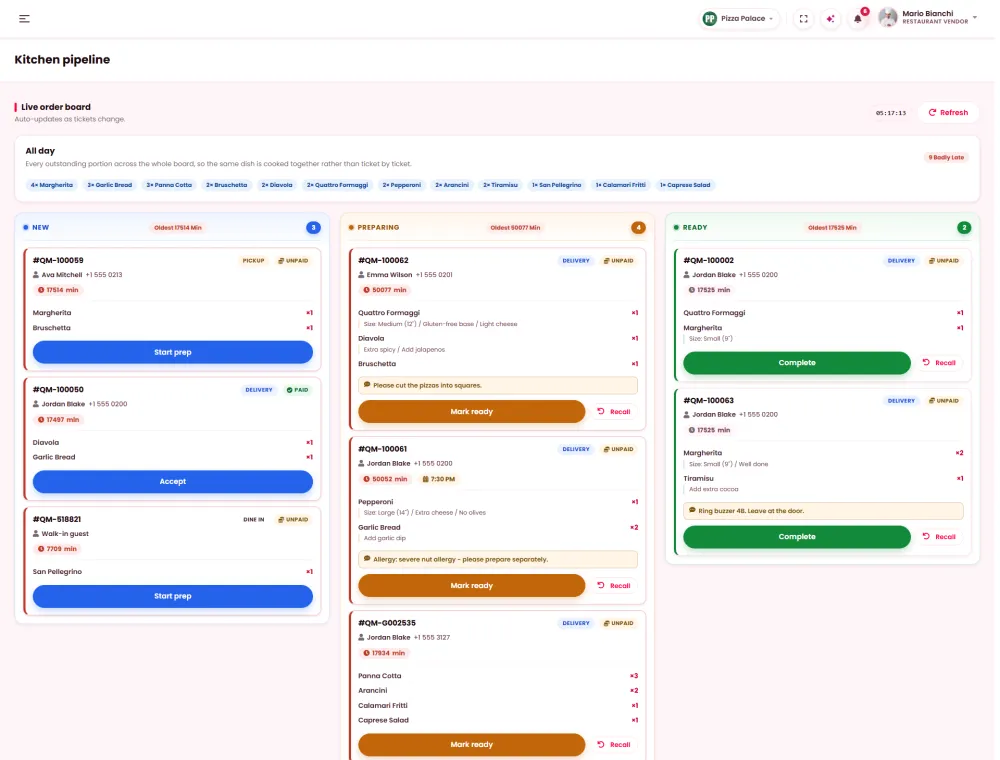
Share your website, put the QR cards on the tables and switch on the kiosk. Orders start landing on your kitchen screen.
Website, QR, kiosk, phone, POSNot technical? The people who built Quickmunch install it on your hosting for $59.
See installation03 Orders from everywhere
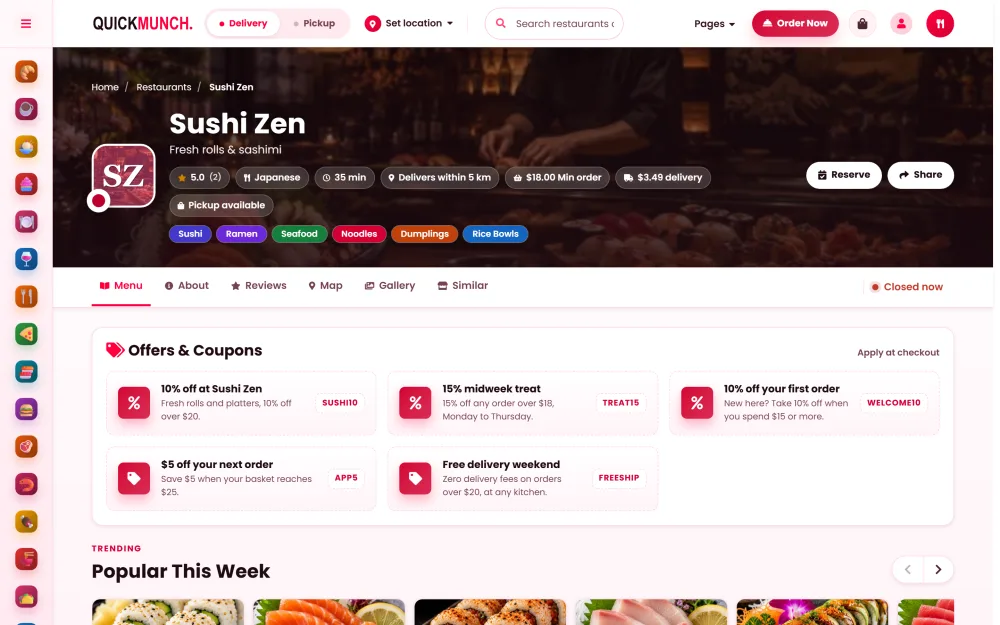
Your website, the kiosk, the QR tables, the AI phone line and Uber Eats all send their orders to one kitchen screen. No retyping, no second tablet.


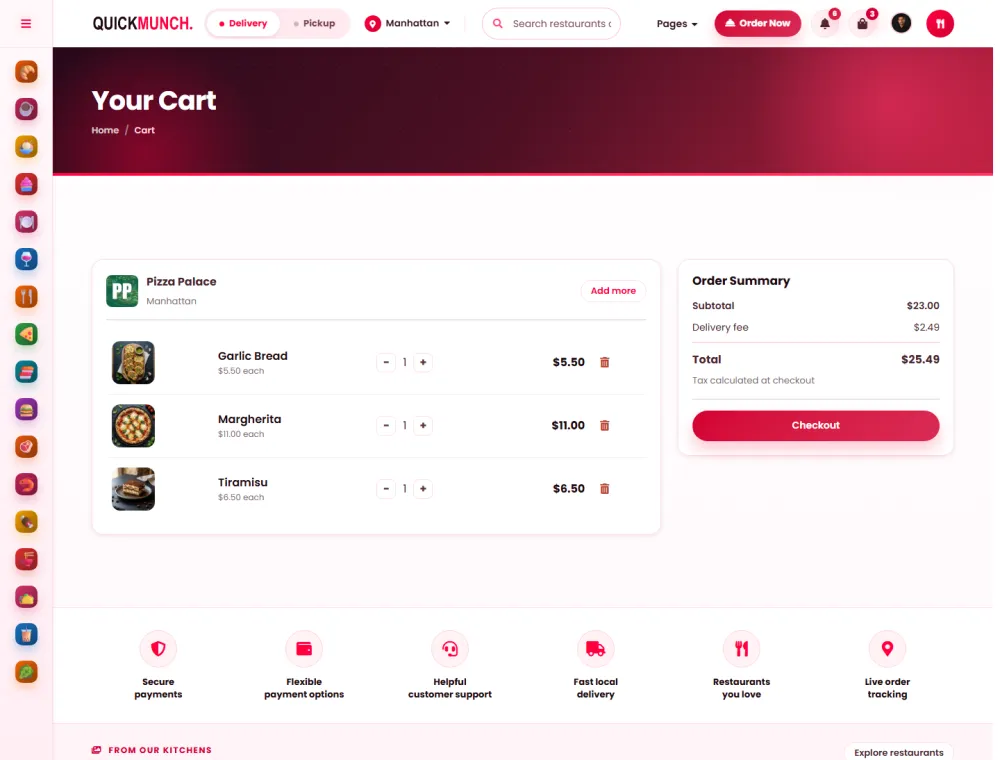
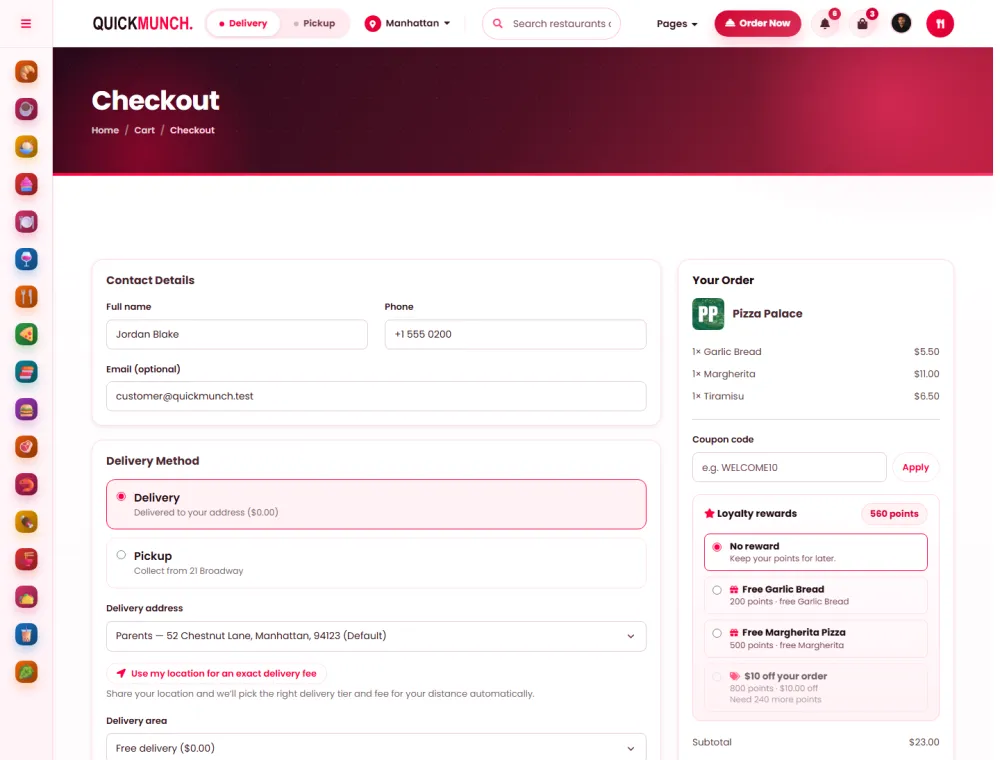
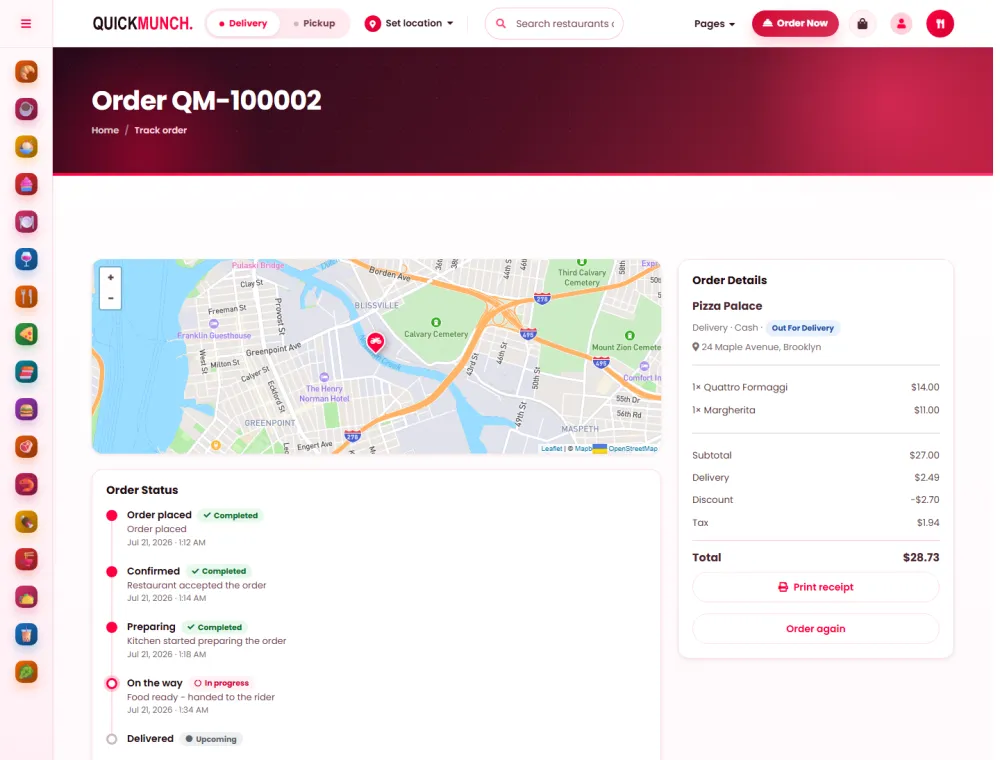
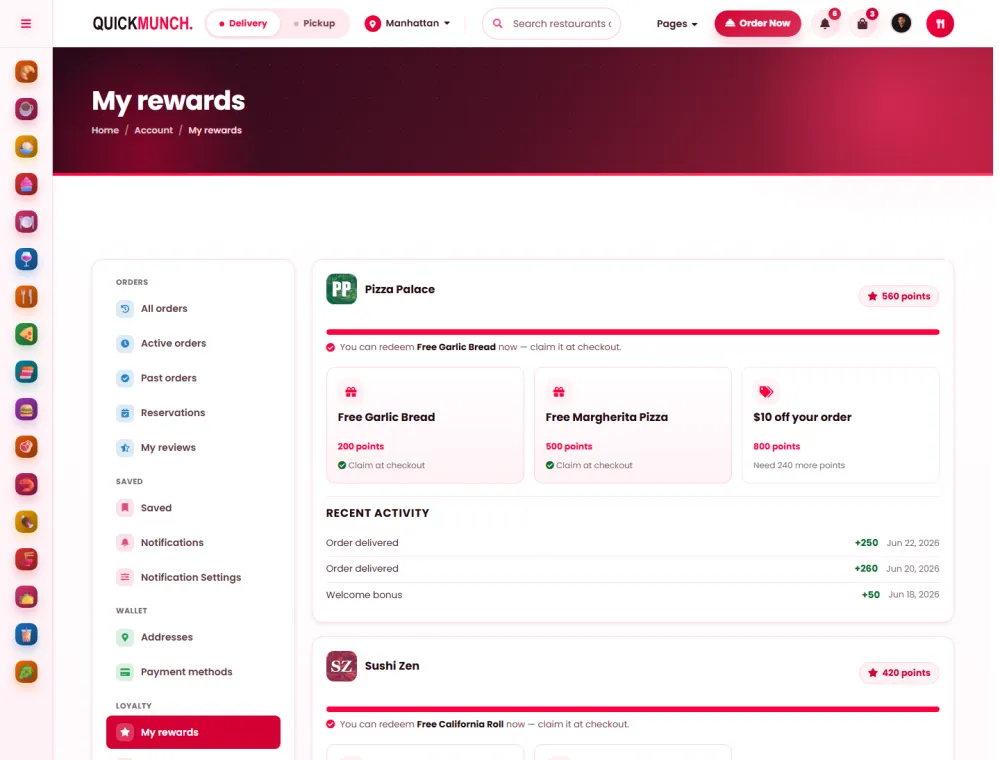
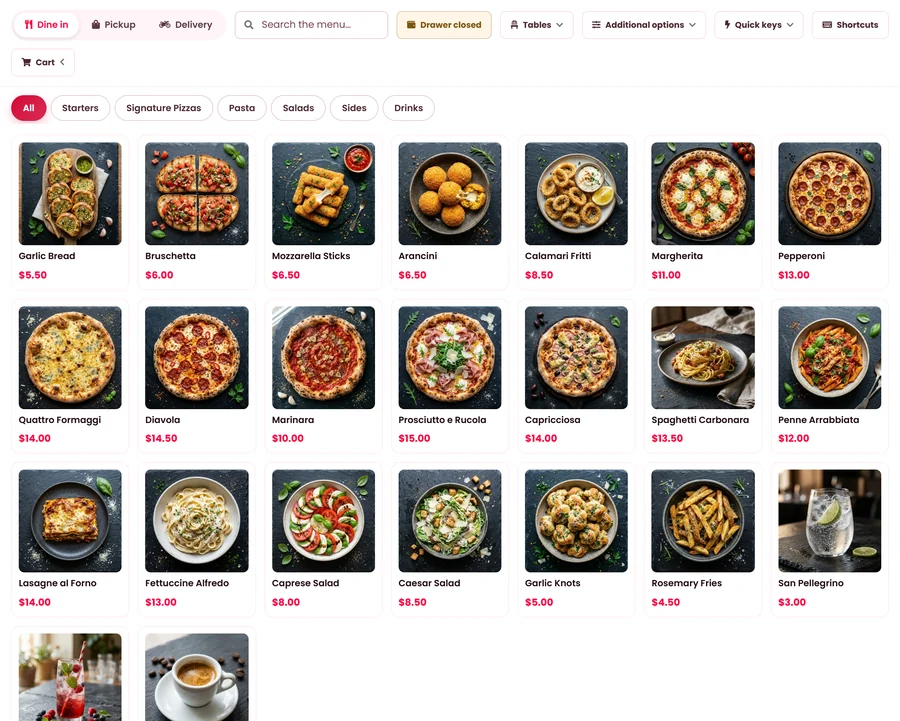
04 Your ordering website
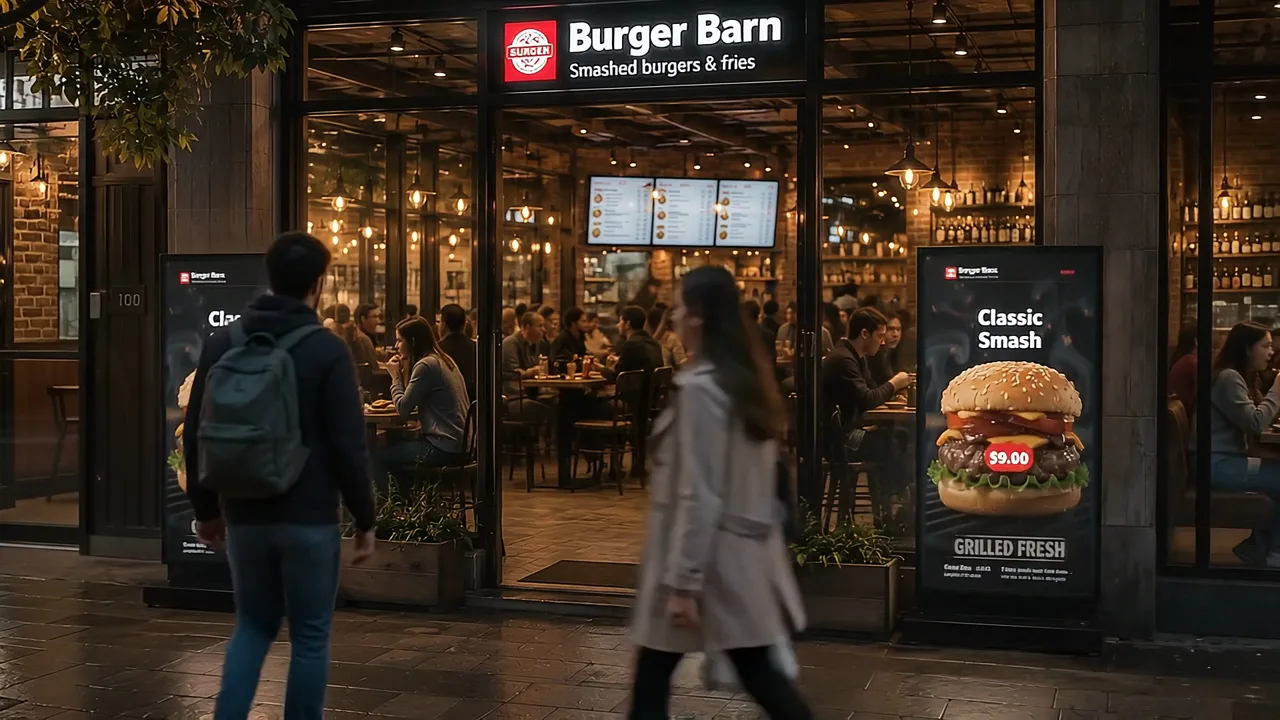
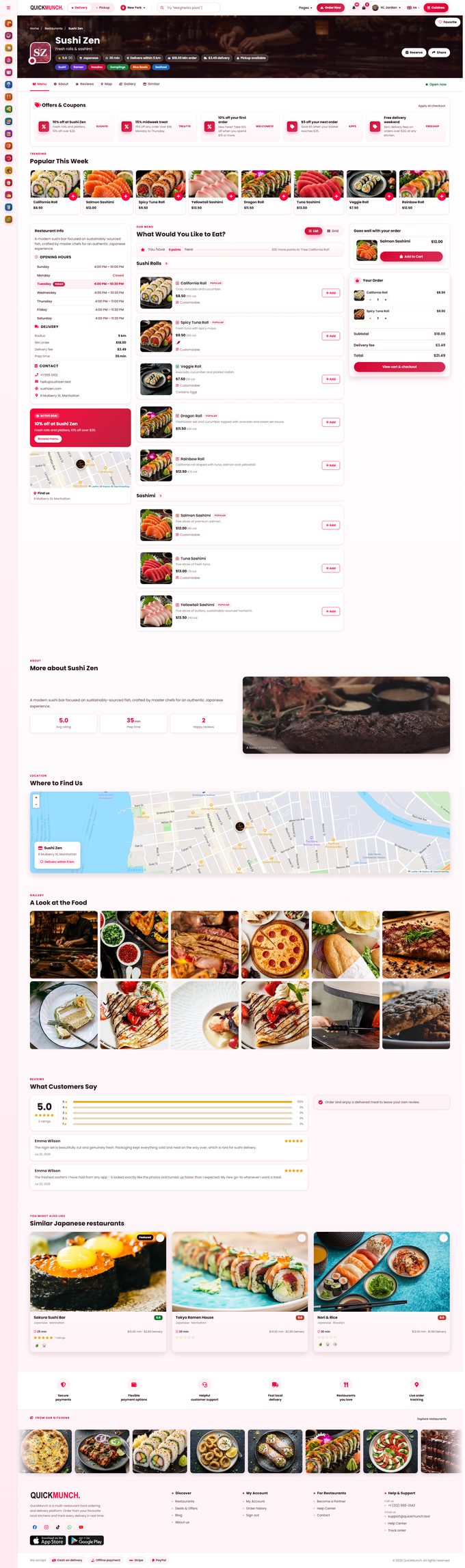
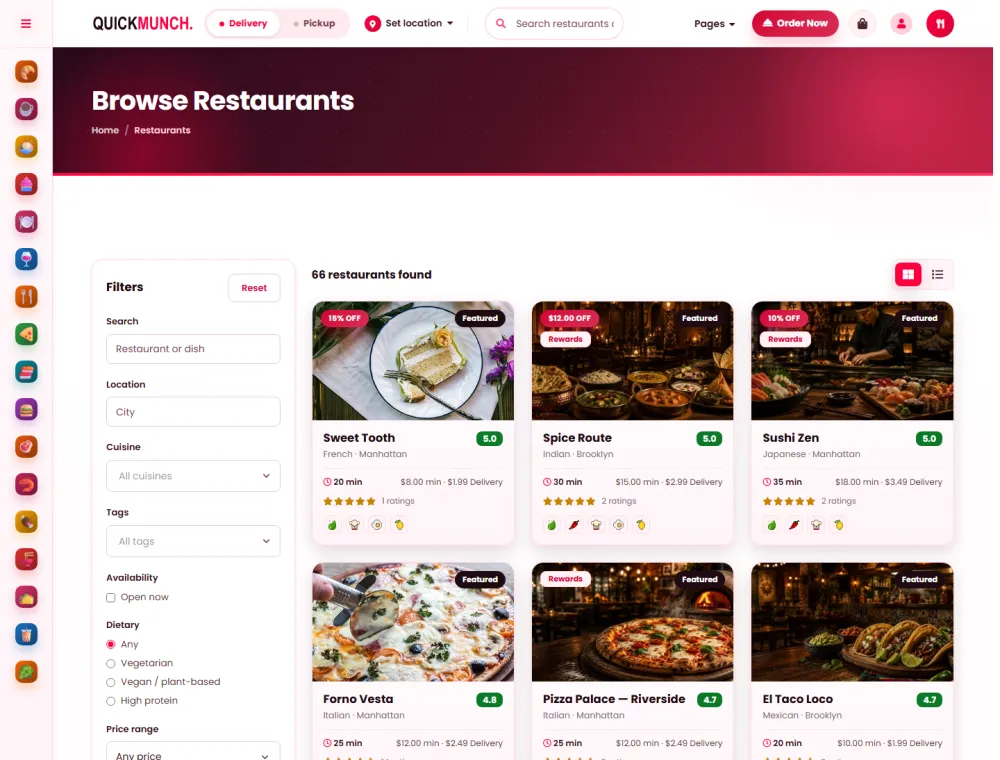
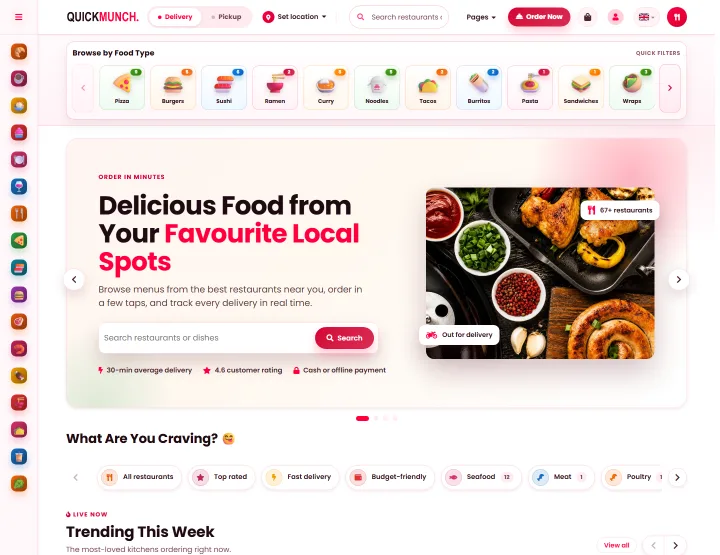
Guests order delivery or pickup from your restaurant’s own website: sizes and add-ons, guest or account checkout, and live tracking to the door. Five page styles, in grid or list.
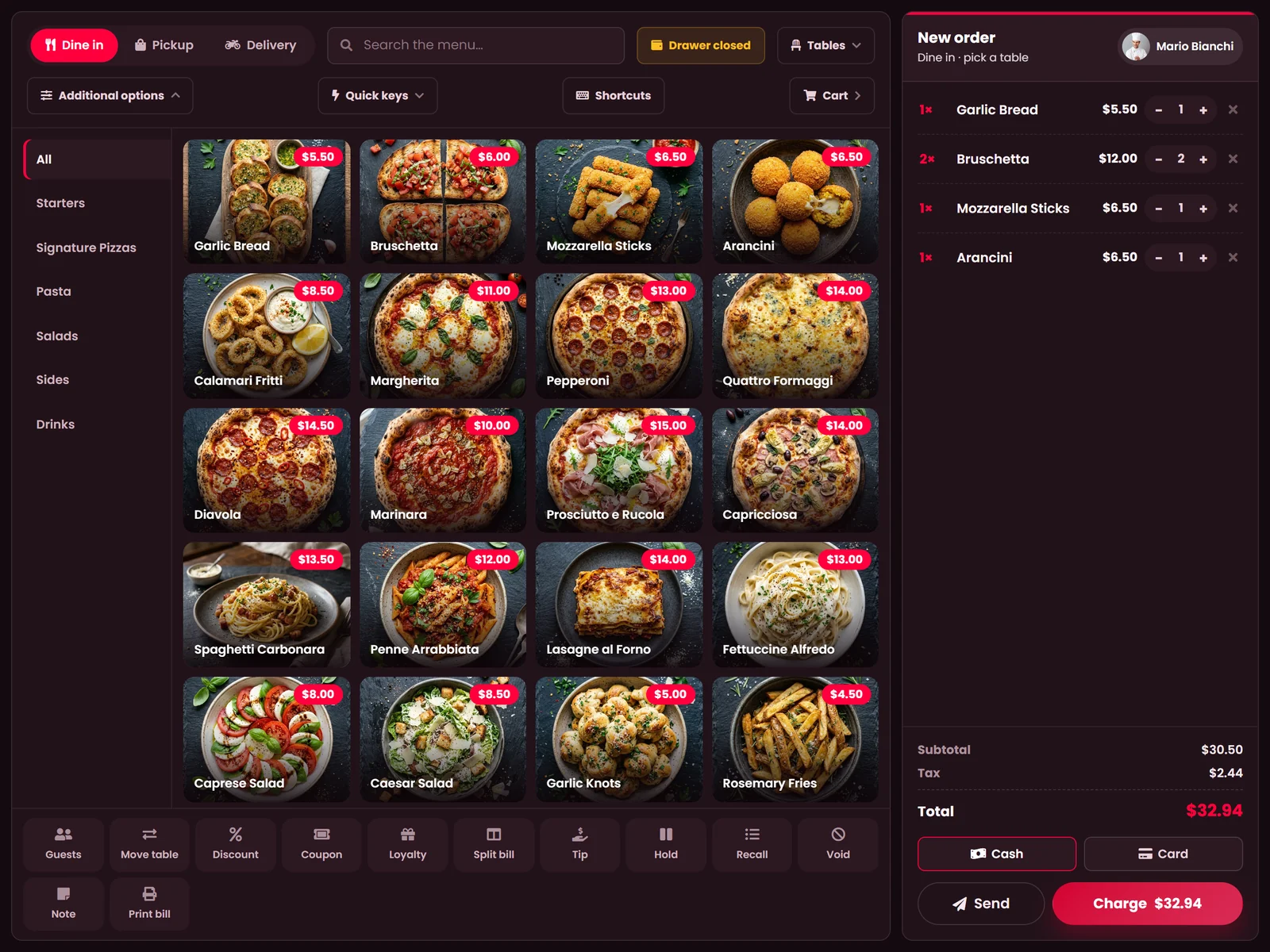
05 Point of sale
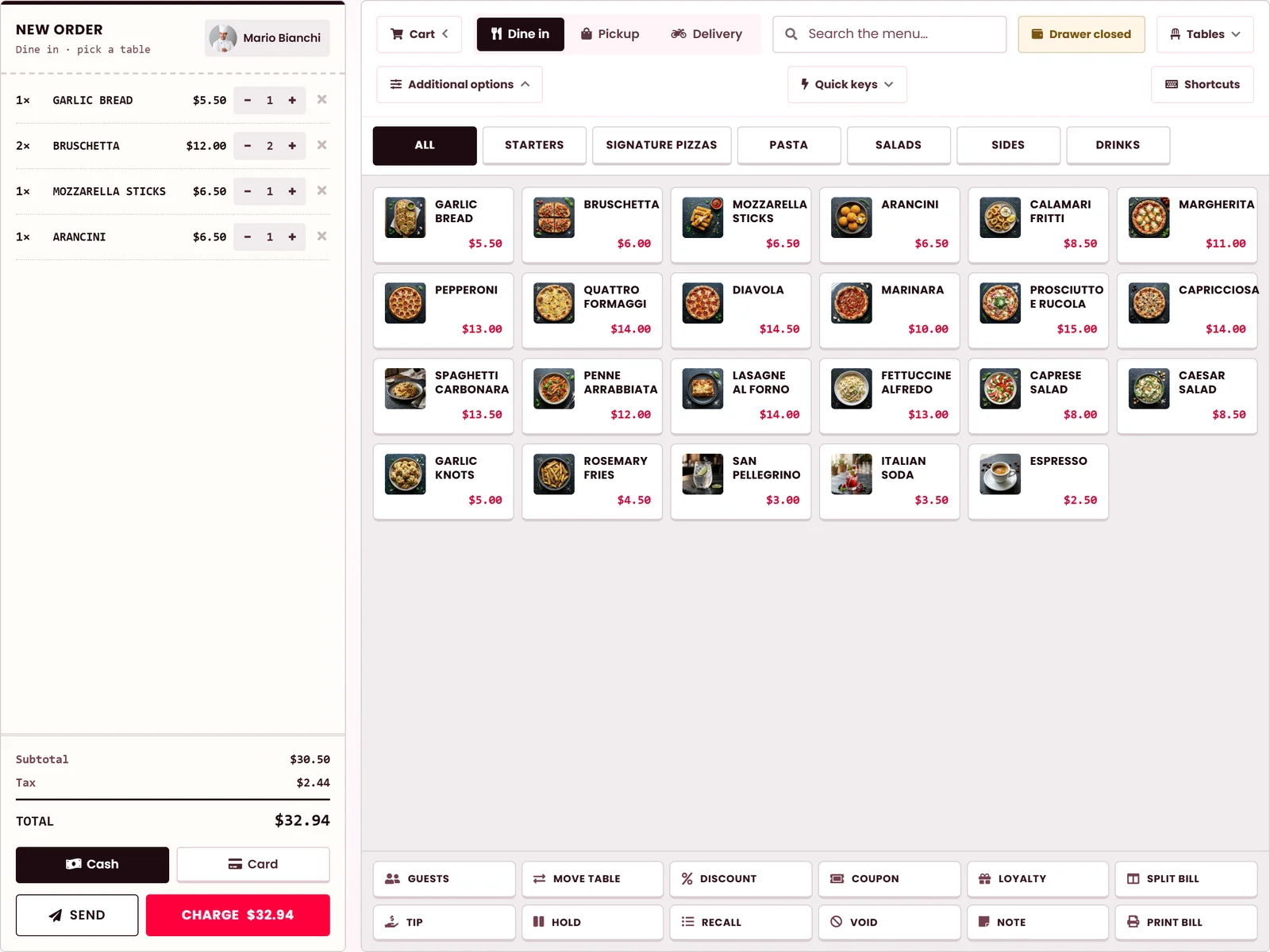
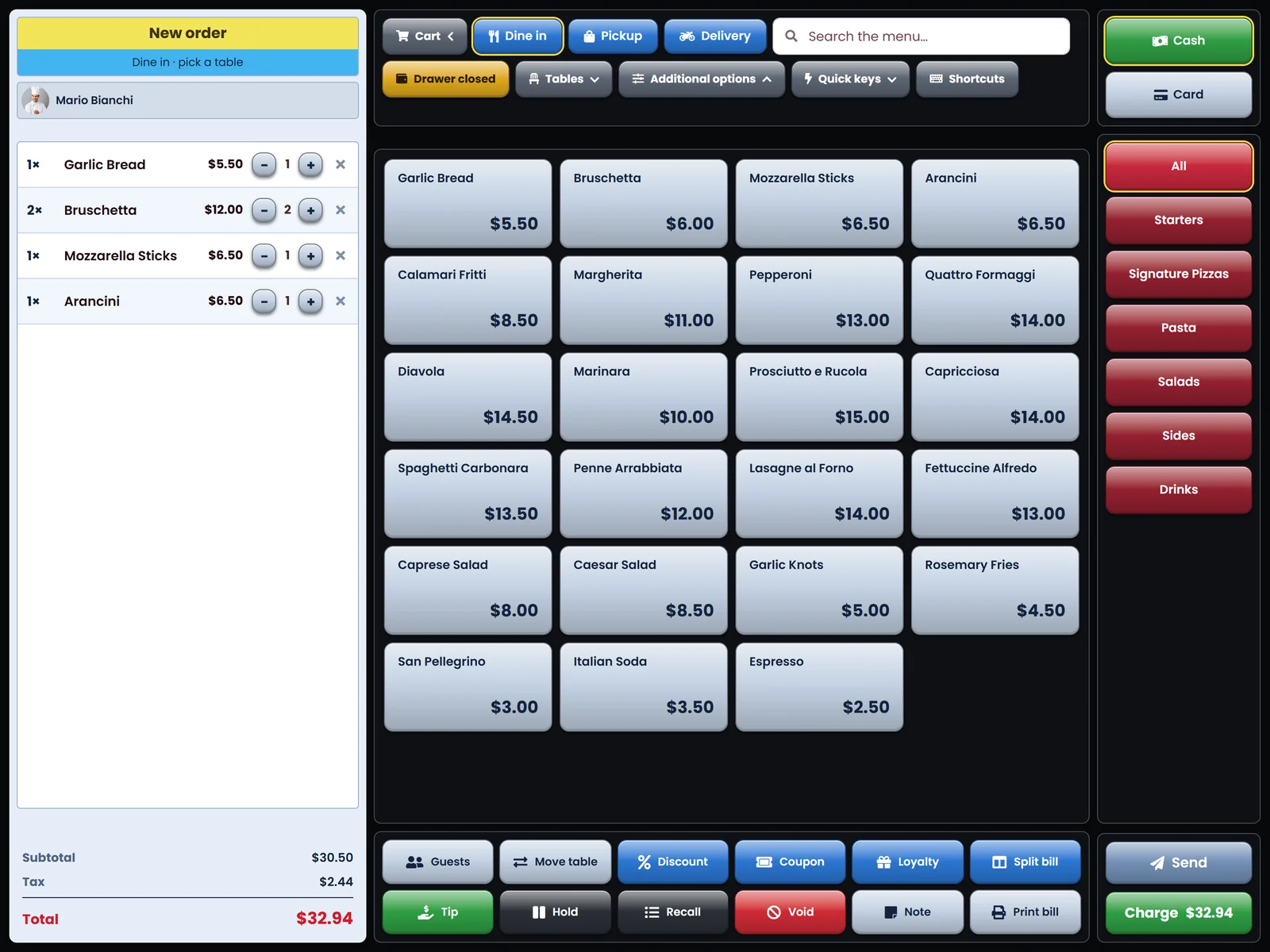
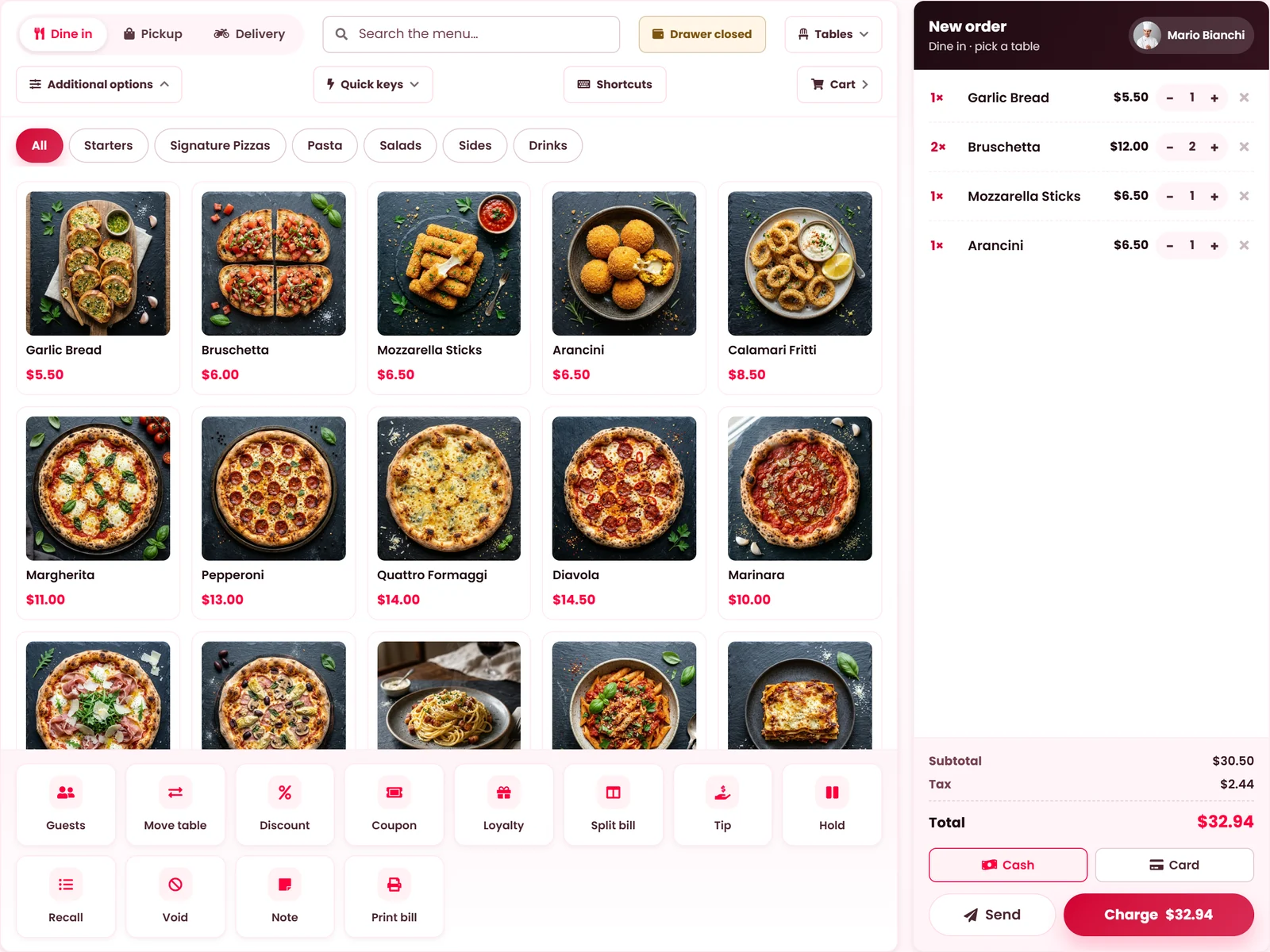
Take the order at the table, send it to the kitchen and settle the bill by card, cash or a QR code. The same menu, prices and stock as your website and kiosk.
Counter till
Takes the money and fires the ticket in one action.
pay_send
Table service
Ticket to the kitchen now; the bill stays open on the table.
send_only
Back office
Captures the order. Nothing fires, nothing is charged.
order_only
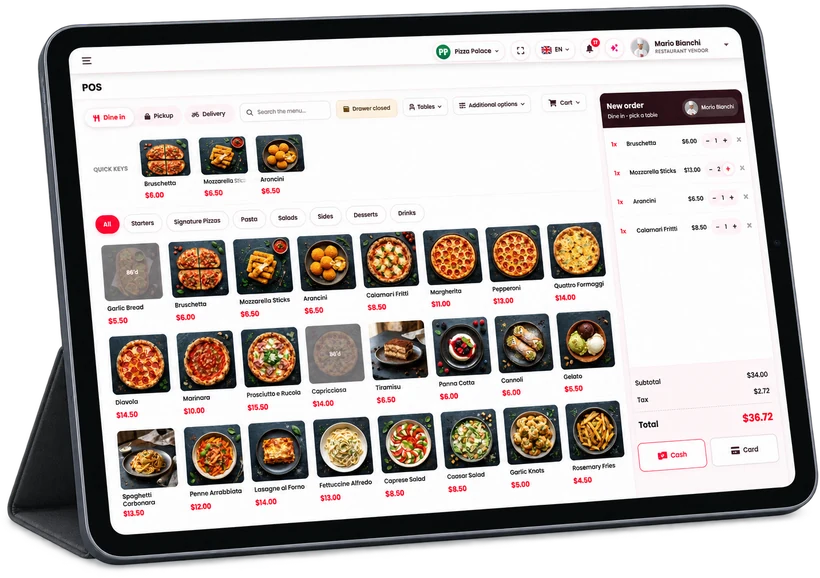
Choose the layout your team reads fastest. The menu, the prices and the buttons stay the same.
06 Kiosk and QR tables
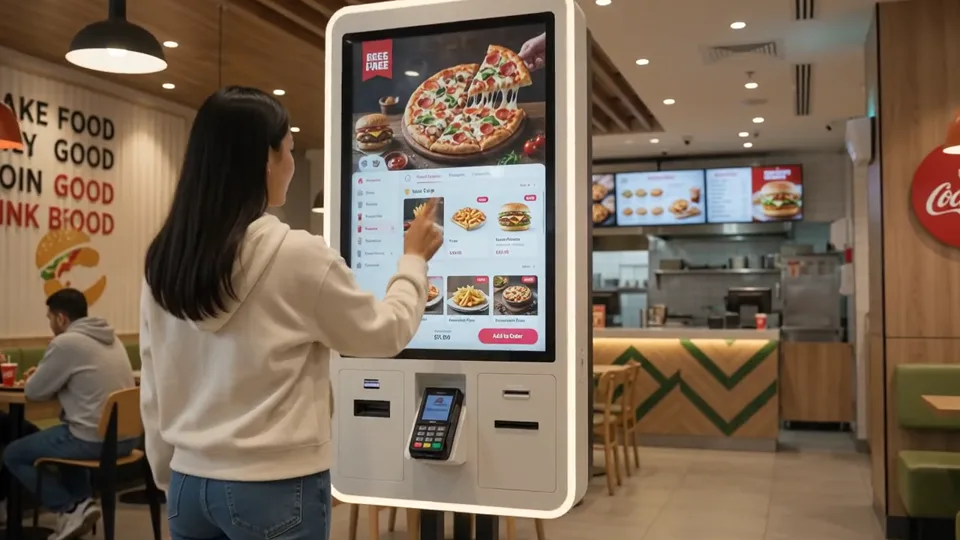
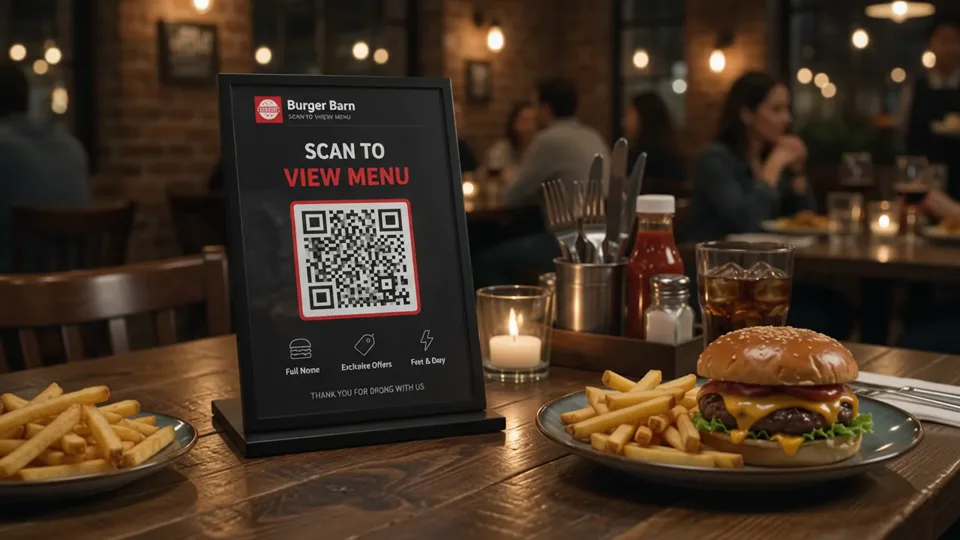
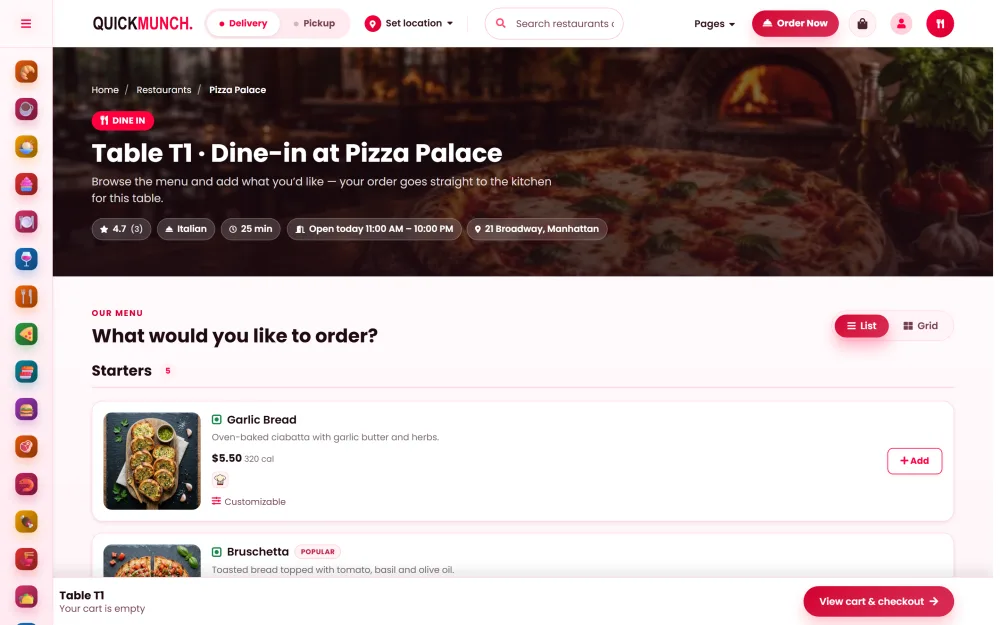
A self-order kiosk at the counter and a QR code on every table: guests order and pay by themselves, and the kitchen knows exactly where each order is going.
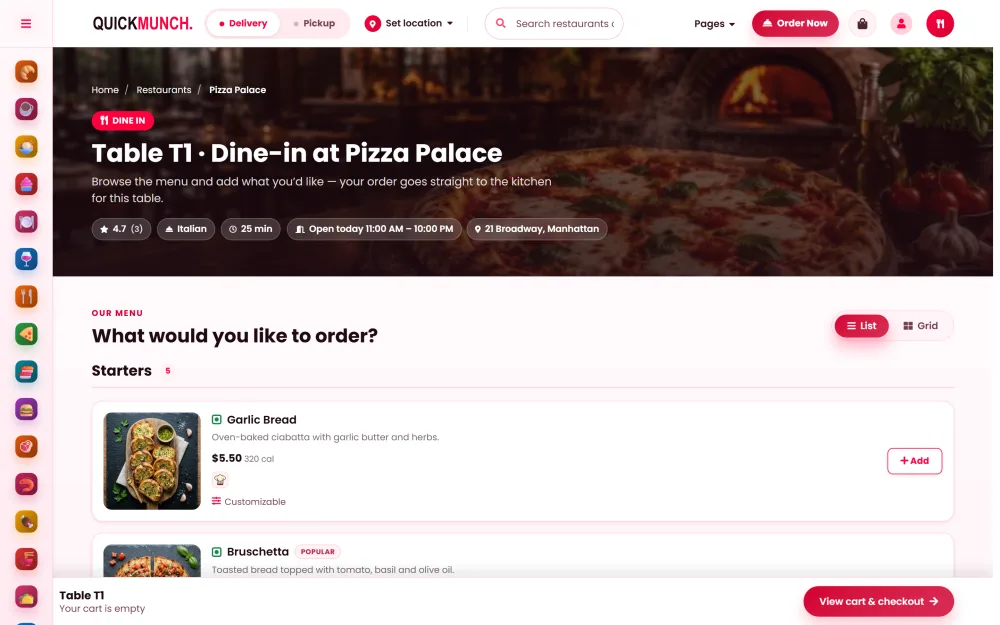
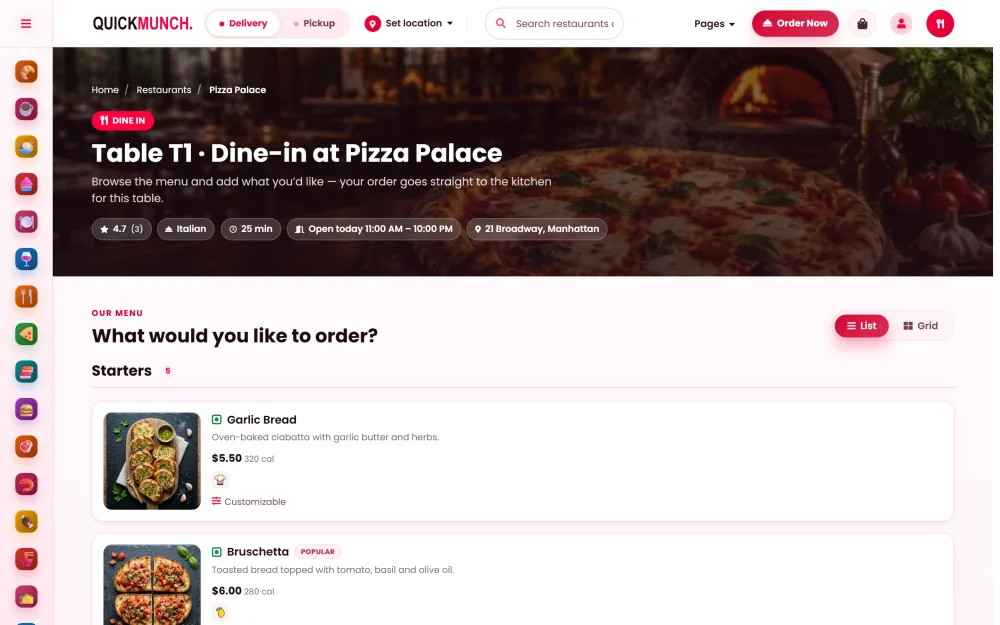
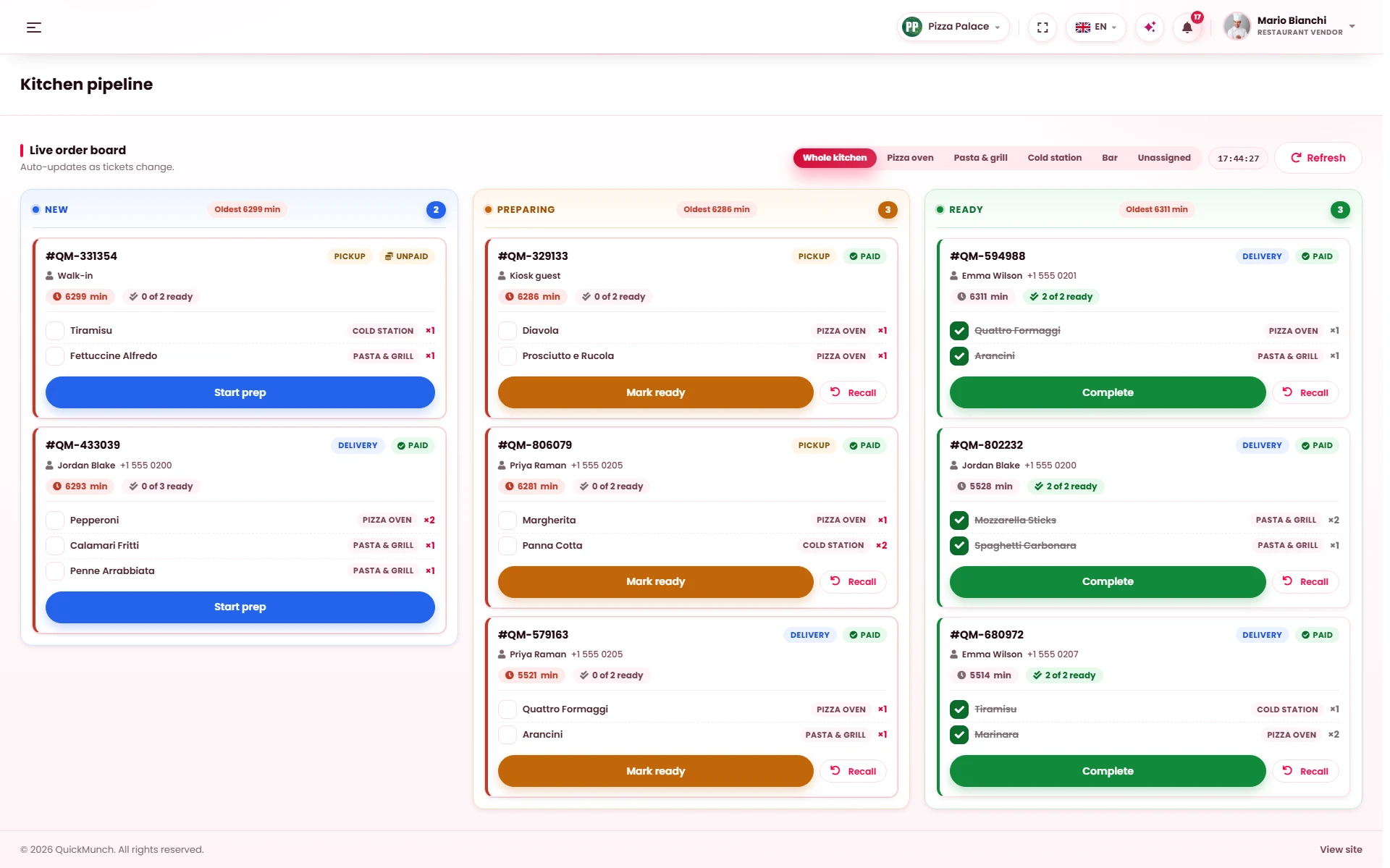
07 Kitchen display
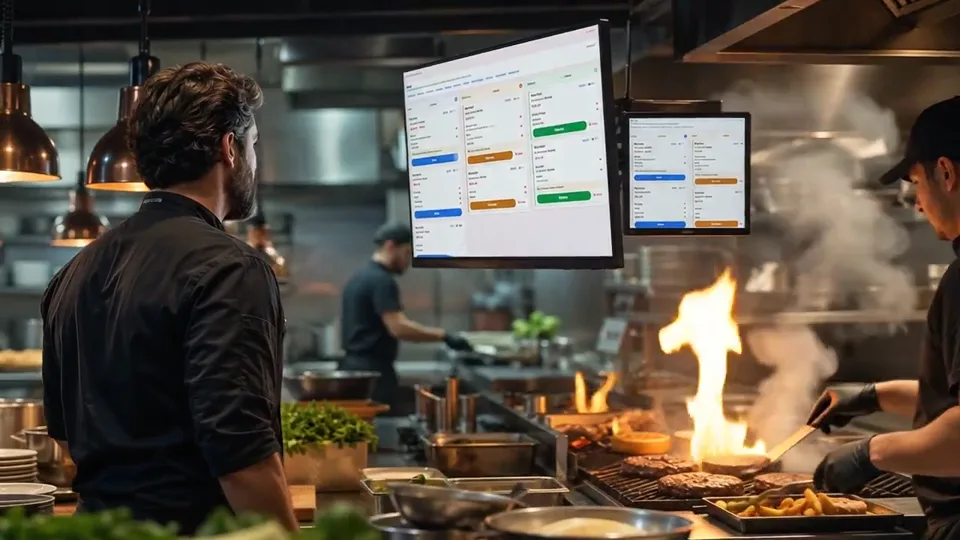
Every order reaches the kitchen screen the second it is placed, from your website, the POS, the kiosk, the QR tables, the phone line and Uber Eats, and its clock starts at once.
08 Menu screens
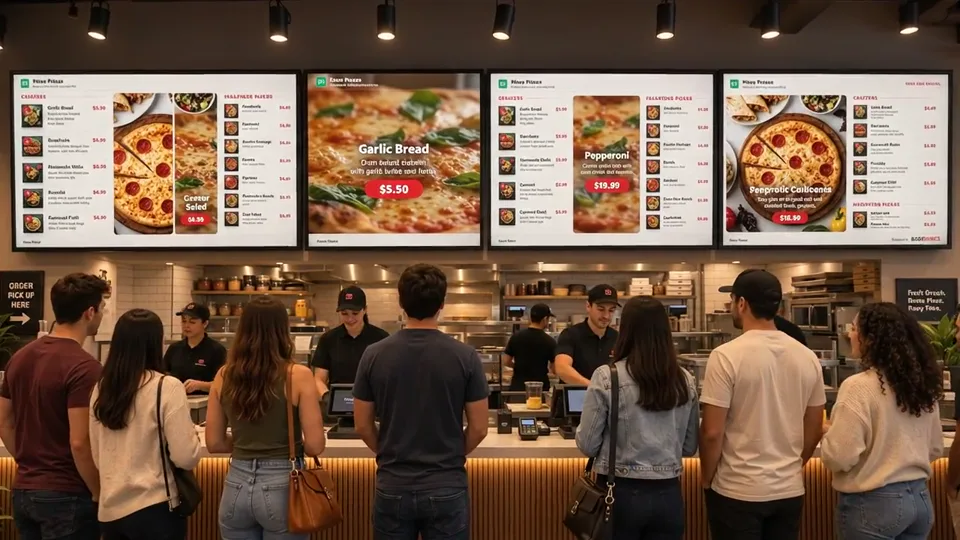
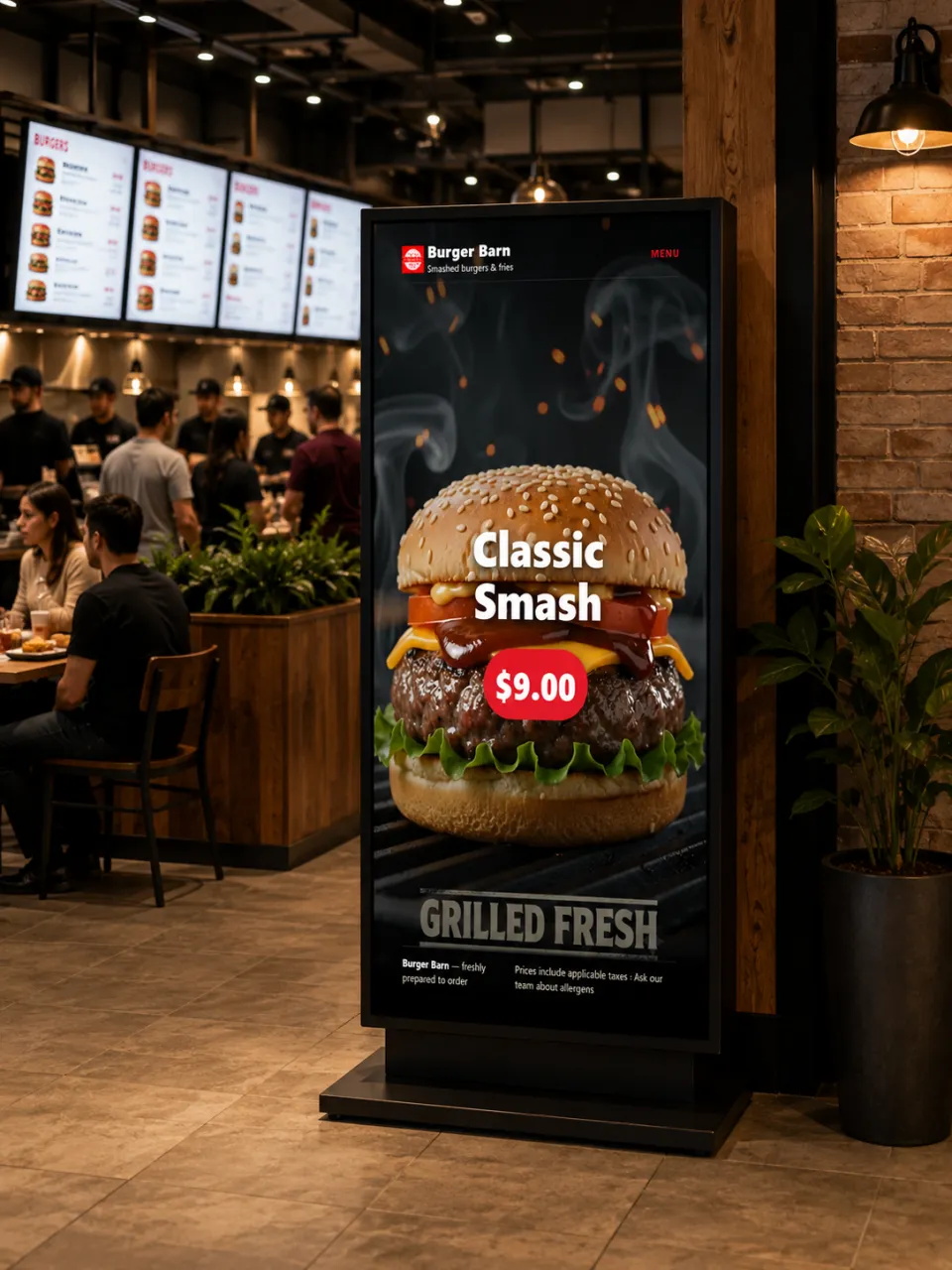
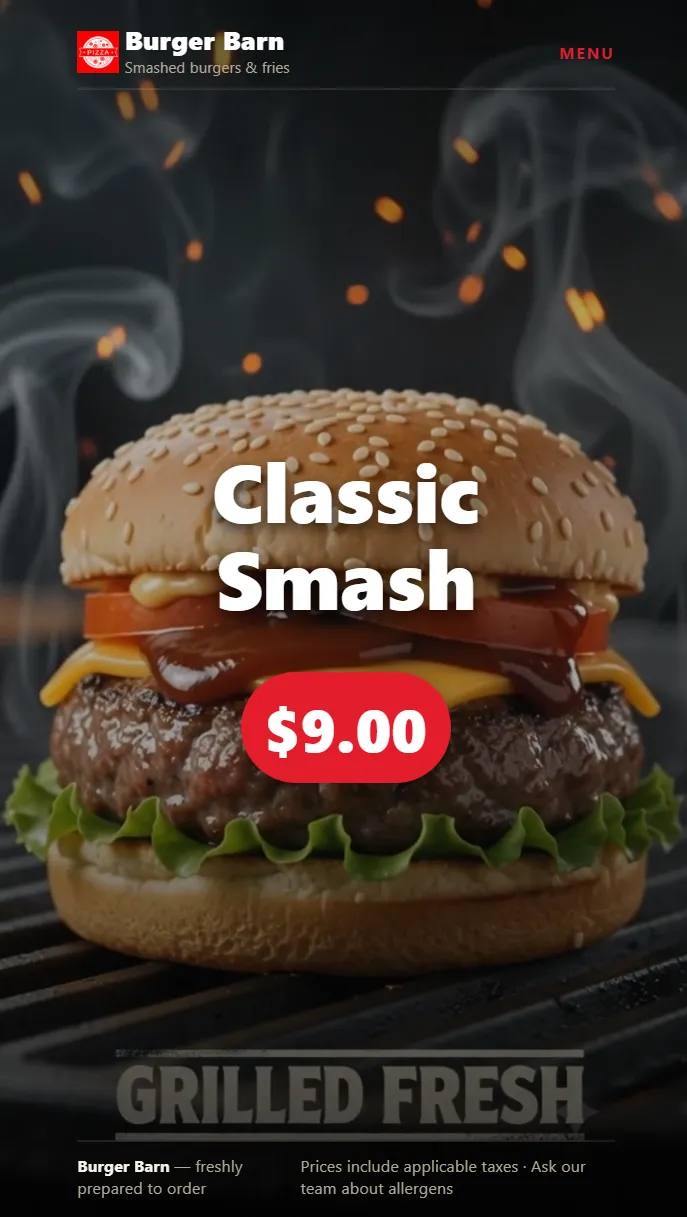
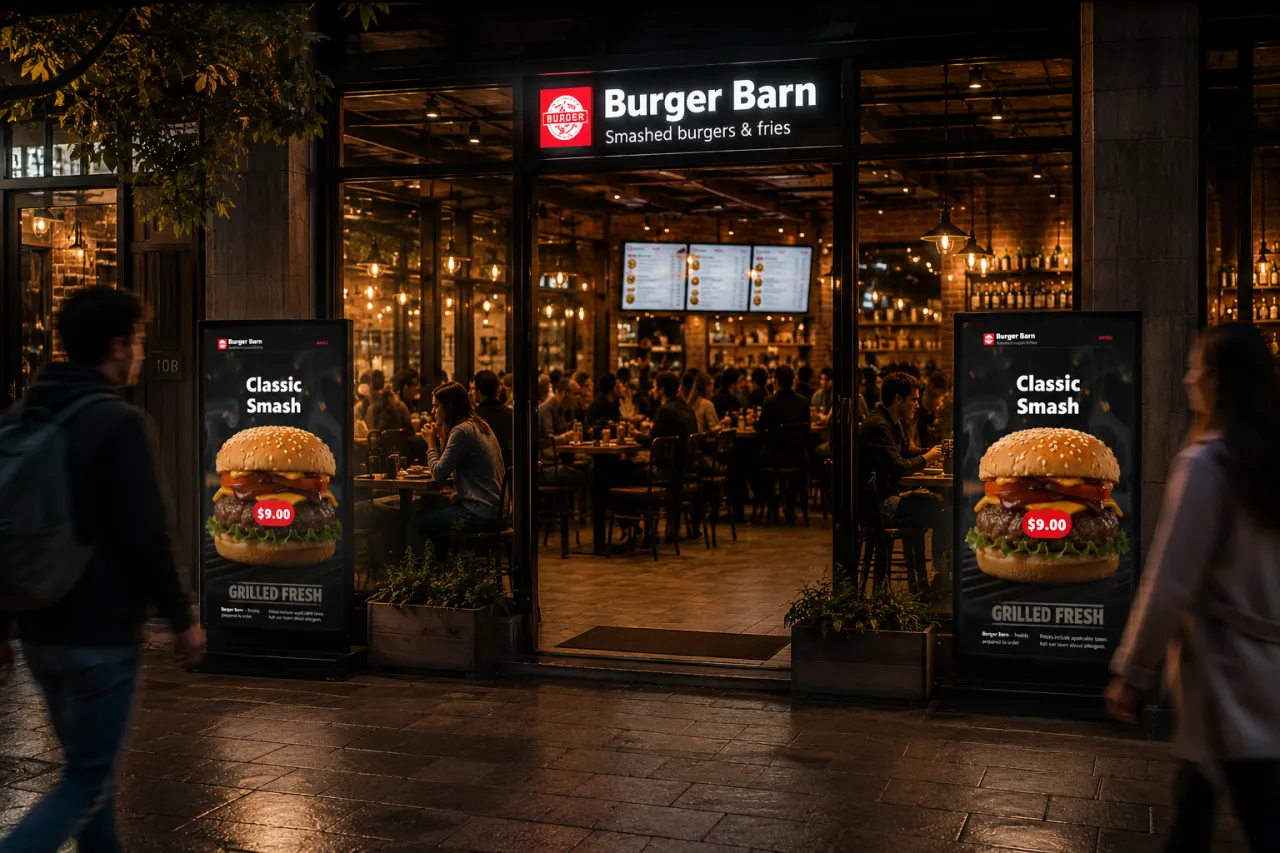
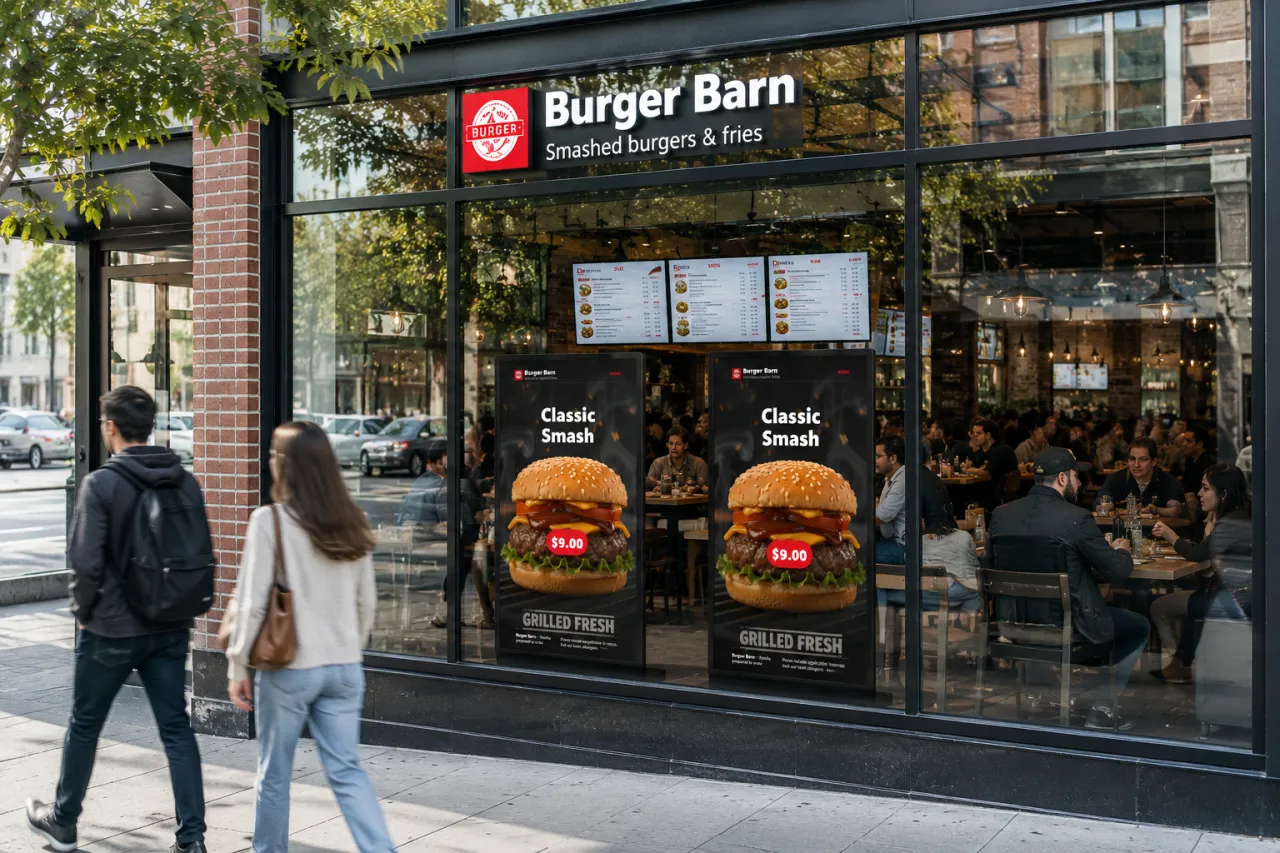
Pair a TV with a code and it shows your live menu with photos, prices and video. Sell out a dish and it leaves every board at once.
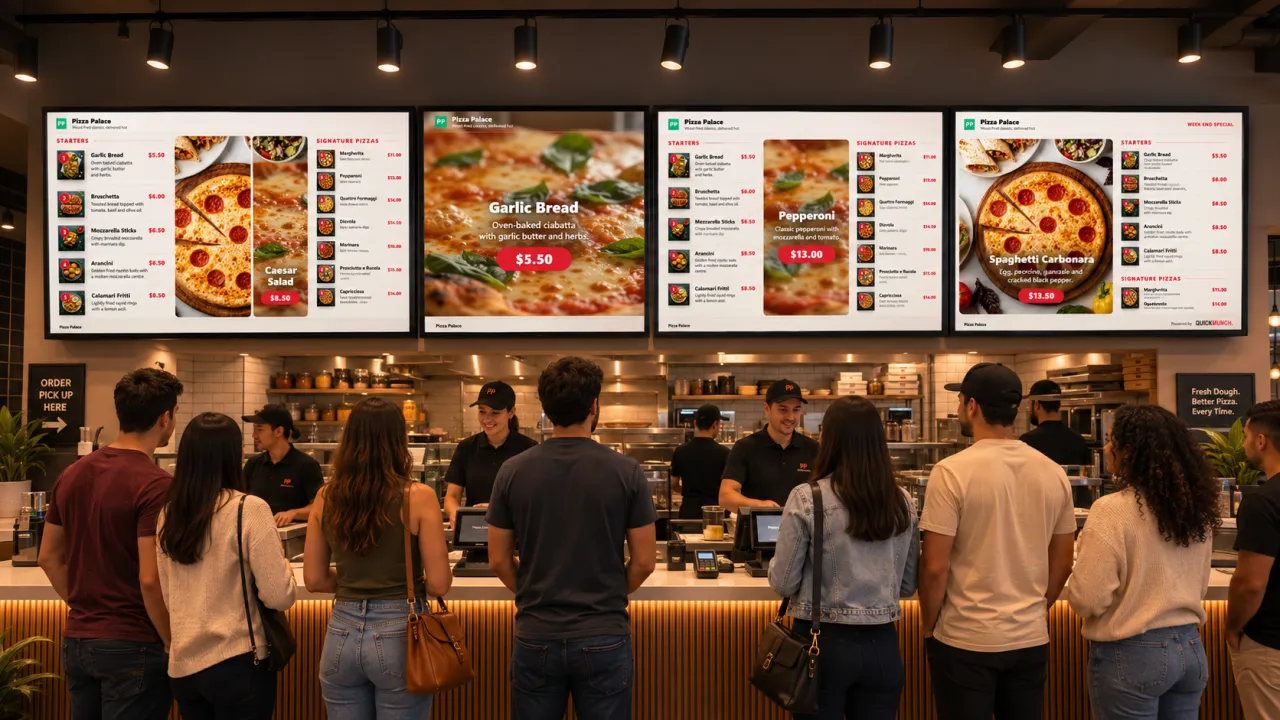
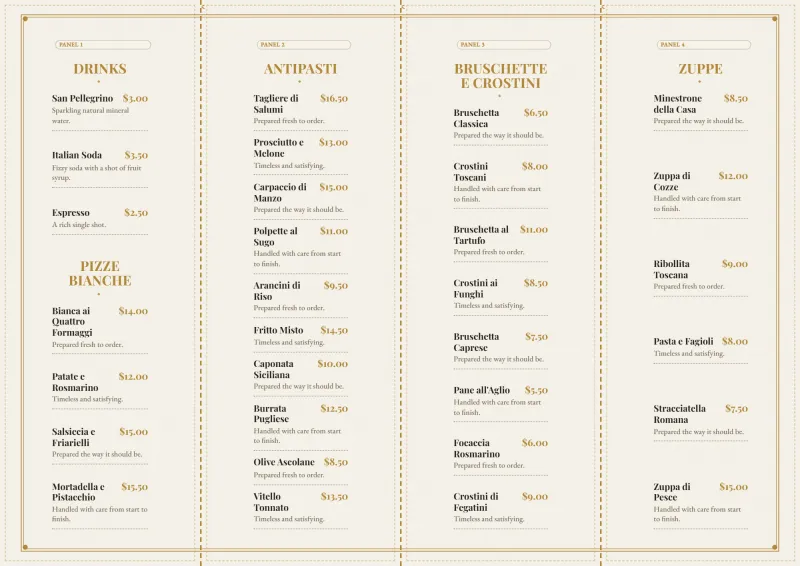
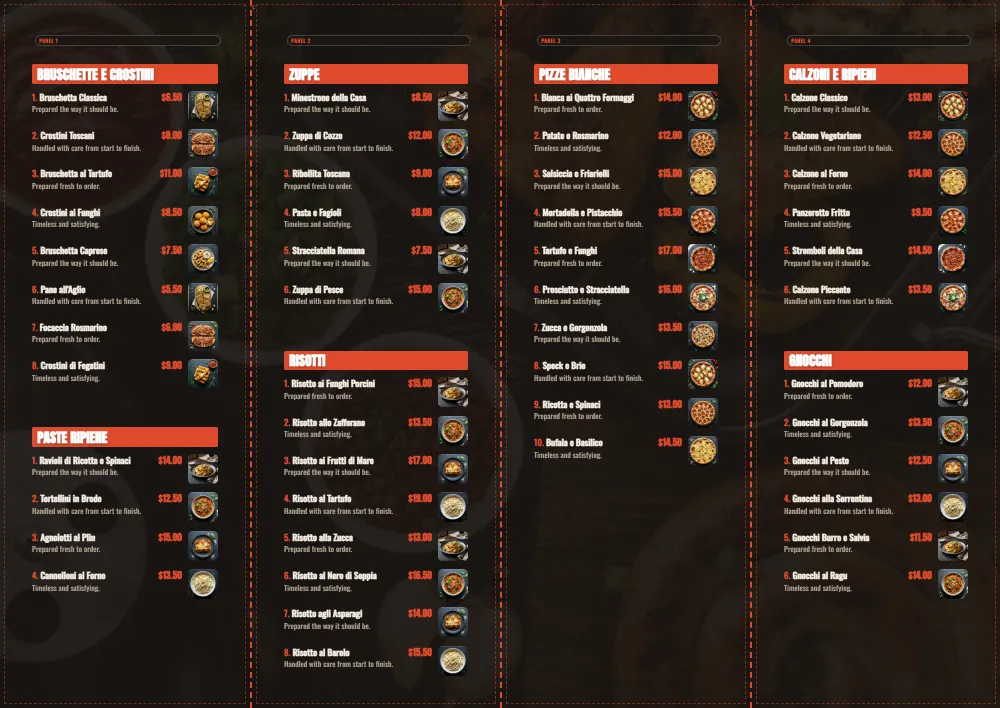
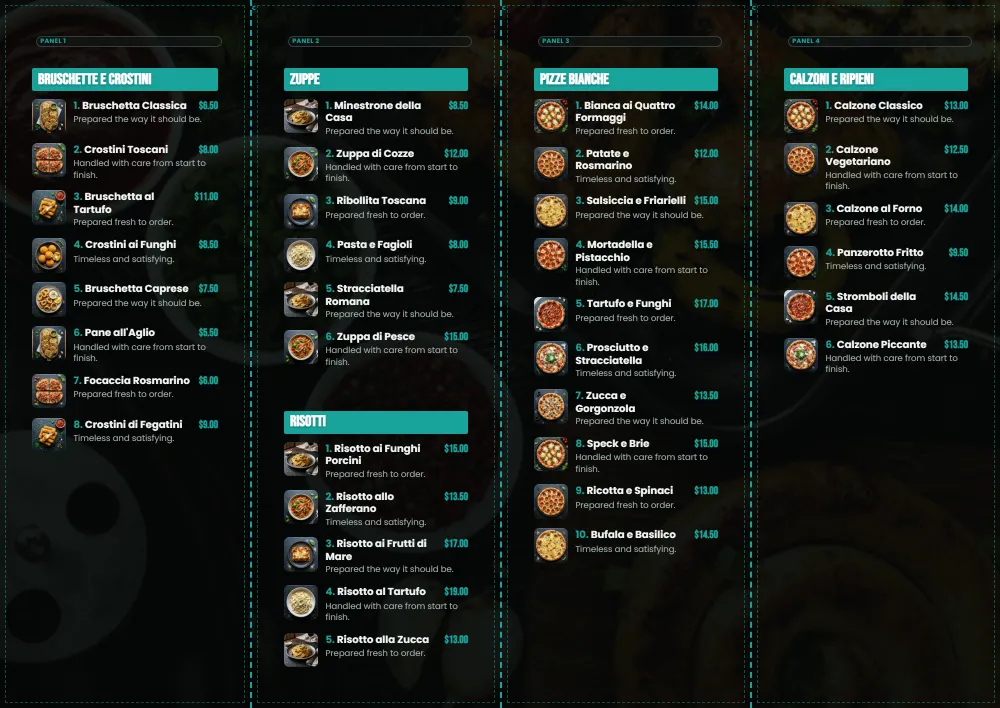
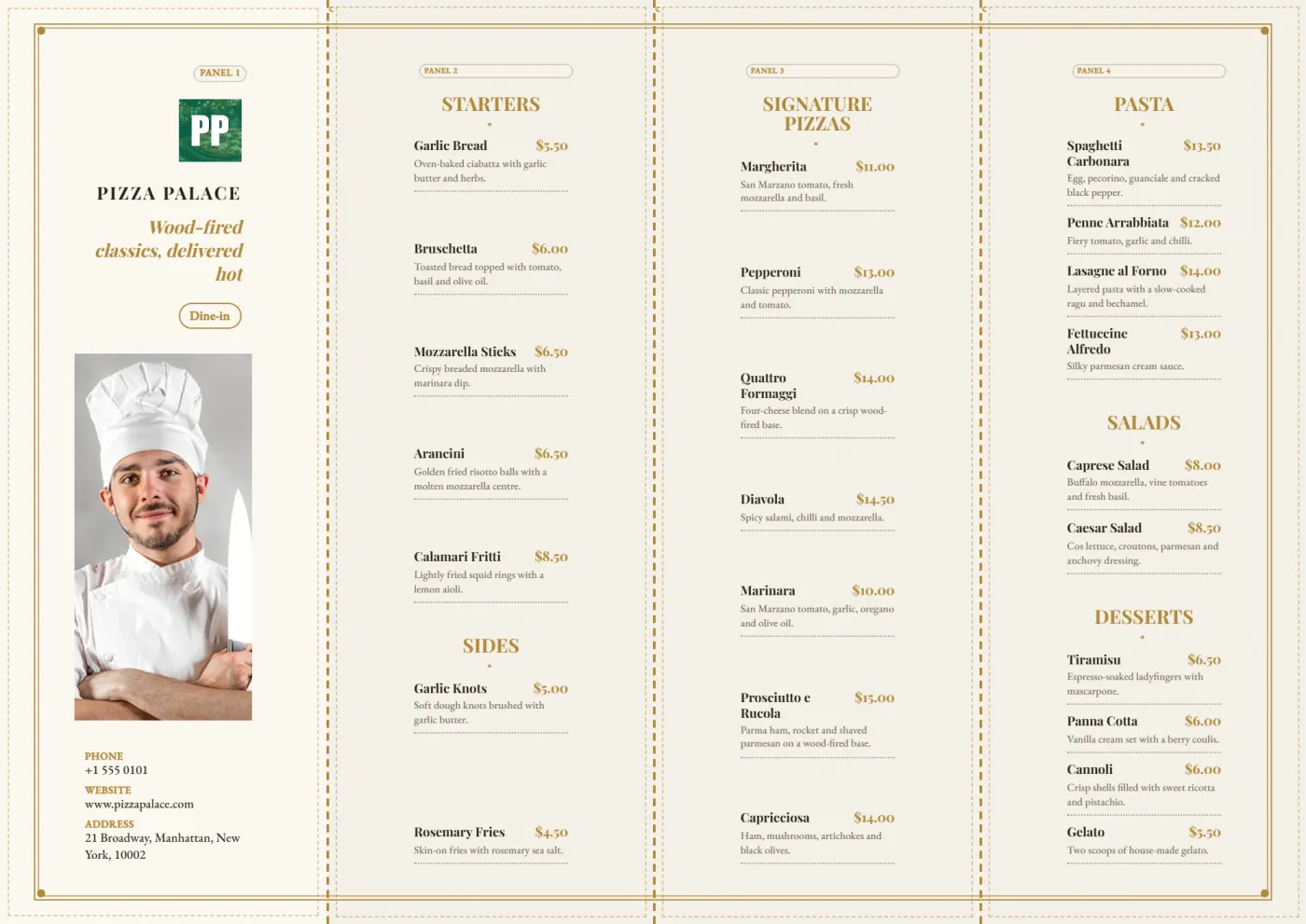
09 Printed menus
Pick one of 24 designs and print your real dishes and prices on exact A4, front and back, with a QR code that leads straight to ordering.
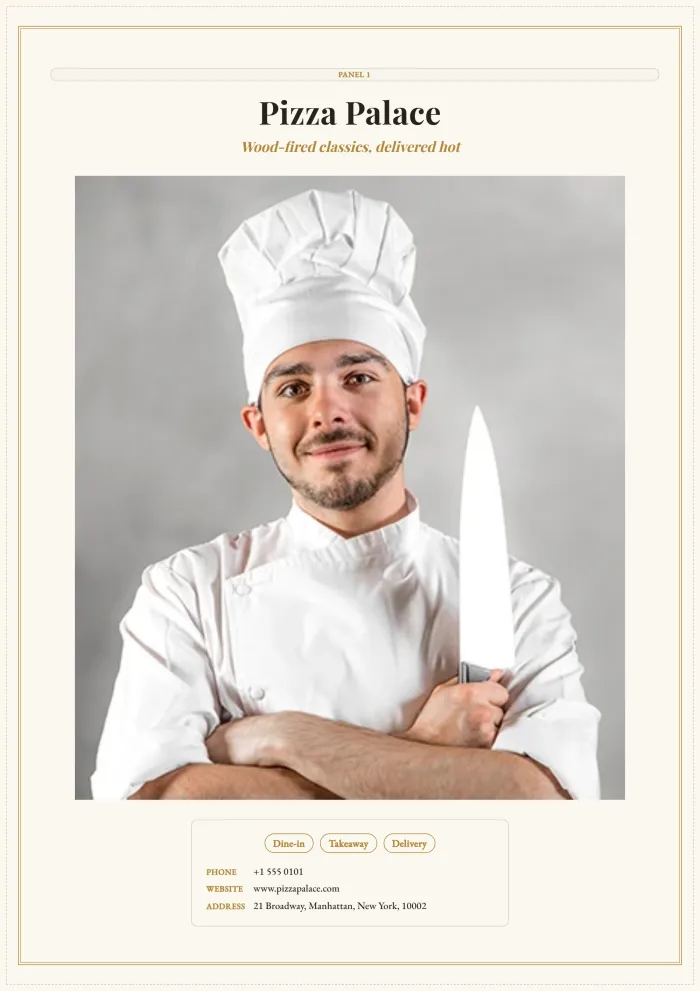
Bookings, walk-ins and the floor, in one place.
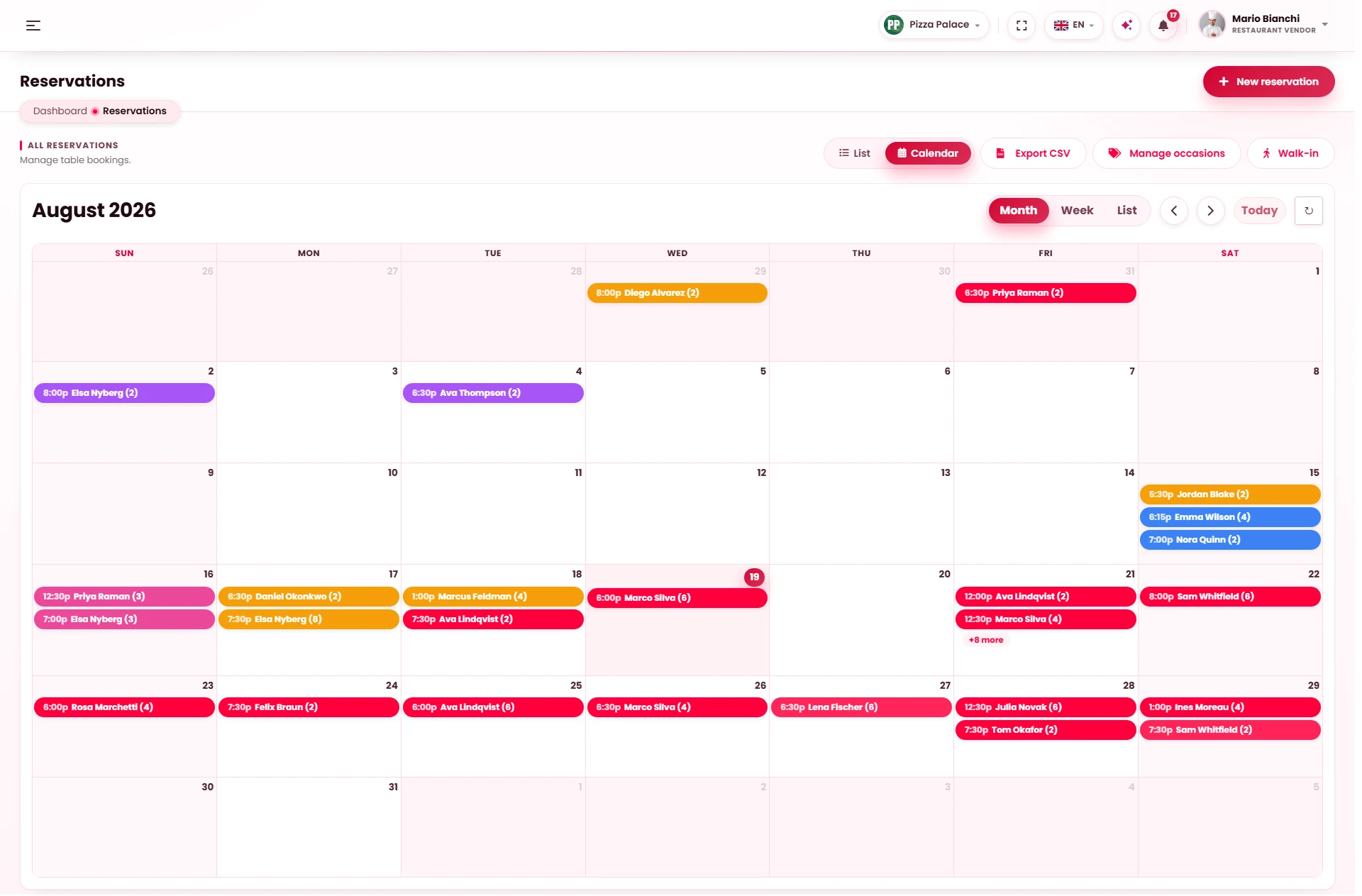
10 Reservations
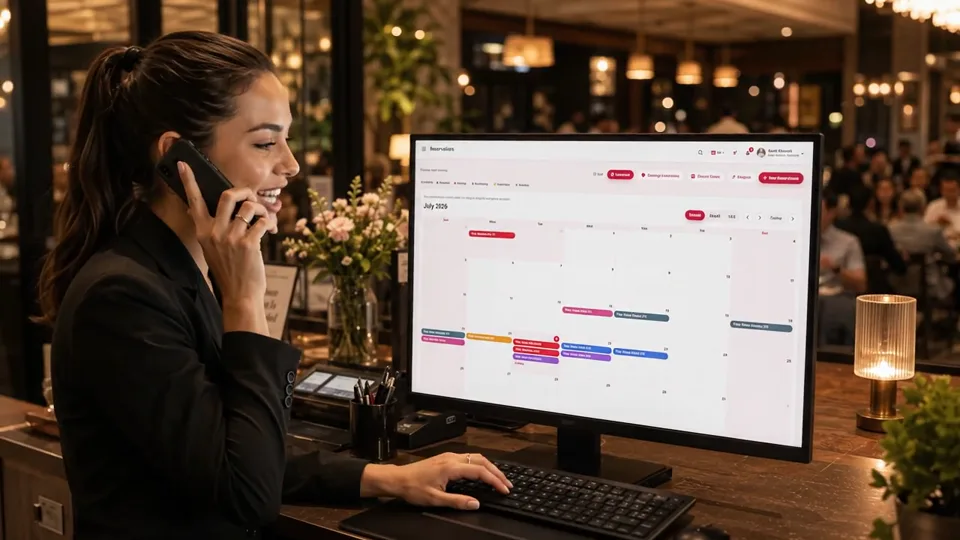
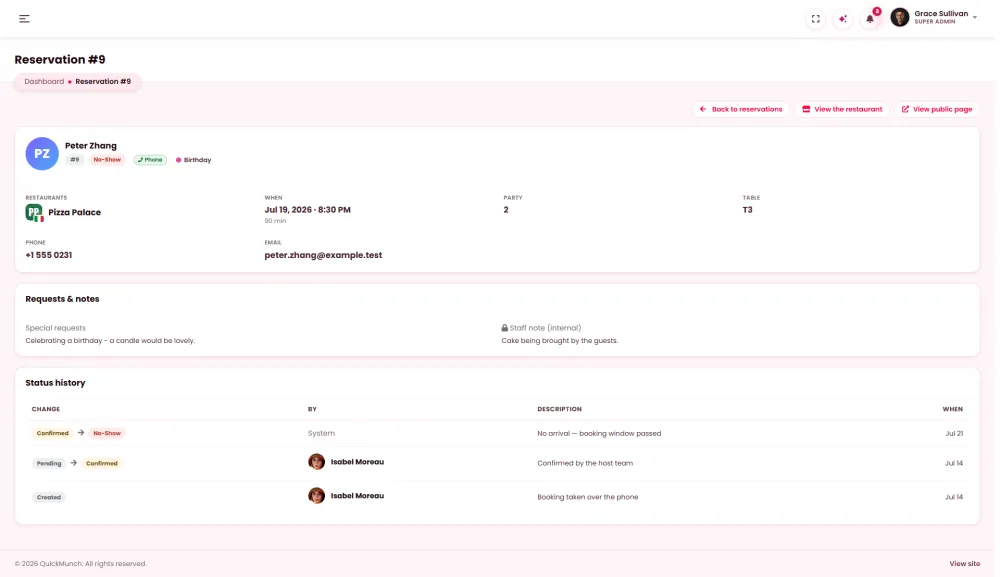
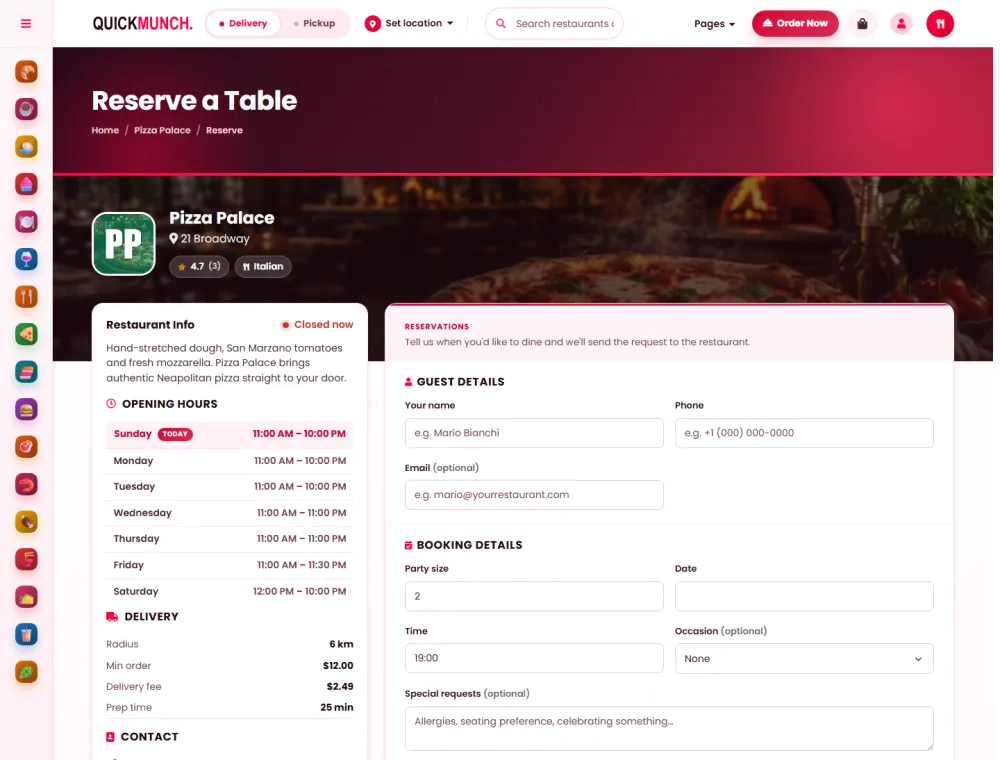
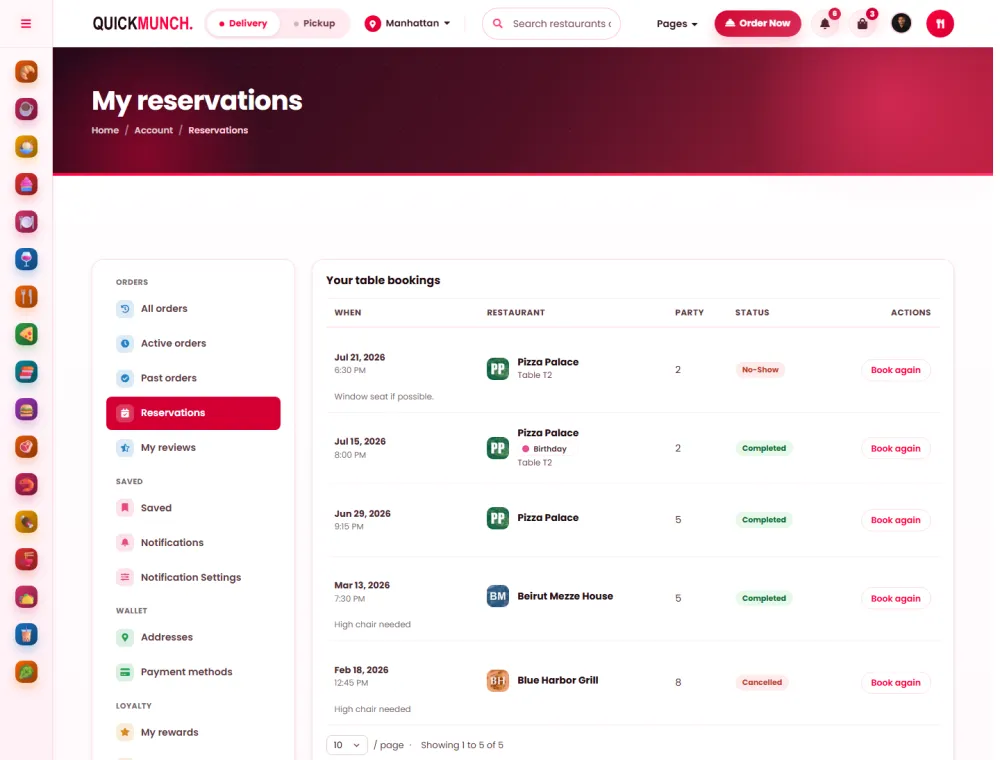
Guests book on your website, the host works a live list, and covers, turn times and no-shows go straight into your reports.
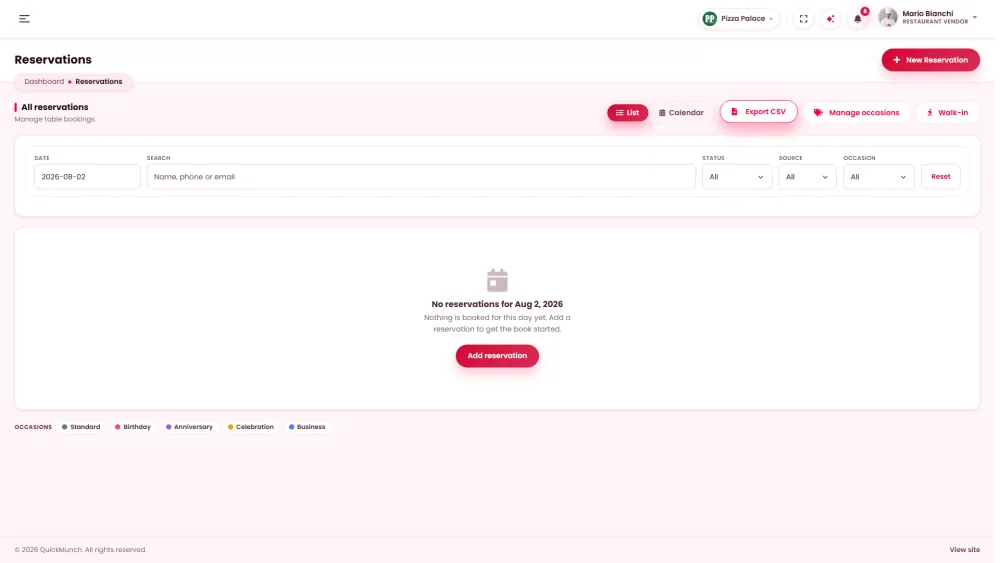
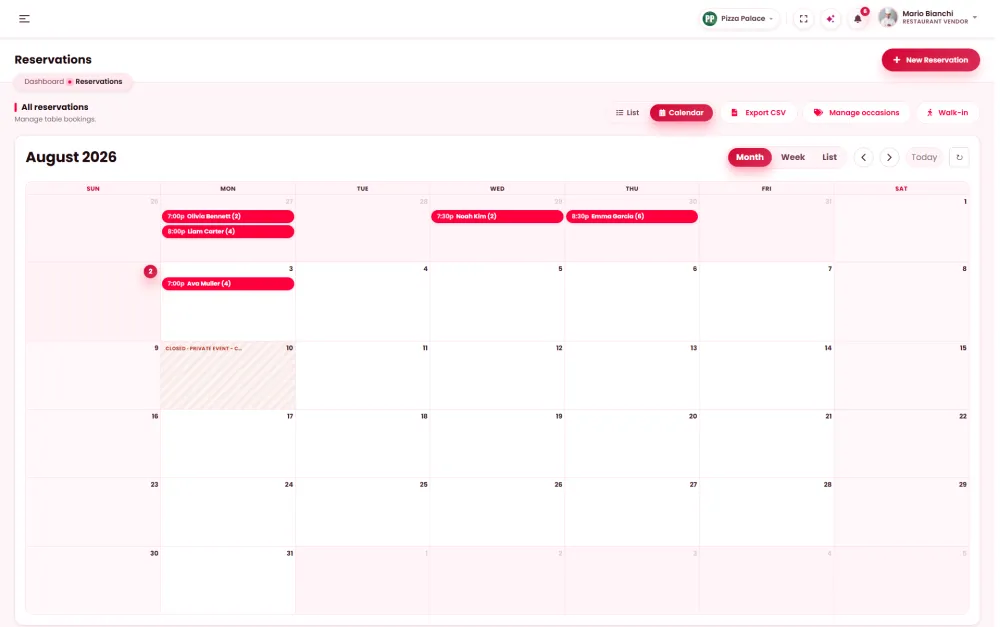
11 Floor plan
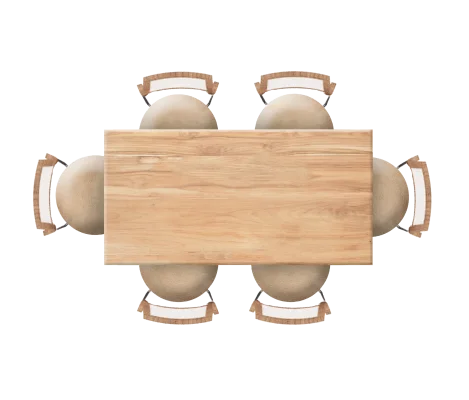
Place every table where it really stands and size it for the party it seats. The host, the floor team and the bookings share one map.
Click a table — its controls appear on it. Drag to move, pull the corner dot to resize.
Your riders, your zones, your fees.
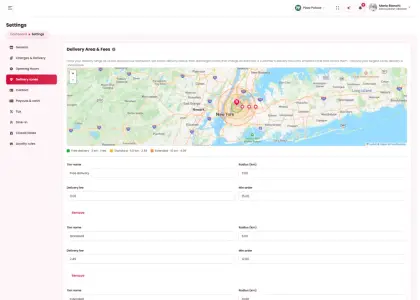
12 Delivery zones and fees
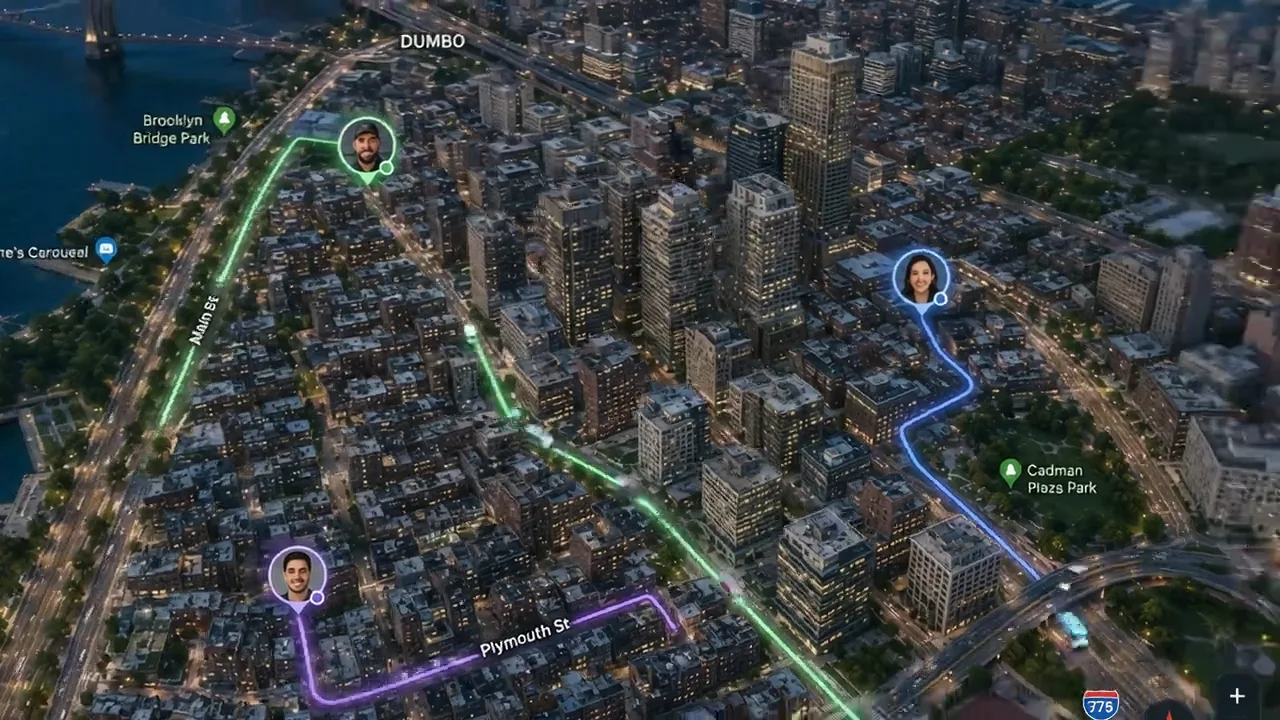
Draw delivery tiers around your restaurant: free close in, a fee and a minimum order further out. Checkout picks the right tier for every address and refuses anything beyond your last one.
DoorDash Drive CheapestQuoted 7.40 USD · drop-off by 19:42Send a courier Uber Direct FastestQuoted 8.10 USD · drop-off by 19:36Send a courierLuis M.DoorDash Drive · Heading to the restaurantCancel the courier
NewDoorDash Drive and Uber Direct couriers
13 Couriers on demand
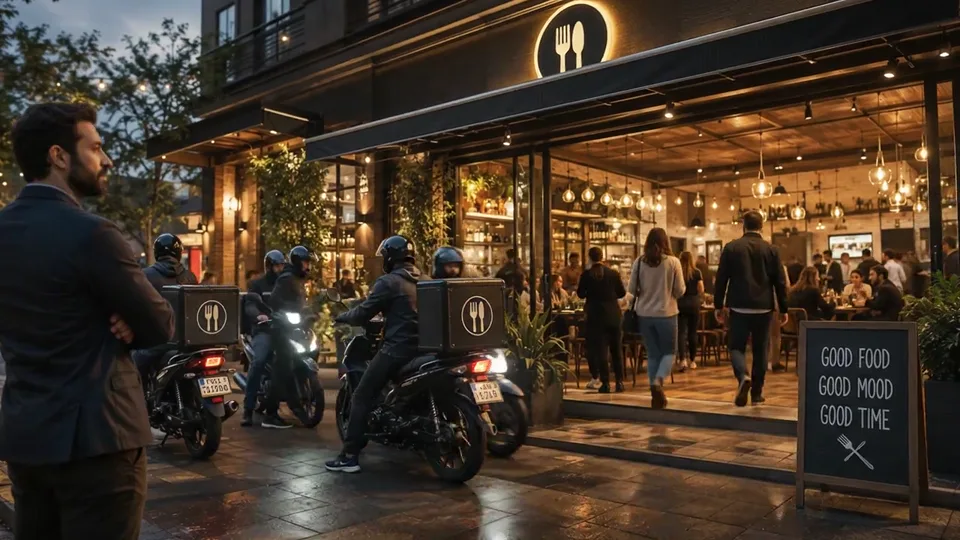
Connect DoorDash Drive or Uber Direct, compare their quotes side by side and send the one you want. You pay for that delivery only.
14 Receipts
Design the receipt once (logo, headline, footer, paper width) and every ticket the POS prints looks exactly like it.
15 Catering
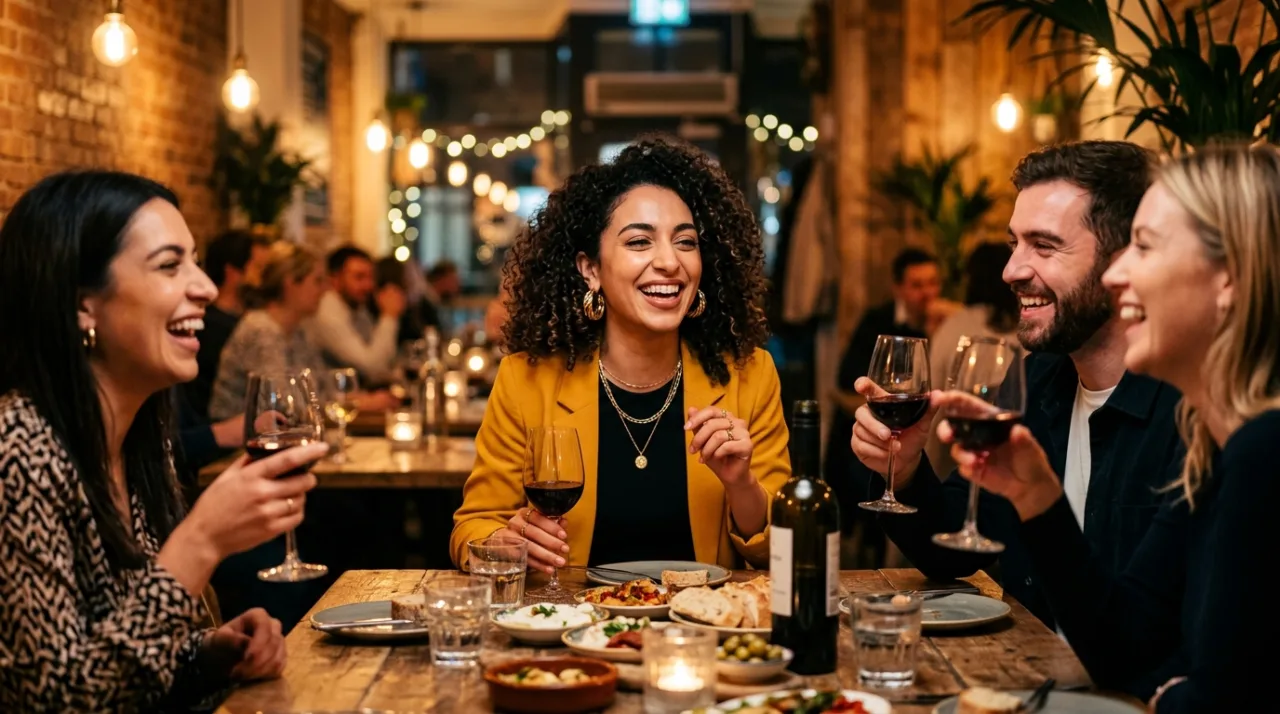
Offices, weddings and birthdays order large trays for a set date, sized to the headcount and paid at checkout: revenue beyond the dining room.
NewSocial proof on your restaurant page
17 Guest reviews
Guests already post about you. Quickmunch collects their photos, videos and reviews, you approve the best, and they show on your website where people decide to order.
 Tripadvisor, the latest reviews and photos
Pizza PalaceWhat Our Guests Say
 4.5312
 Google
 Priya S.3 days ago
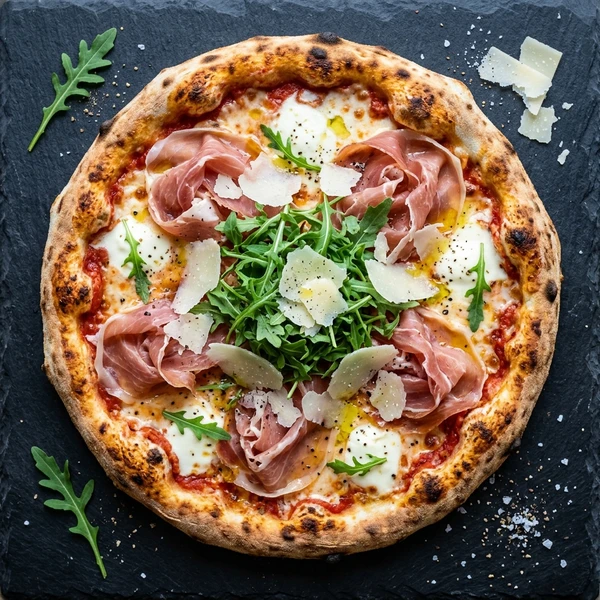
Best Margherita in town. The crust is perfect and it was at our door in 20 minutes.
Daniel K.2 days agoPizza PalaceThank you, Daniel! See you on Friday 🍕
Chloe B. recommends Pizza Palace
We booked a table for eight for my mum’s birthday and they made it feel like our own dining room.
 on Facebook · 1 week ago
Cosy, quick and friendly
Wood-fired pizza done right. We came in for lunch and stayed for dessert.
 Omar H.4 days ago
 Marco L.@marcol.bsky.social · 5h
Friday pizza night sorted 🍕 @pizzapalace.bsky.social never misses
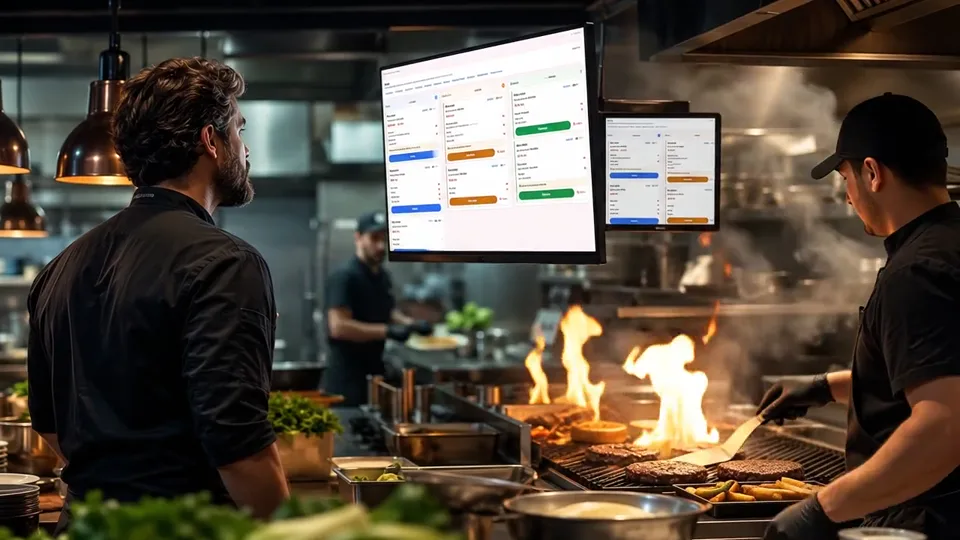 Friday night in our kitchen
Watched this at lunch and ordered the same night 😂🔥
Google
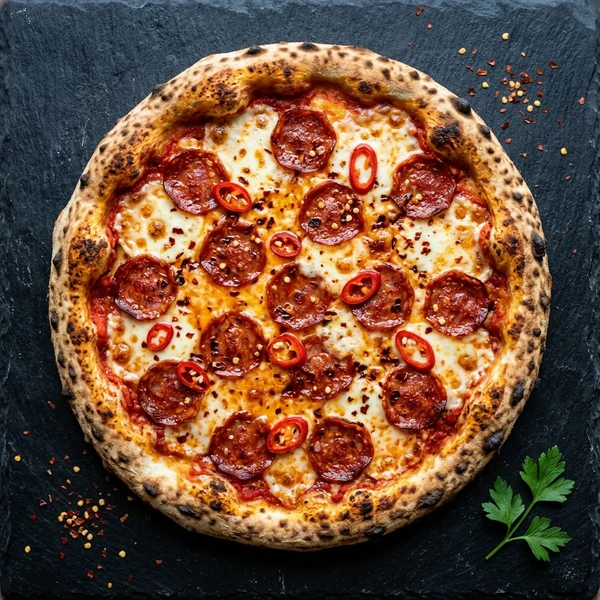
Late-night Diavola from @PizzaPalace hits different 🌶️
 Tripadvisor
Friendly staff, quick delivery and the tiramisu is a must.
Social proof3 new
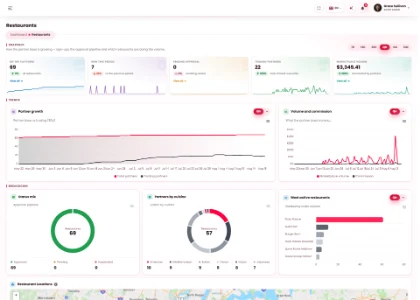
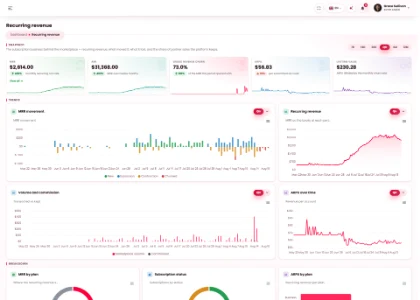
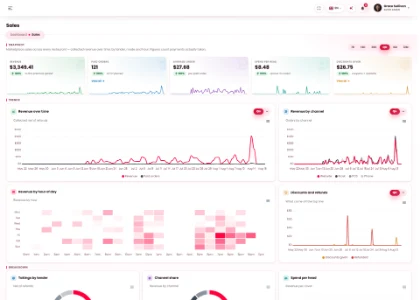
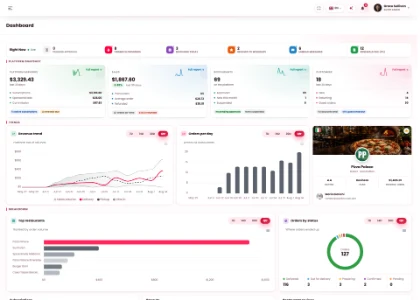
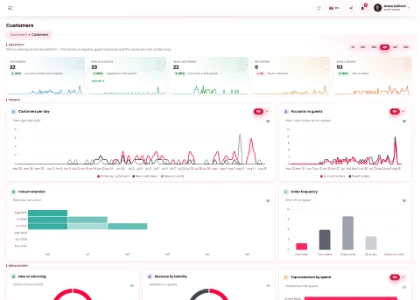
18 Reports
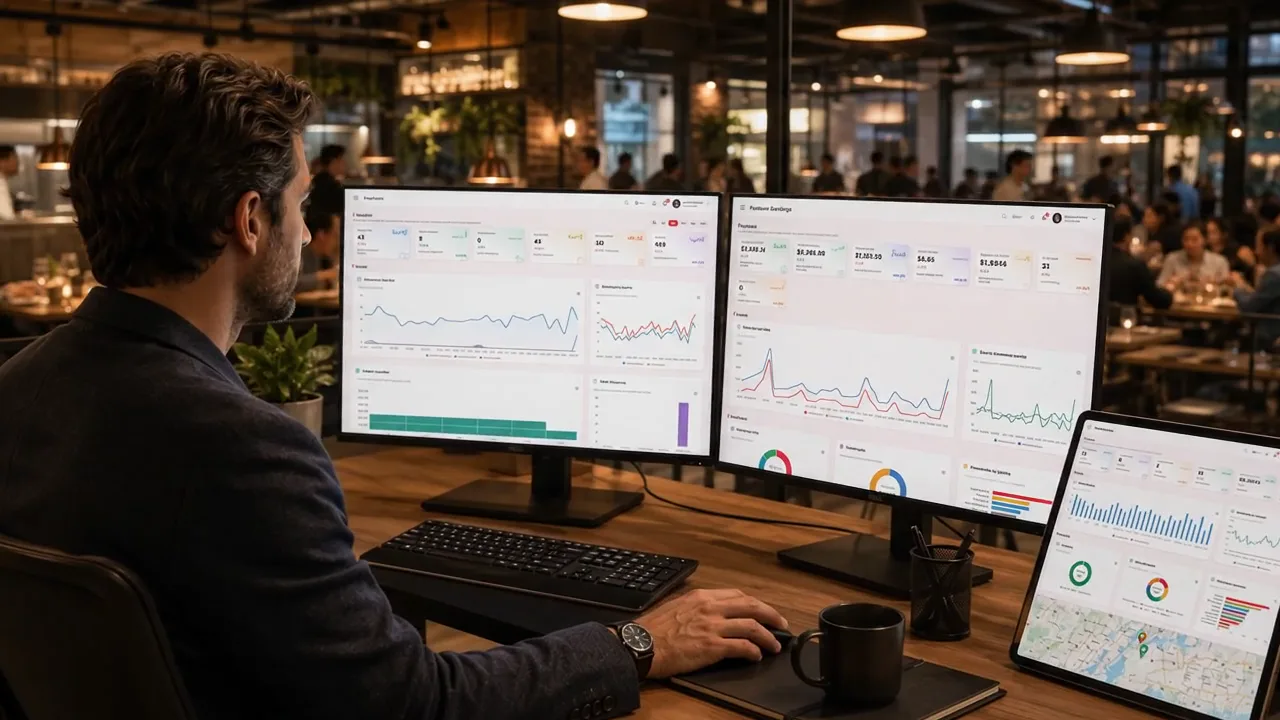
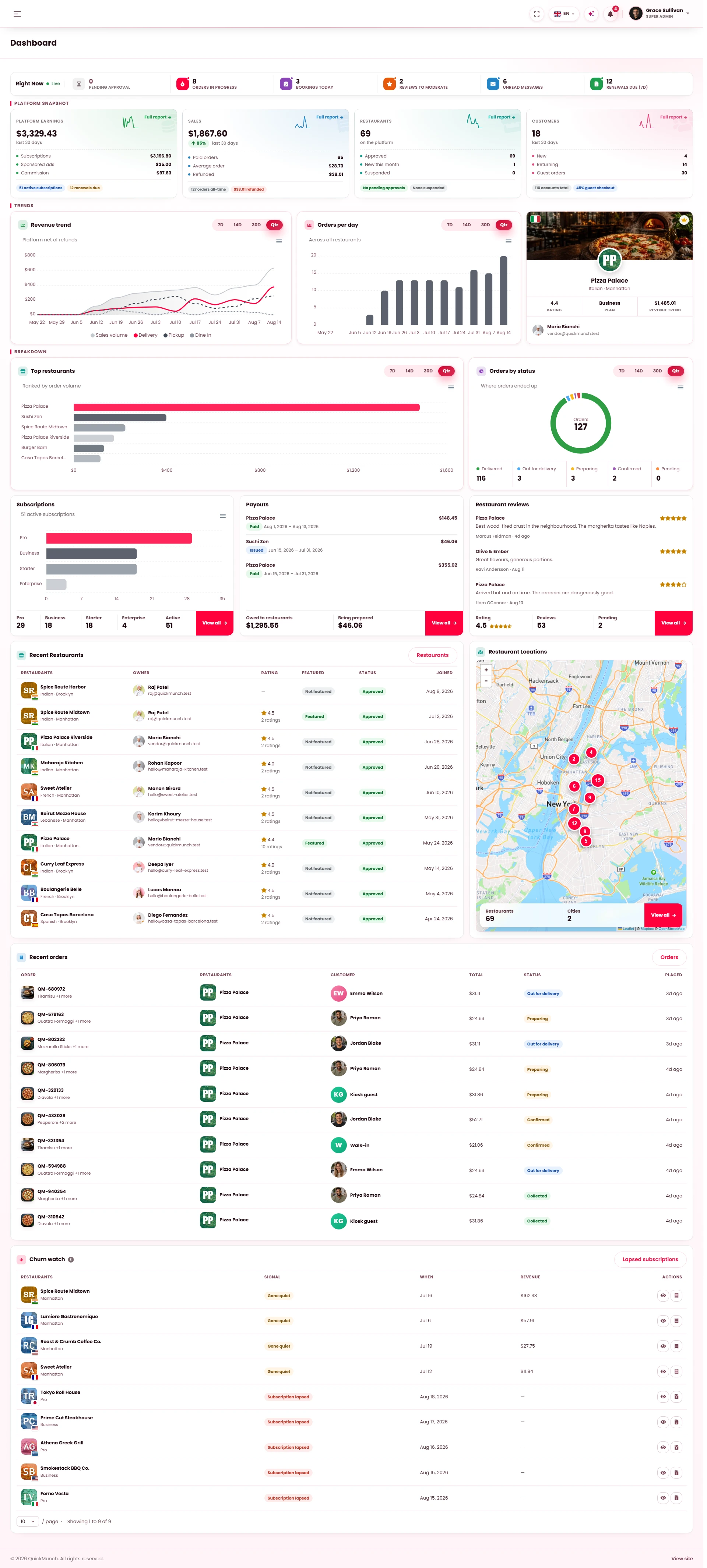
Sales, best sellers, regulars, service times and bookings, each over the period you pick, with exports for your accountant.
19 A.I for your restaurant
Three assistants inside your dashboard. They plan and propose; you decide.
“How did lunch go?” It reads today’s orders, revenue and the queue, and answers out loud in plain words.
Once a week it proposes a coupon for your slowest day, a come-back offer for lapsed guests and a post about your best seller.
It forecasts tomorrow’s orders and turns them into the prep list, the stock to reorder and the staff each hour needs.
Rated five stars
Very clean, easy to customize, excellent communication with the seller! Highly recommended!
Best template, clean code and fast support.
Very nice and clean template.
Thank you for helping me; the issue is fixed. If you want one system for everything, choose Quickmunch. Thanks again to the author, I can see the hard work. We love you!
Most popular item for more than 7 weeks
Everything above is yours for one payment: your website, your POS, your kiosk, your kitchen screen, your bookings and your delivery.
20 Our support
Quickmunch is built, supported and improved by one dedicated team. Focus on your guests and your kitchen; the system, the setup and the updates are on us.
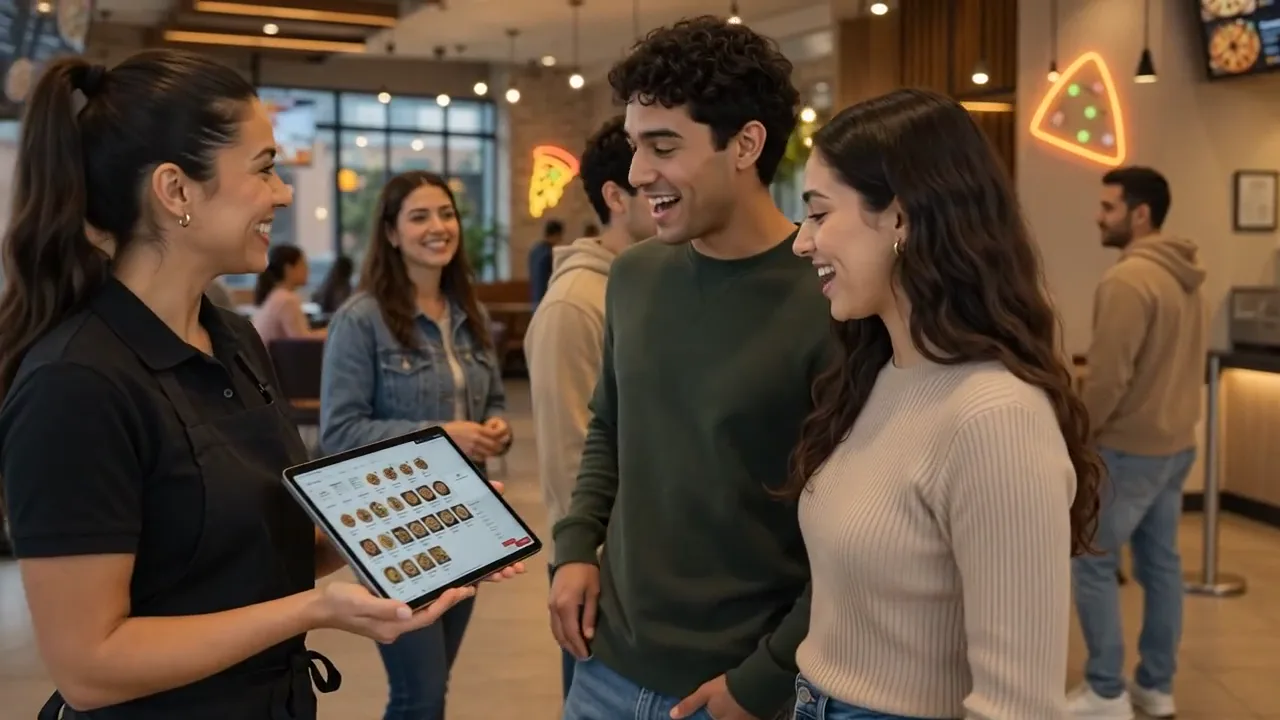
Send us your hosting details and the people who built it set it up for $59. You open a dashboard ready for your menu.
Your questions go to the team that writes the code, 10 am to 10 pm Eastern, every day of the week.
New features in every release, from launch to version 2.0 today, and every update is free for you.
Step-by-step documentation and video tutorials walk you and your staff through every screen.
Continuously updated
Every release adds features. Every update is free for buyers.
Excellent product and outstanding support! Great product with excellent features! Quickmunch works very well, and the support team is super fast, helpful and responsive. Highly recommended! 👏
What restaurant owners want settled before they buy.
Running service
The kitchen, the floor and the team.
Money & payments
Where the money goes, and what it costs to run.
Getting started
Installing it, the hardware and the licence.
See every edition→
The POS, the kitchen display and the kiosk run in the browser of any tablet or computer, and the menu boards on any screen with a browser. Printers, cash drawers and card readers are optional, and there is no per-device licence fee.
Website, POS, kiosk, QR tables, phone line and Uber Eats arrive in one queue, with the channel marked and the clock running. Nothing is retyped between systems: every order, one kitchen.
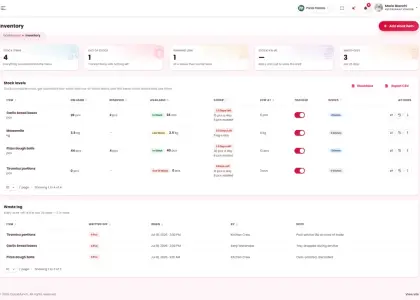
The menu, prices and stock live in one place. Sell out a dish and it leaves the website, the POS, the kiosk, the QR tables, the TV boards and the printed menus at once.
The kitchen sees the board, the host the book, the waiter the floor and the till. Screens lock behind a PIN, so a shift change is a four-digit code, and every void and refund carries a name.
Connect your store and its orders arrive on the same kitchen screen and in the same reports as your own, with the menu kept in step.
Every system is a switch. Run online ordering today and add the kiosk, QR tables or menu screens when you are ready, or switch delivery off and run pickup and dine-in only.
You connect your own Stripe, PayPal, Square or other gateway account with your own keys, so every online payment lands in your account. Card and cash at the counter are yours as they always were.
Your hosting bills you as it does today. Anything optional you switch on — a Twilio number for the AI phone line, an A.I key for the assistant, a courier — is billed by that provider, and only when you use it.
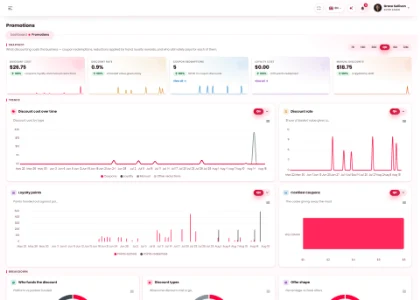
They work in the same checkout online and at the till, and the growth A.I proposes offers from your own sales for you to approve.
Sales go to QuickBooks, Xero or Google Sheets from the sales report, and every record list exports to CSV.
Installation is $59, for any edition. Buy it, then send us a message on Codester with your hosting details, and the people who wrote it set it up.
PHP 8.2 or newer with MySQL or MariaDB, and your own domain. Shared hosting is fine, and the installer checks every requirement before writing anything.
The Regular licence covers one website with its live and test copies. It is paid once and never expires; a second website is covered by the Extended licence.
Your logo, colours and domain on the website, the e-mails, the receipts and the printed menus. Your guests never see ours.
Documentation for every screen, video tutorials, and the people who wrote the code answering through Codester, 10 am to 10 pm Eastern: we handle the rest.
Ordering website, POS, kiosk, QR tables, kitchen screen, menu boards, bookings and delivery, for one payment of $58.99.
Before you go
$109Save 46%One‑time payment, no subscription
Loved by 145+ clientsQuestions? Message the team
16 Social media
Fill the quiet hours
with one post.
Start from a dish or a photo, let the A.I write the caption, and share it to 11+ social channels on a calendar, from your own dashboard. Quick Social is included.
Sign up with Google
your Business Profile syncs
Start from
a dish, or a Google photo
Pass it through the AI
caption written, picture made
Edit it
Image studio · Video studio
Campaigns, video and a calendar,
distributed to every network
Posts & pictures
Text, photos, a shared video
Native video
Shorts, Reels, TikTok, video pins
How it lands on each channel
The composer's own preview cards: one post from the dish, drawn the way each network shows it
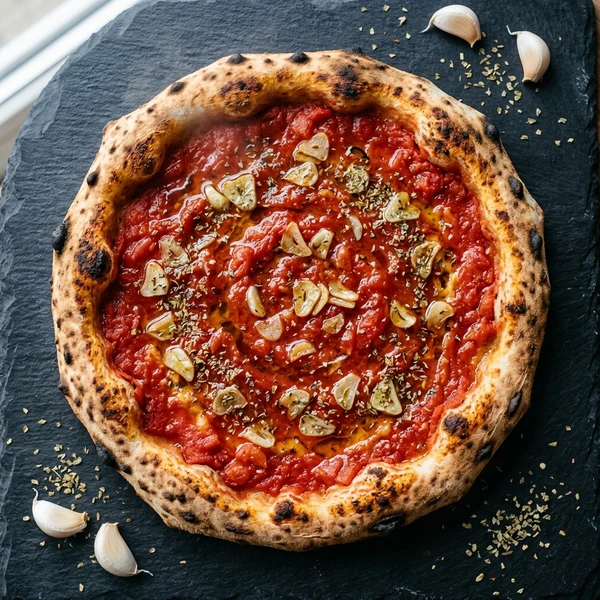
Margherita night 🍕🔥 straight out of the wood-fired oven — delivery or pick-up 🛵 #pizza #foodtok
original sound · Pizza Palace